Lenovo ThinkPad L590 Keyboard Replacement
ID: 179204
Description: If the keyboard on your Lenovo ThinkPad L590 is...
Steps:
- Shut down your ThinkPad L590 before beginning; do not put it to sleep or hibernate. Disconnect the AC adapter and any peripheral devices (USB drives, external monitors, etc.).
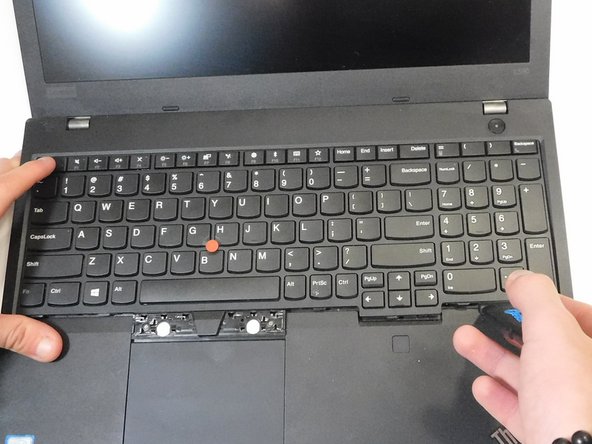
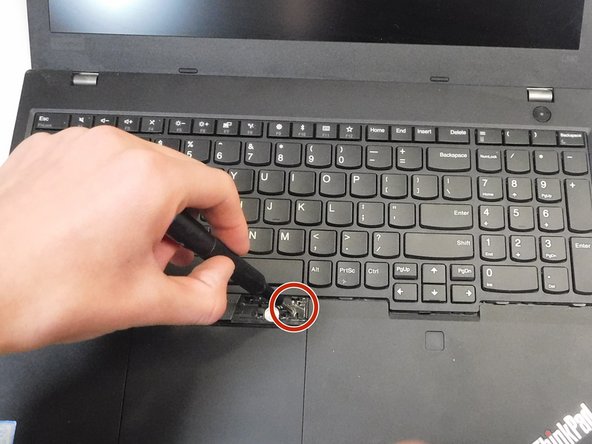
- Remove the left and right click keys using an opening tool.
- Use a Phillips screwdriver to remove the two 2.5 mm screws that were hidden under the left and right click keys.
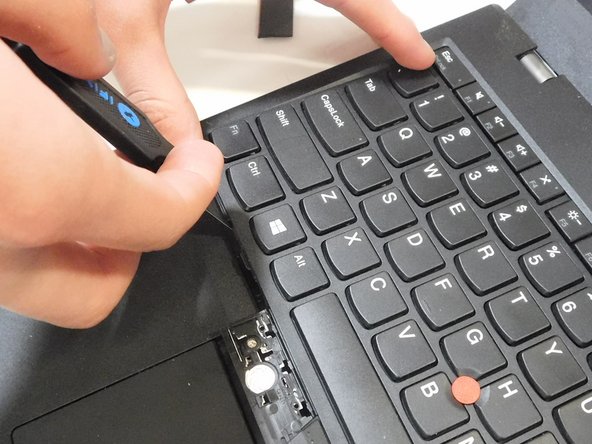
- Insert an opening pick in the gap between the keyboard and chassis.
- Slide the opening pick around the perimeter of the keyboard to release all of the retaining clips.
- Be gentle to avoid breaking the clips.
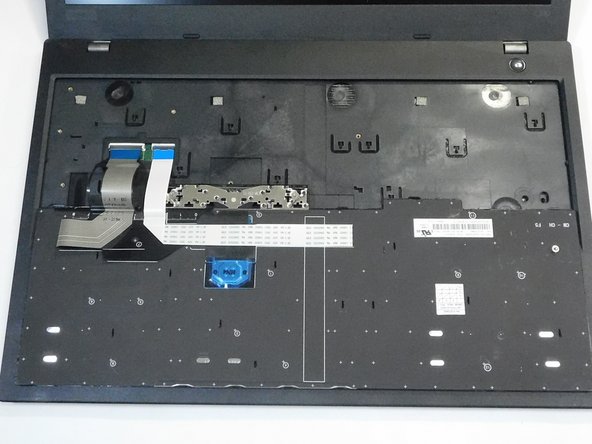
- Gently lift the keyboard up at an angle, and tilt it back far enough to expose the ribbon cable that connects the keyboard to the motherboard.
- Take care not to strain the ribbon cable.
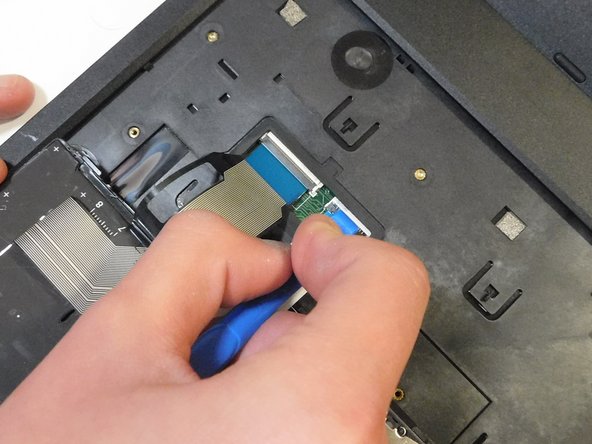
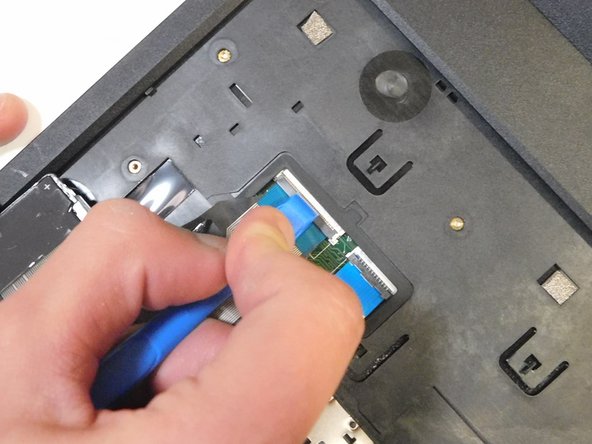
- Use a plastic spudger to flip up both of the ZIF locking flaps. Once the latch is released, carefully pull the ribbon cable from the motherboard.
- Disconnect both of the ribbon cables.
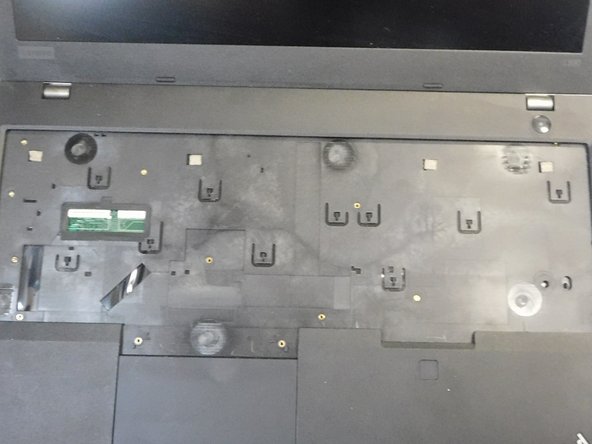
- Remove the keyboard assembly.