Sony WH-CH520 Earpad Cushion Replacement
ID: 179235
Description: Are the earpad cushions of your Sony WH-CH520...
Steps:
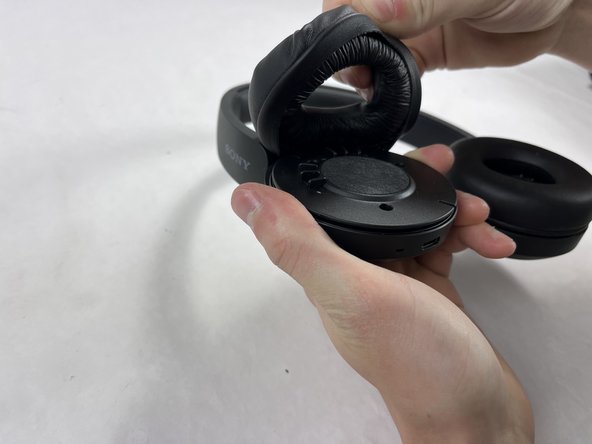
- Hold the headphones in one hand, and with your other hand lightly pinch the earpad cushion.
- Pull the pinched portion of the cushion up and towards yourself.
- Pull part of the cushion off of the lip of the headphones.
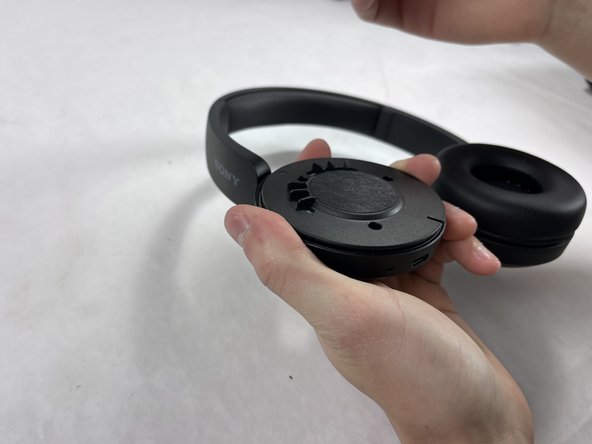
- Fully remove by pulling the earpad cushion down and away from yourself.