Lenovo IdeaPad S145-14IWL Display Replacement
ID: 179244
Description: This guide with show you how to replace the...
Steps:
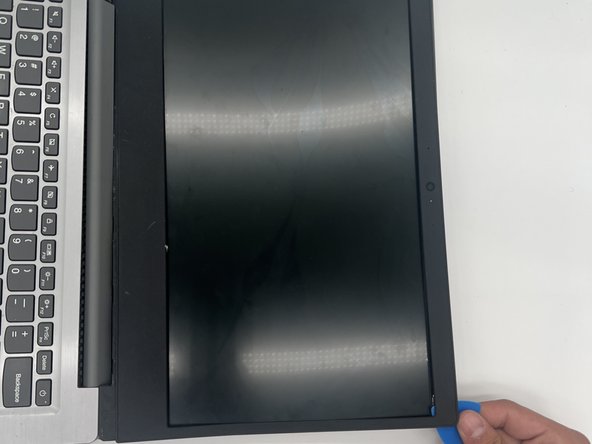
- Use an opening pick to pry off bezel.
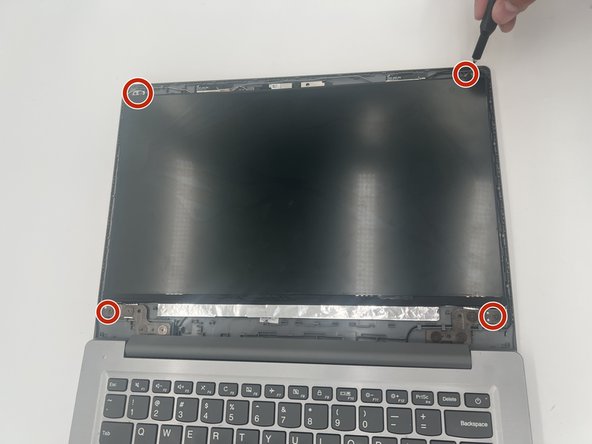
- Use a Phillips #1 screwdriver to remove the four screws that secure the display.
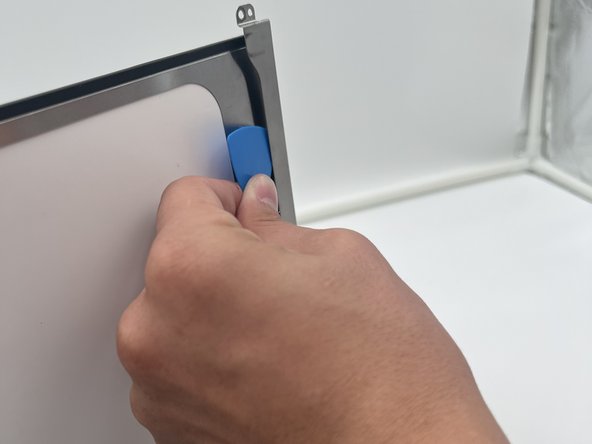
- Use an opening tool to pry off the hinge cover.
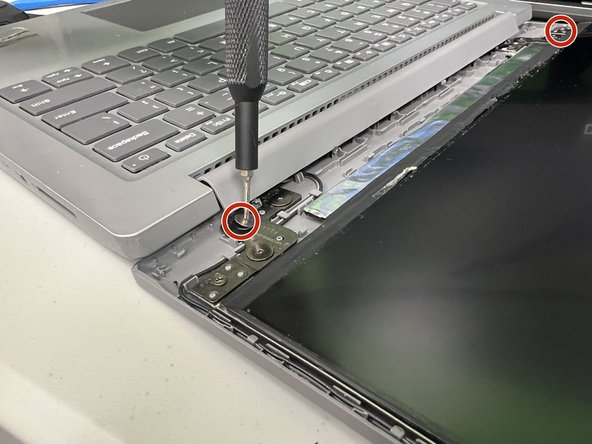
- Use a Phillips #1 screwdriver to remove the screws securing both of the hinge brackets.
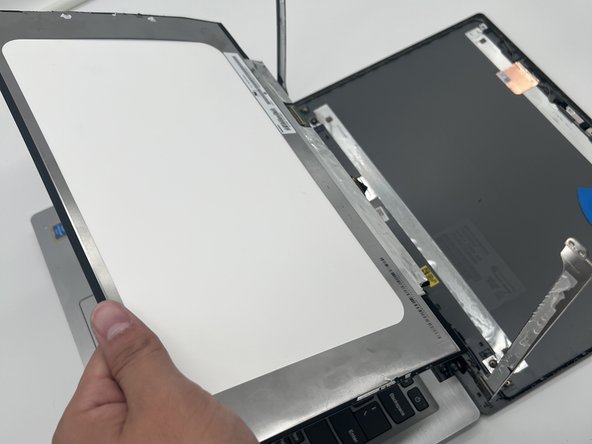
- Use tweezers to peel back the tape over the display connector.
- Lift the display connector locking bar.
- Disconnect the display cable connector.
- Lift the display assembly up and out.