JBL Tune 770NC Headphone Buttons Replacement
ID: 179255
Description: For this replacement guide, you will be...
Steps:
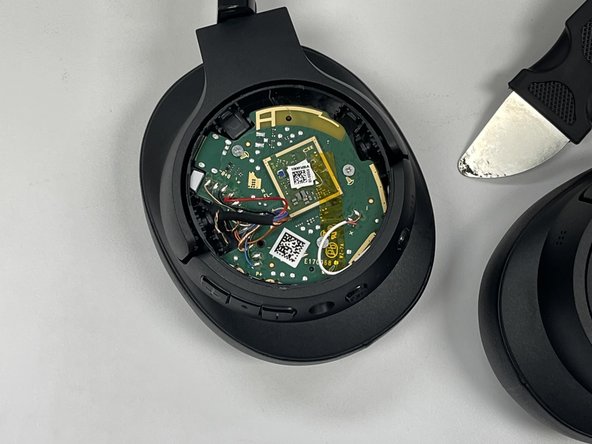
- Insert your jimmy into the seam between the cap and the chassis.
- Pry around the perimeter of the cap until it fully releases.
- Remove the cap.
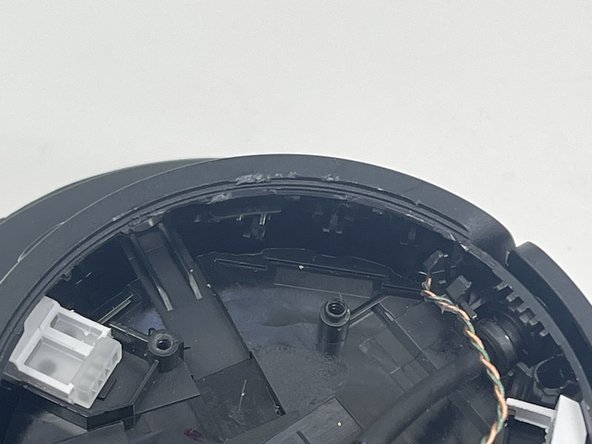
- Use a Phillips screwdriver to remove the three screws that secure the motherboard.
- Gently move the motherboard out of the way, with care not to strain the attached cables.
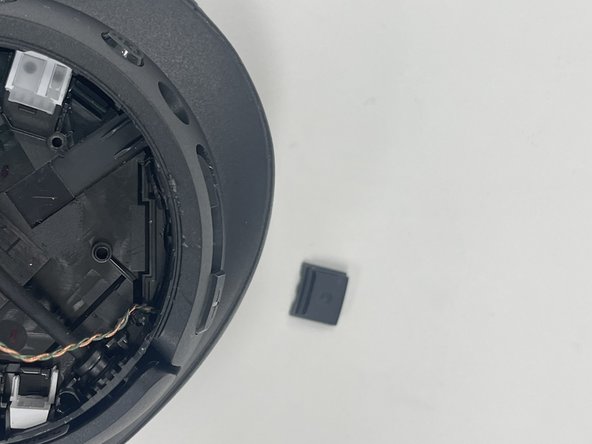
- Use a jimmy to wiggle the button off the edge, then push the buttons inside of the headphone chassis.
- Remove the buttons.