DJI Phantom 3 Standard Remote Controller USB Charge Port Replacement
ID: 179292
Description: This guide will be used to open the DJI Phantom...
Steps:
- Position the controller so the back is facing up and the joysticks are resting on the table.
- Remove the four 11 mm screws that secure the back plate using a JIS #0 screwdriver.
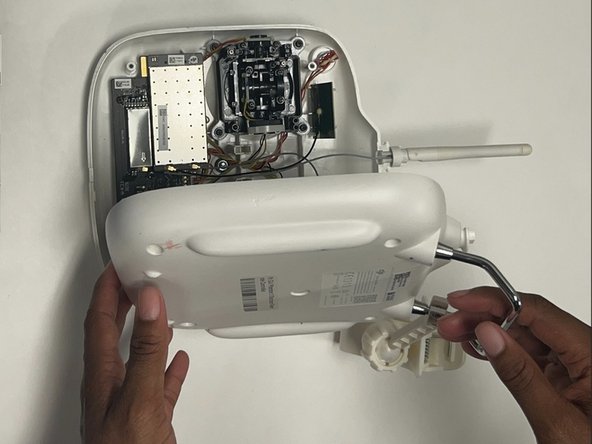
- Remove the back plate, being mindful of the wires still connected to the device.
- Unplug the wire from the motherboard.
- Remove the two 7 mm screws using a JIS #000 screwdriver.
- Remove the wire and USB port.