Sony WF-1000XM3 Case Battery Replacement
ID: 180223
Description: If the Sony WF-1000XM3 charging case battery...
Steps:
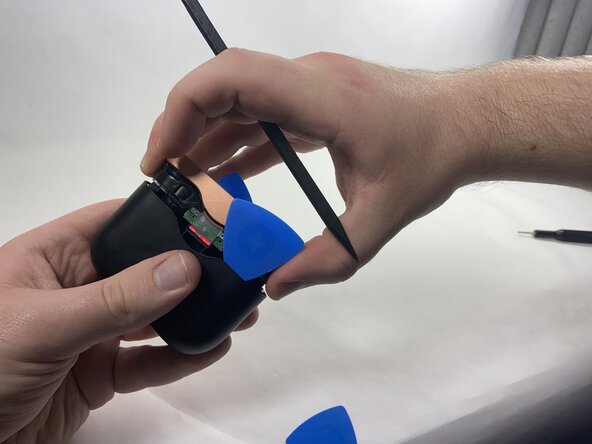
- Use plastic opening picks to release the locking mechanism that secures the plastic shell of the charging case to its internal components.
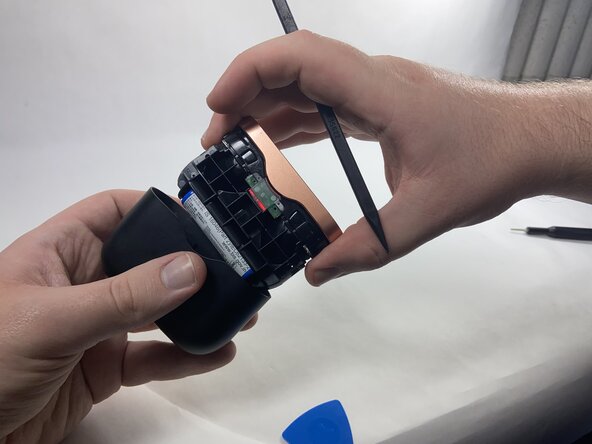
- Use a spudger to release the final lock and slide out the internal components of the charging case.
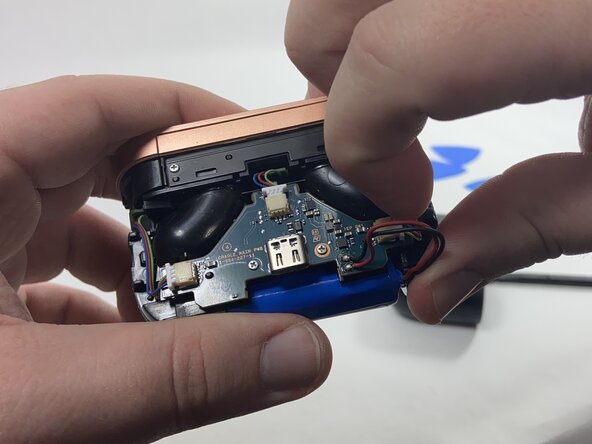
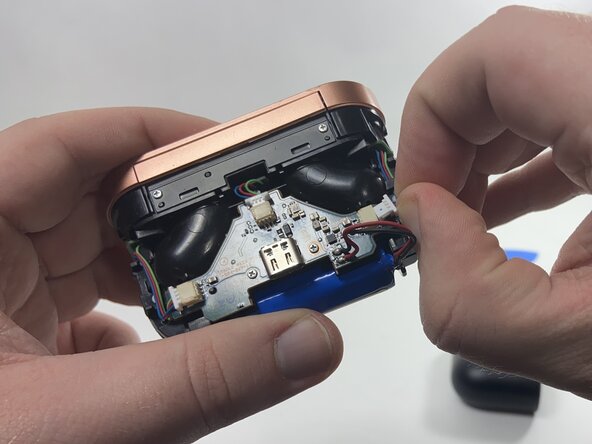
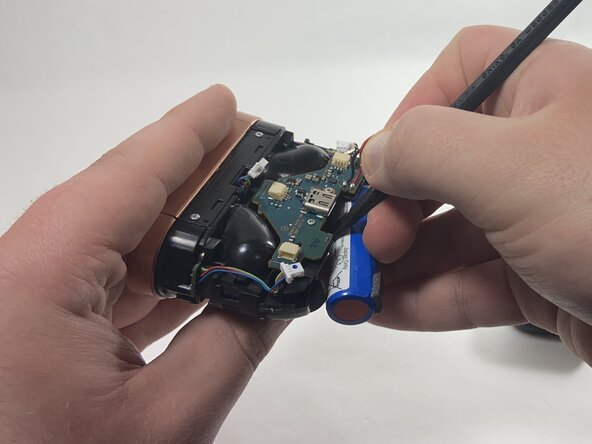
- Use the point of a spudger to push on alternating sides of each connector to "walk" it out of its socket.
- Do not pull on the cables as they may come loose.
- To reconnect the cable, align the connector and use a spudger or clean fingernail to push it fully into the socket.
- Use a plastic spudger to carefully remove the battery from the double-sided tape securing it in place, then remove it from the battery compartment.
- Remove the two metal 3 mm screws from the motherboard using a Phillips #000 screwdriver.
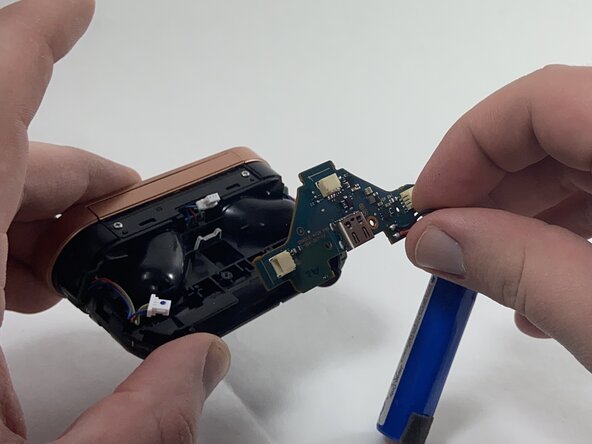
- Remove the motherboard and battery assembly from the battery case
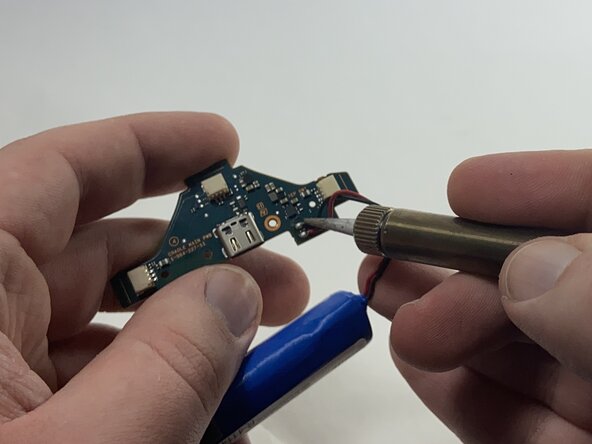
- Desolder the red and black wires that connect the battery to the motherboard.
- Solder the wires from the replacement battery into the circuit board following the same configuration.
- Position the battery so that the raised section faces inward, allowing the case to fully seal.
- Do not let ends of the wires of either battery touch, as they may spark and cause a fire.