Shark Wandvac Power Pet WV410BL Dust Cover Replacement
ID: 180227
Description: The dust cover is the clear plastic cover that...
Steps:
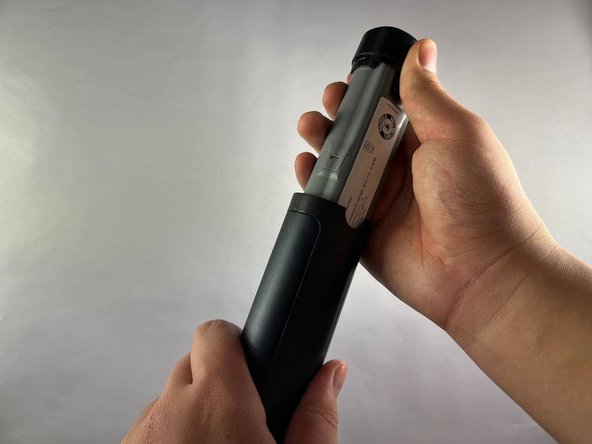
- Squeeze the tabs at the base of the handle to release the battery from the vacuum.
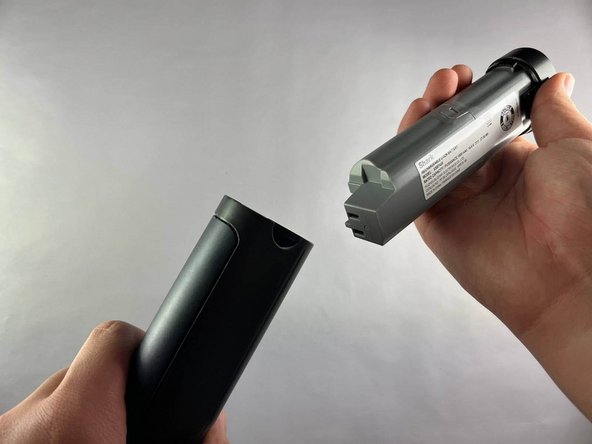
- Pull the battery straight out from the bottom of the device.
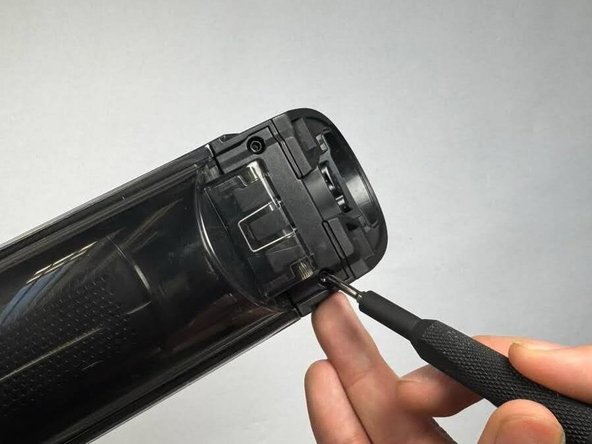
- Use a Torx T3 screwdriver to remove the two screws that attach the dust cover to the vacuum.
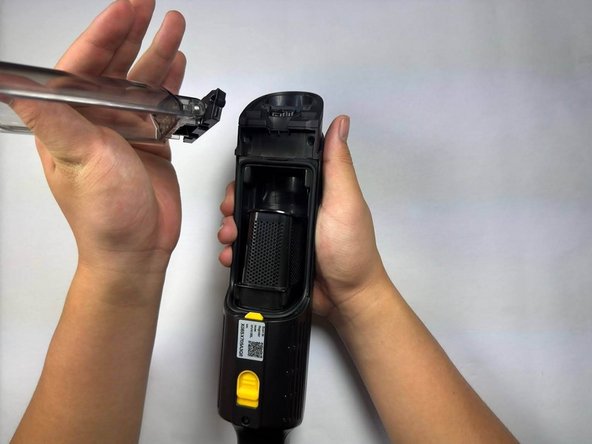
- Push and slide the yellow release button down to open the dust cover.
- Remove the dust cover.