Sony WF-1000XM3 Main Board Replacement
ID: 180229
Description: This tutorial demonstrates how to swap out the...
Steps:
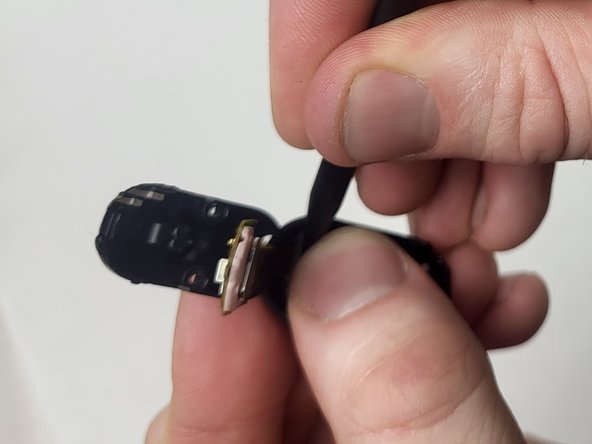
- Use a spudger to gently pry open the back plate of the earbud.
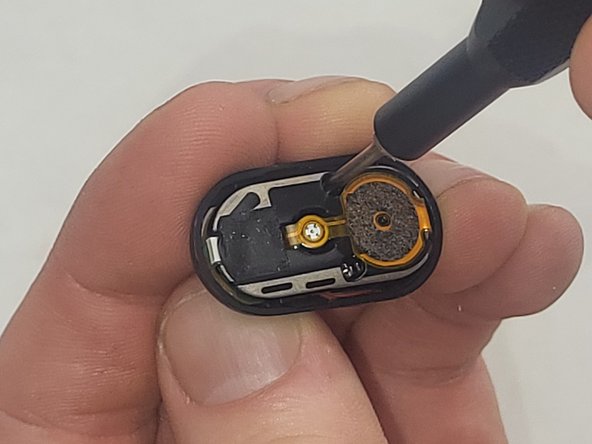
- Use a Phillips #000 screwdriver to remove the two 4 mm screws securing the internal components.
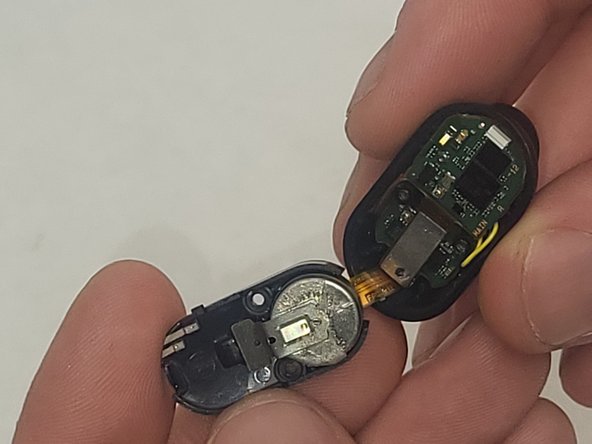
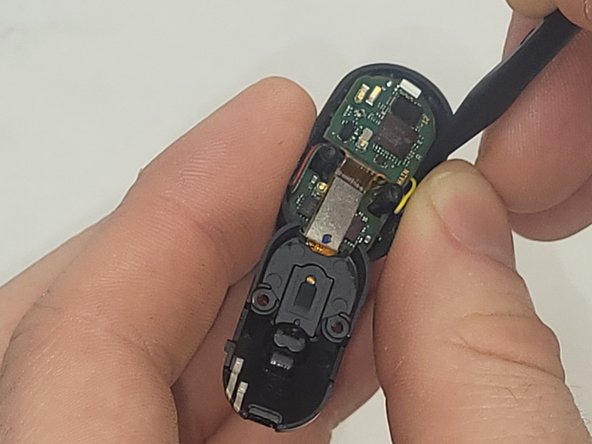
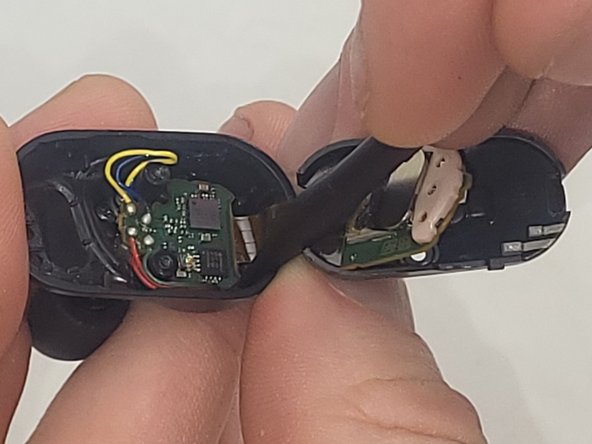
- Both sides of the earbuds are attached with a ribbon cable. Separate the two halves carefully to prevent tearing the cable.
- Use a spudger to carefully remove the battery from the earbud's circuit board.
- When replacing the battery, make sure to keep the same orientation as the old battery and reconnect the battery to the circuit board.
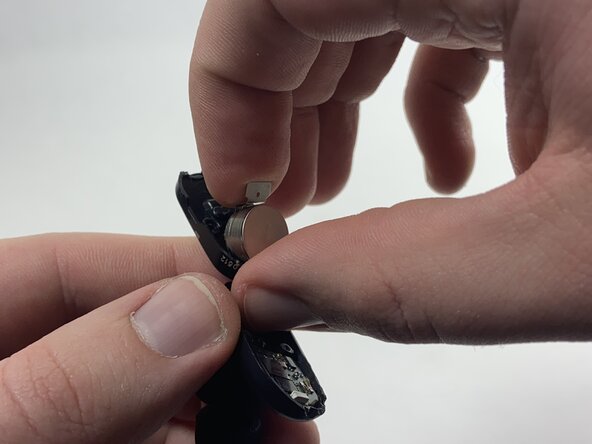
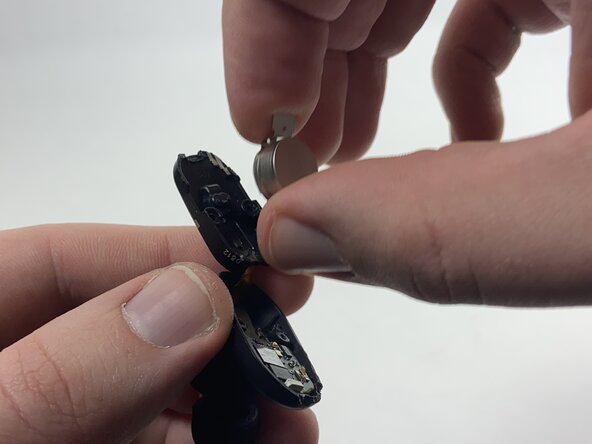
- Use a spudger to pry the battery and the metal negative contact from the earbud.
- The battery and the negative contact are secured with double-sided tape, so it may take some force to remove them.
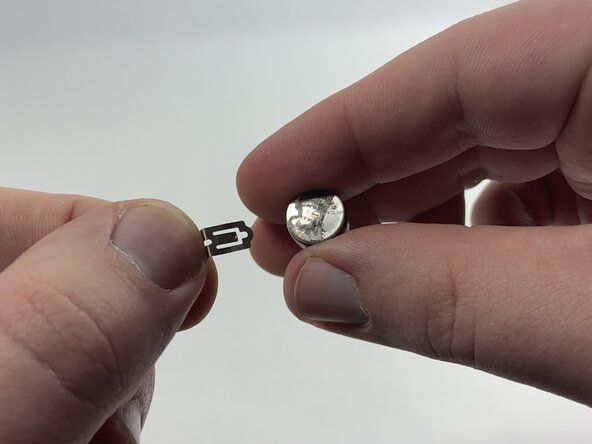
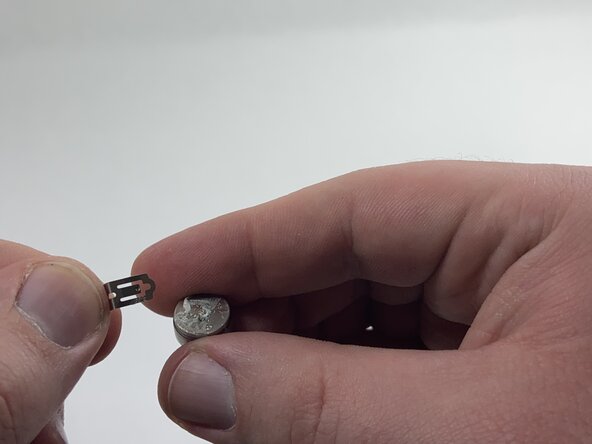
- Remove the metal negative terminal from the battery.
- Attach it to the new battery, either with double-sided tape or by placing the new battery and the terminal back into the earbud in the same position they were before.
- Use the spudger and tweezers to remove the small connectors that hold the main board in place.
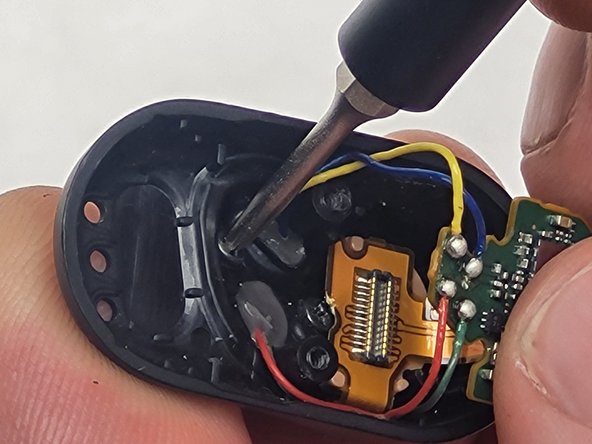
- If your device contains soldered components, carefully desolder them with the soldering iron.
- Gently remove the main board.