Lenovo IdeaPad 3-15IML05 Fan Replacement
ID: 180232
Description: This guide will walk you through the process of...
Steps:
- Before beginning, discharge the battery below 25%, power the device off, and disconnect all peripherals.
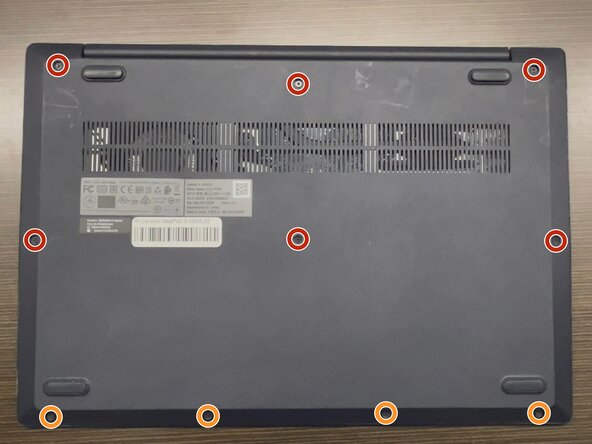
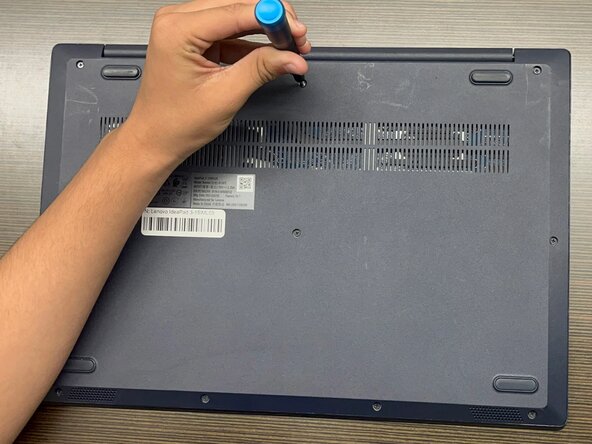
- Use a Phillips #1 screwdriver to remove the following screws:
- Six 7 mm screws
- Four 4 mm screws
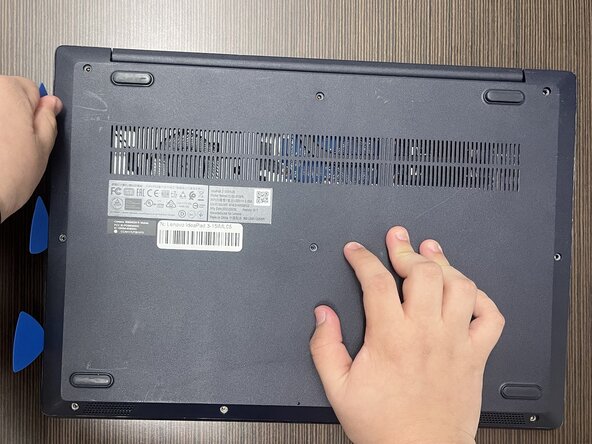
- Insert an opening pick into the seam between the lower case and chassis.
- Slide the pick around the entire perimeter until all of the plastic retaining clips release.
- Remove the lower case.
- Forcing the back cover open could break the plastic retaining clips.
- During reassembly, lay the cover flat and press around the edges to secure it to the plastic clips.
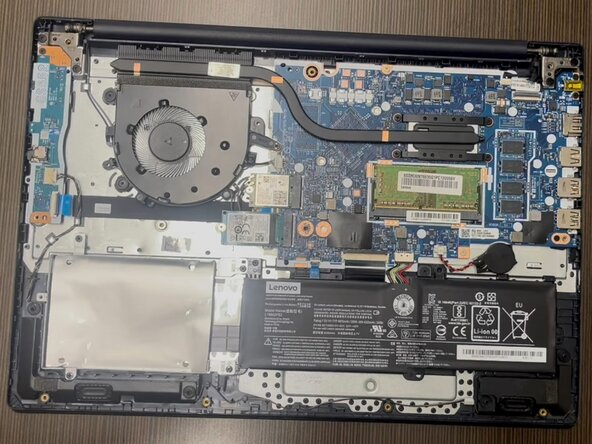
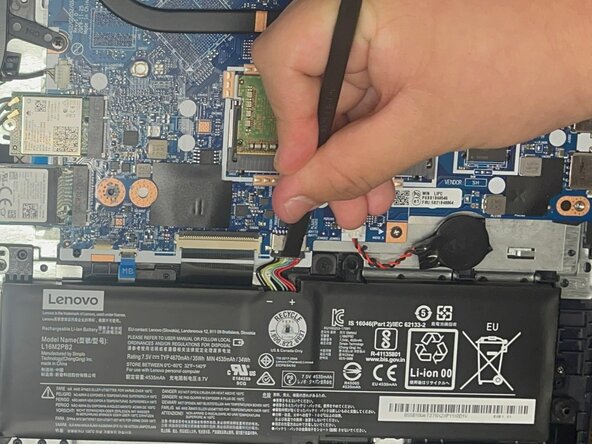
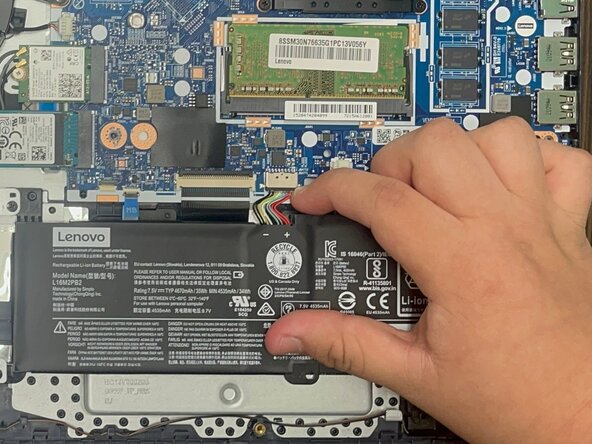
- Use a plastic spudger or your fingernail to gently push the JST battery connector out of its socket.
- Pulling directly on the cable could damage the connector.
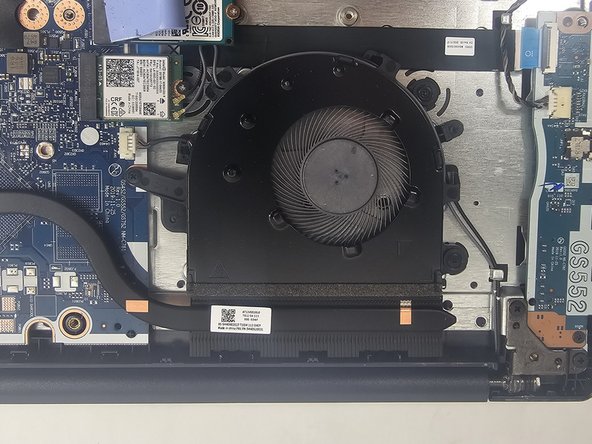
- Use a Phillips screwdriver to remove the three screws securing the fan to the chassis.
- Grip the tab at the end of the bundle cable and pull the connector slowly and steadily out of its socket to disconnect the fan cable.
- Be careful that you do not damage the socket on the motherboard when disconnecting the fan cable.
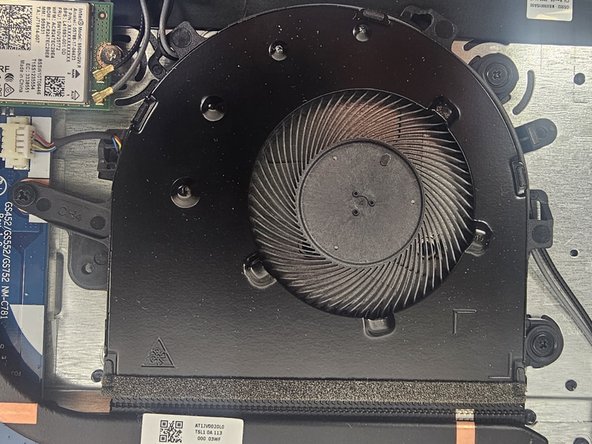
- Disconnect the fan from the heat sink.
- Gently unhook the black wire from the tabs around the edge of the fan.
- Lift the fan from the laptop to remove it.
- If there is any resistance, double-check that the screws and connections have been removed