iRobot Roomba i4 Plus Lithium-ion Battery Replacement
ID: 180239
Description: This guide can be used to replace your iRobot...
Steps:
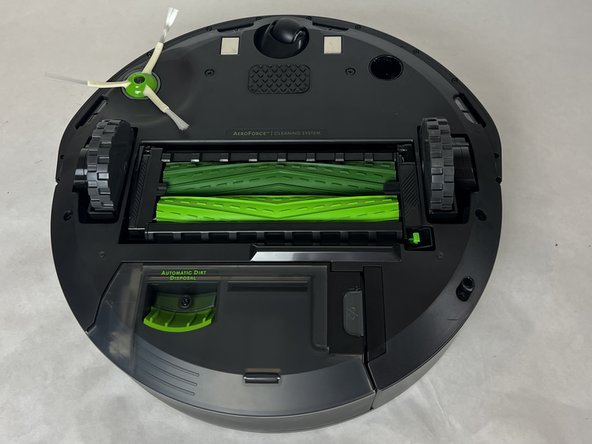
- Turn your Roomba upside down with the dirt disposal system positioned closest to you.
- Use a Phillips screwdriver to remove the single screw from the green side brush above the left wheel.
- Remove the side brush from the unit.
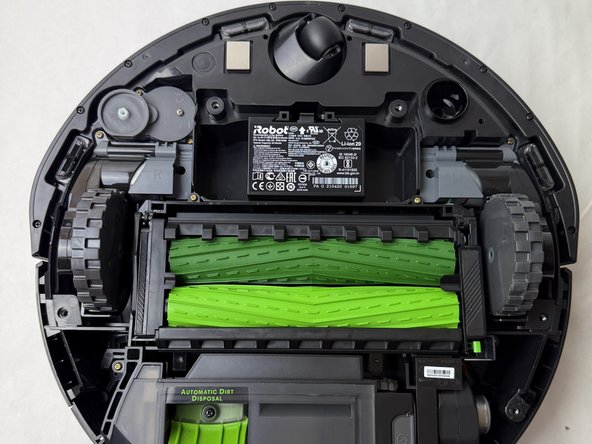
- Use a Phillips screwdriver to remove the five screws from the bottom plate.
- Use a spudger or opening tool to pry the bottom plate from the device.
- Be careful that you don't break any tabs on the bottom plate when you remove it. Work your way around the bottom plate to release the tabs before you pull it off.
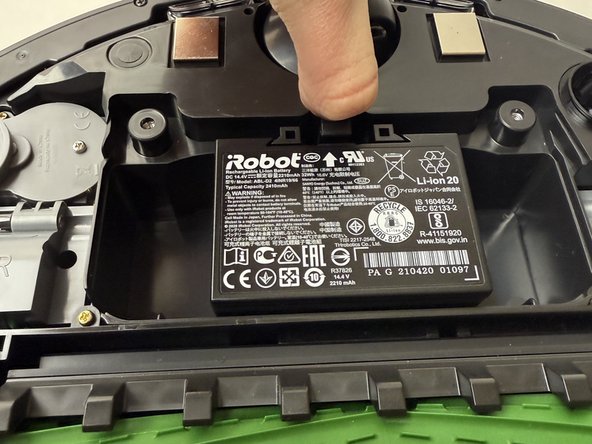
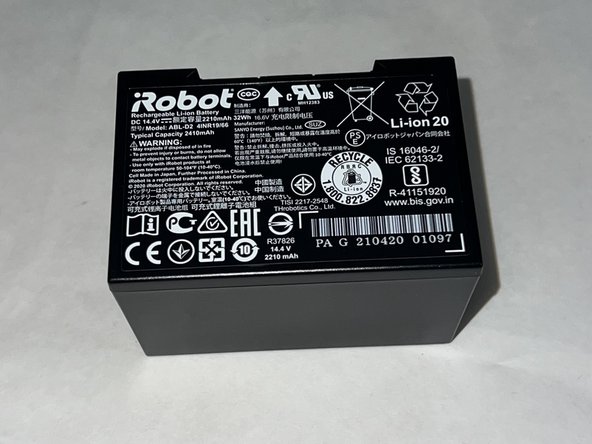
- Press the tab at the top of the battery (located just below the caster wheel) and lift it out to remove the battery.