iRobot Roomba i4 Plus Filter Replacement
ID: 180265
Description: This guide will help show how to replace the...
Steps:
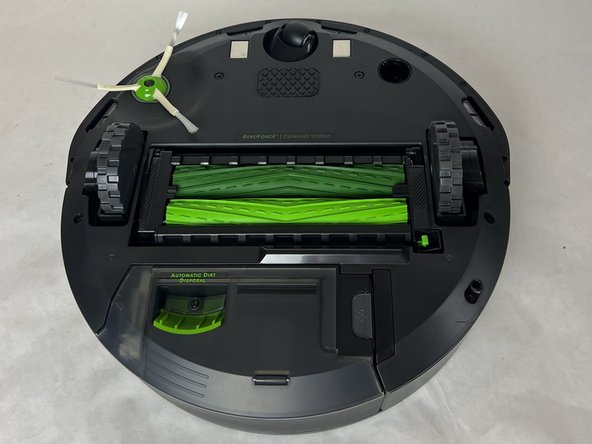
- Flip your iRobot Roomba i4 Plus over so the bottom is facing up.
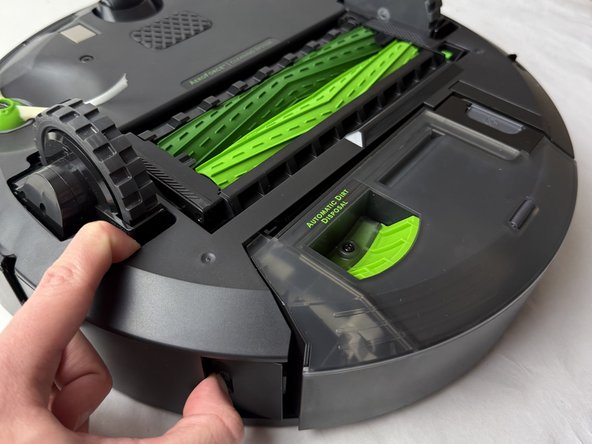
- Press the button next to the dirt-collecting system to release it.
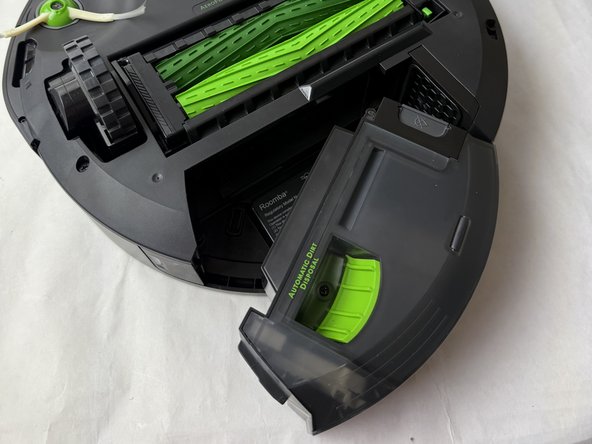
- Remove it from the device.
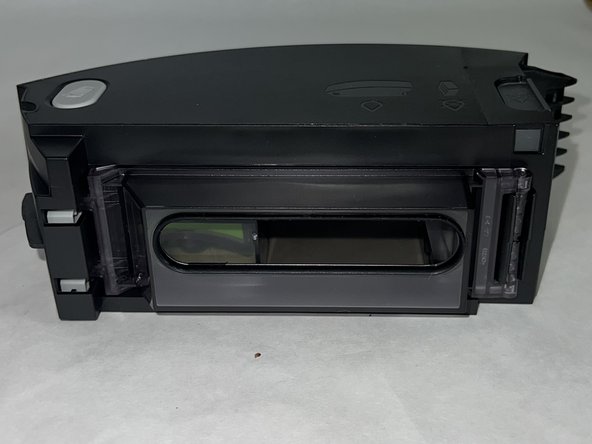
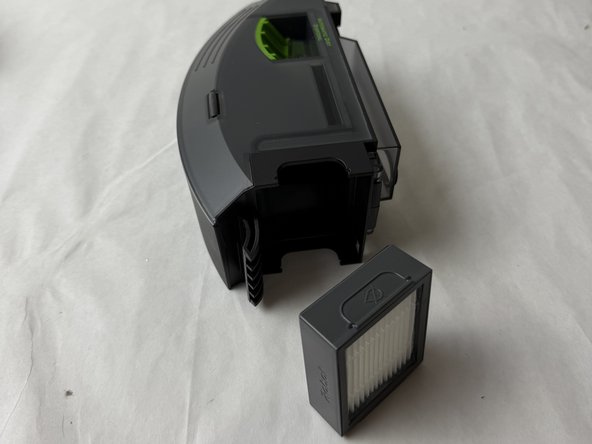
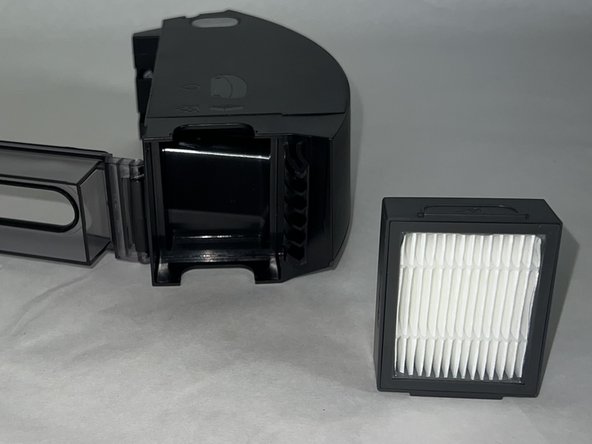
- Pull the filter off from the side of the dust bin to remove it.