OnePlus Nord N20 5G Back Cover Replacement
ID: 180406
Description:
Steps:
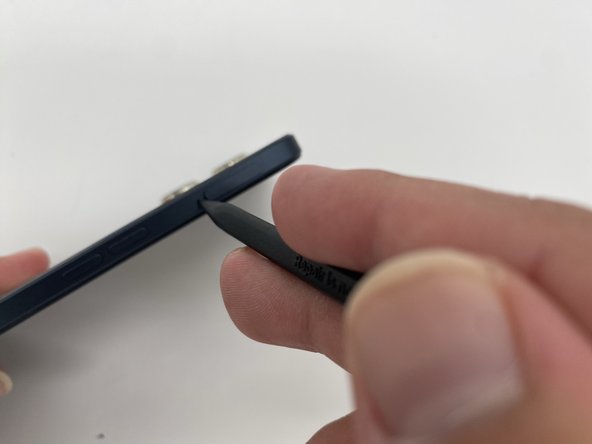
- Insert the SIM ejection tool or a spudger in the small hole next to the SIM tray.
- Push it gently until the tray pops out.
- Remove the SIM card tray by sliding it outwards.
- Heat the iOpener in a microwave for about 30 seconds. If the iOpener isn’t hot enough, reheat it for another 10-30 seconds.
- Apply the heated iOpener on the backside of the phone for a minute to loosen the adhesive.
- Use the iFixit opening tool and slide it along the edges of the phone to pry the back panel off.