iRobot Roomba i - Error 26 - Suction fault - Solution
ID: 180796
Description: We will deal with a fairly common problem;...
Steps:
- Let's start by removing the side brush using a Phillips screwdriver. (red arrow)
- Next we remove the five screws that hold the lower bracket using a Phillips screwdriver. (red arrows)
- You can now remove the lower base
- Now unscrew the 4 screws holding the suction unit. (red arrows)
- You can remove the complete suction unit 'upward'.
- If you want to just replace the suction unit, you can replace it and follow the tutorial in reverse to reassemble it. If you are a little more handy, you can continue the tutorial to solve your problem at low cost!
- You can unscrew the four screws (red arrows) from the motor support.
- I suggest you to free the harness a bit so you have more room to work.
- We now need to remove the impeller on the motor shaft.
- Work slowly, take your time!
- You can use a spatula to help you remove the impeller while turning it.
- You can now remove the two screws that hold the engine to the impeller housing. (bilateral red arrows)
- Be careful, make sure that the 'washers' do not get lost in your home. (central arrow)
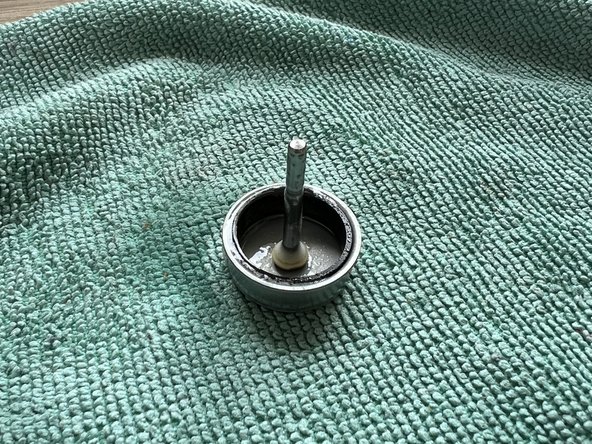
- You can now remove the rotor (axle) from the stator (copper part)
- You now need to grease the rotor (axle) so that there is less friction with the stator.
- You must use silicone spray or semi-solid silicone grease.
- You can now reassemble your axle to the stator: the problem should be solved.