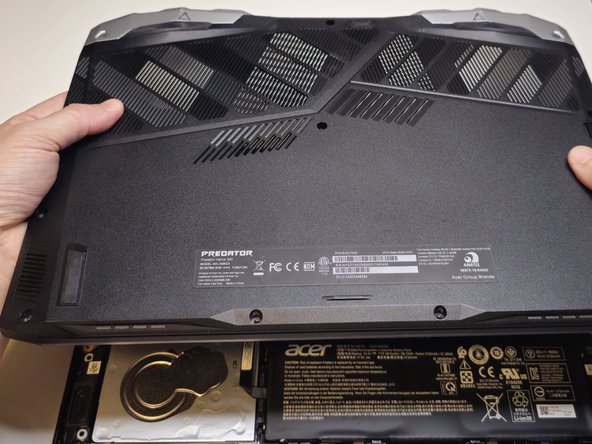
Acer Predator Helios 300 PH315-53 Bottom Case Replacement
ID: 181506
Description: Use this guide to remove the bottom case from y...
Steps:
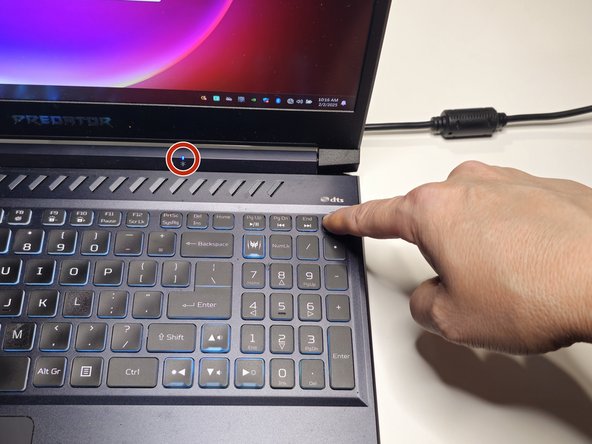
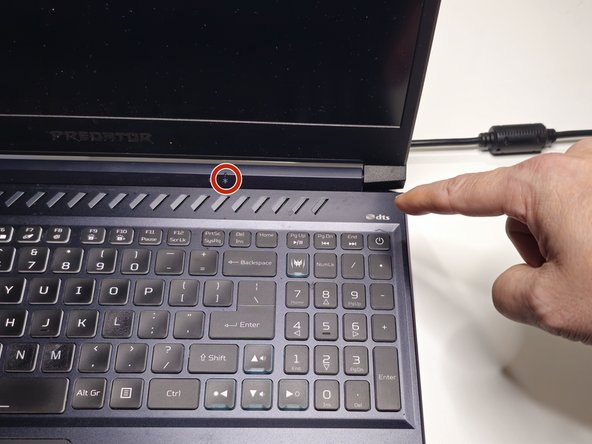
- Turn off the laptop by holding down the power button for 7 seconds.
- Verify that the blue power indicator light is turned off.
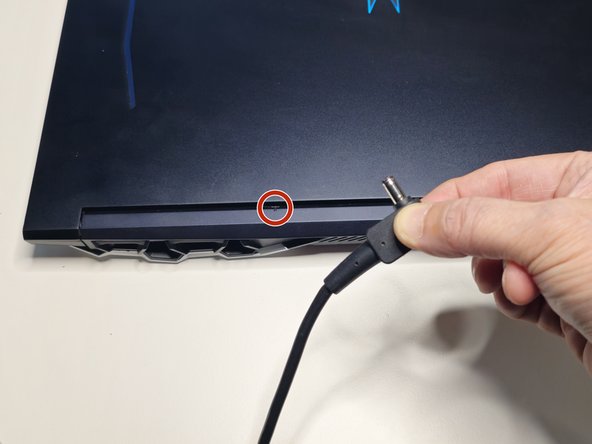
- Remove the plug from the back of your laptop.
- Verify that the charging light is off after you remove the plug.
- The battery’s charging light turns “amber” when plugged into the power cord and charging. The indicator light switches to blue once the battery is fully charged.
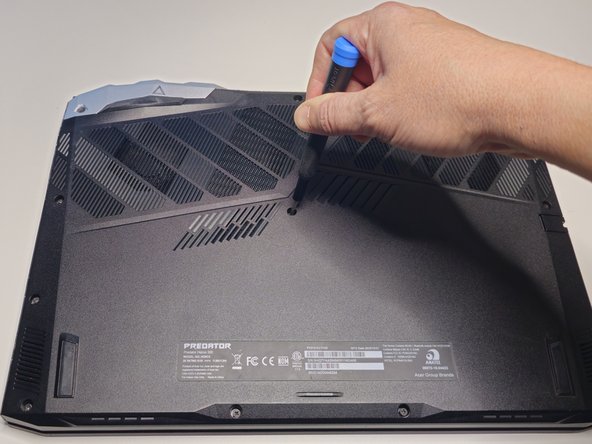
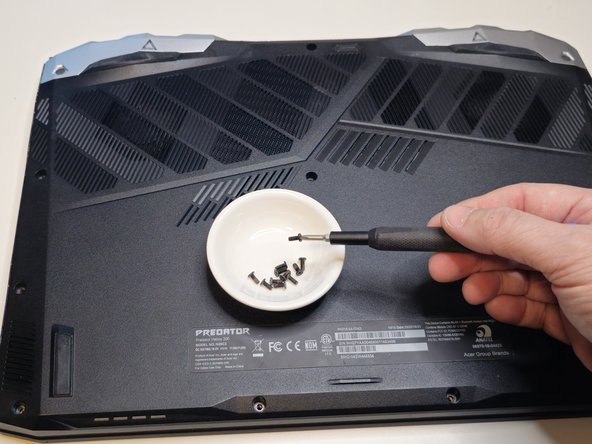
- Remove the eleven screws from the bottom case with a Phillips #1 Screwdriver.
- A spudger is a tool that can help separate electronic panels without scratching or damaging your device.
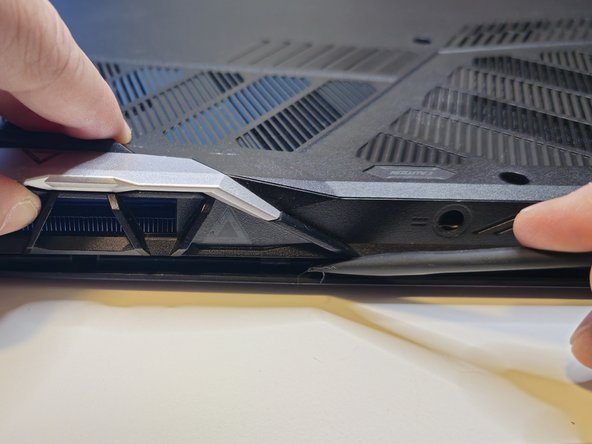
- Use your thumb to apply gentle upward pressure on the laptop vent while using a spudger to separate the bottom case from the top case.
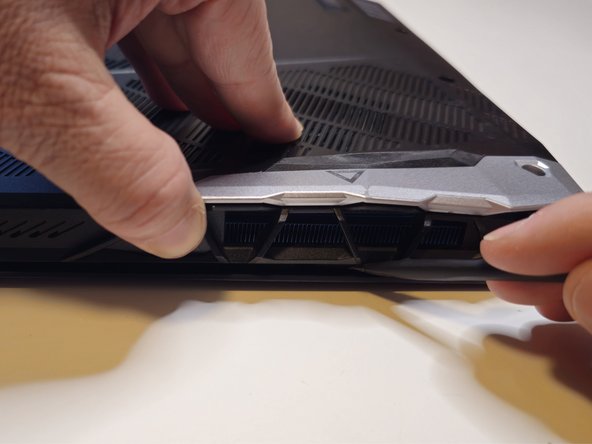
- Work the spudger along the seam where the bottom case meets the top case.
- Apply gentle upward pressure on the opposite laptop vent as you work the spudger across the back of the laptop.
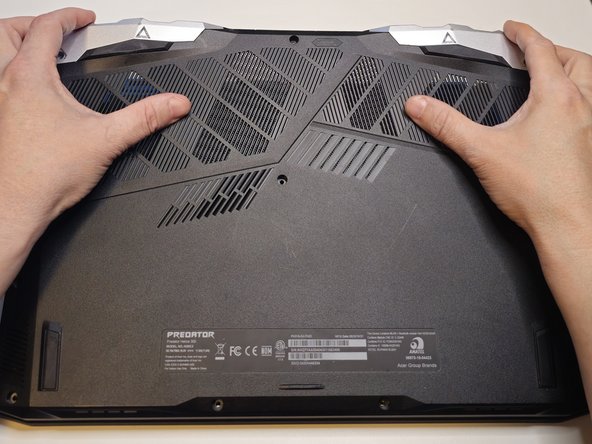
- Turn the laptop so the laptop vents are facing away from you and the bottom case remains face up.
- Use your fingertips to pull gently upward on the vents while using your palms to apply gentle downward pressure on the bottom case.
- Move your hands outward from the center of the laptop to each side, continuing to pull the bottom case gently upward with your fingertips.
- Lift the bottom case away from the laptop.