Brother PT-210 Battery Replacement
ID: 181520
Description: This guide will show you how to change your...
Steps:
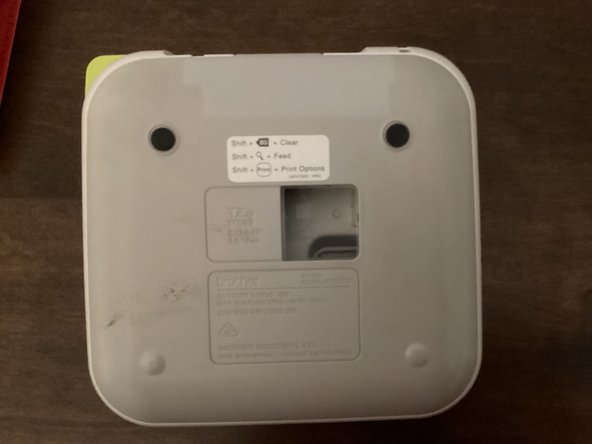
- Use the tab to open the back cover of your machine.
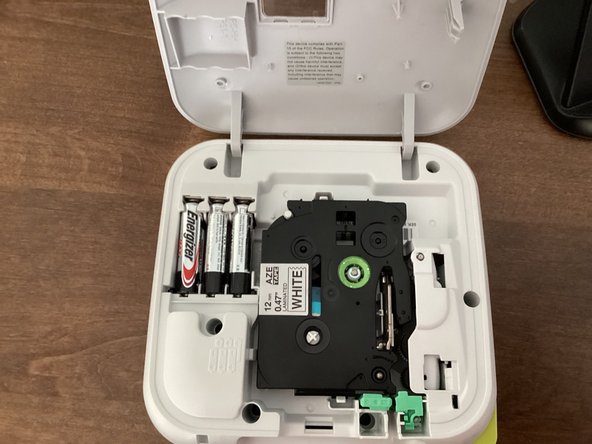
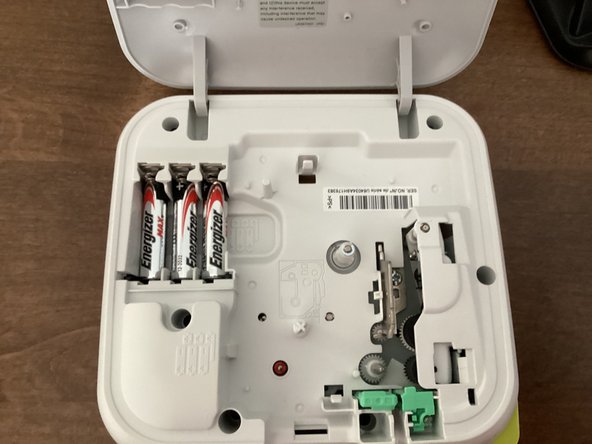
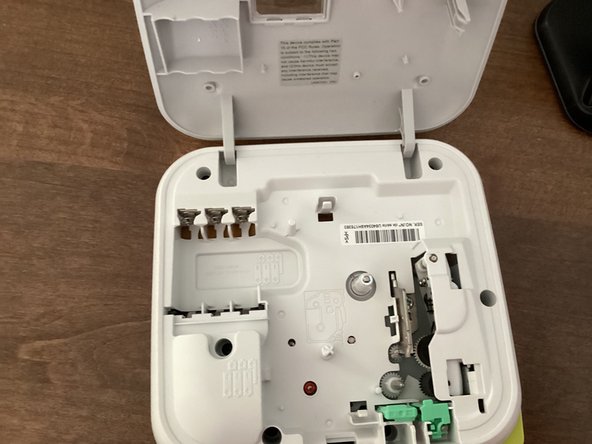
- Remove all 6 batteries from your machine.
- When you put the batteries back in, keep in mind that the polarity of them matter. Your machine won't work if the polarities of the batteries are messed up.
- Do not mix new and old batteries!
- It might be helpful to take the tape out of your machine. This guide shows you how to.