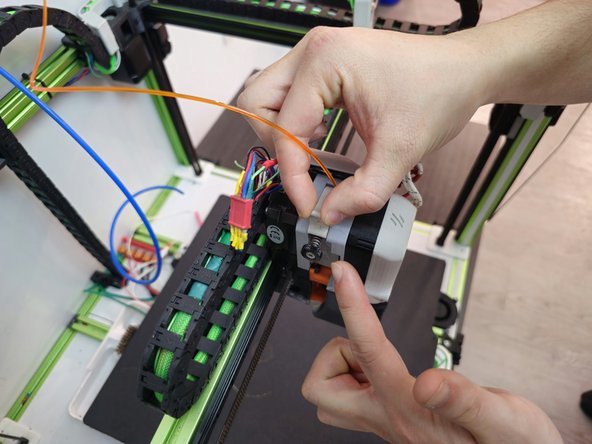
How to Clear Voron2.4 Hotend/Nozzle Jams
ID: 181612
Description: In this guide we show you how to a resolve...
Steps:
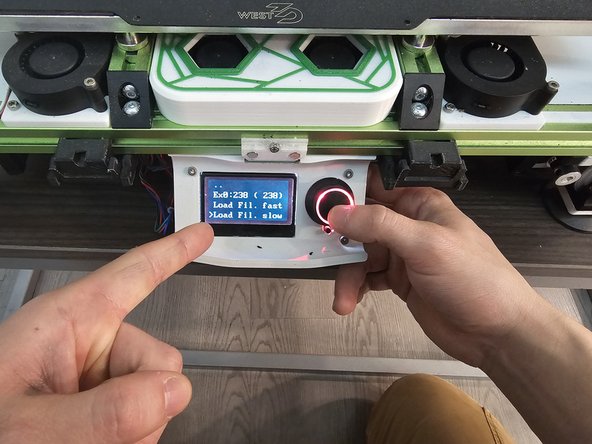
- Load the last filament used before the jam into the printer at normal printing temperature.
- Below are the temperature ranges for the three most common filament types:
- PLA: 180-210C
- PETG: 230-250C
- ABS: 240-255C
- Extrude 5-10 mm at printing temp of plastic and then set hotend temp to 0/room temp.
- Caution: Do not touch the hotend.
- Wait for hot end temp to drop to room temp.
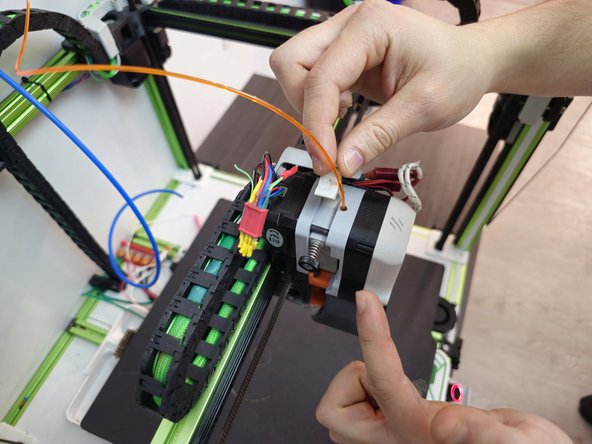
- Remove all tension on extruder arm (the part that clamps to the filament to feed into printer).
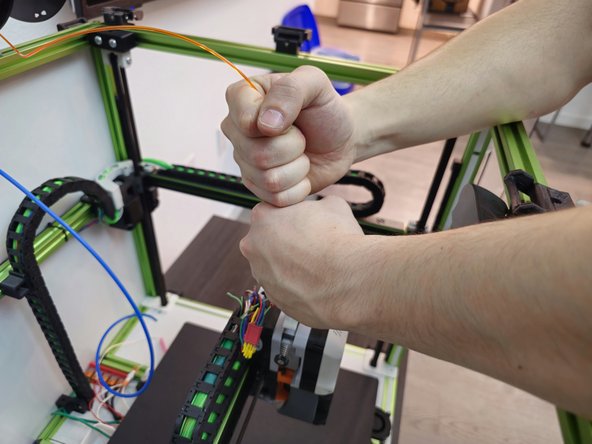
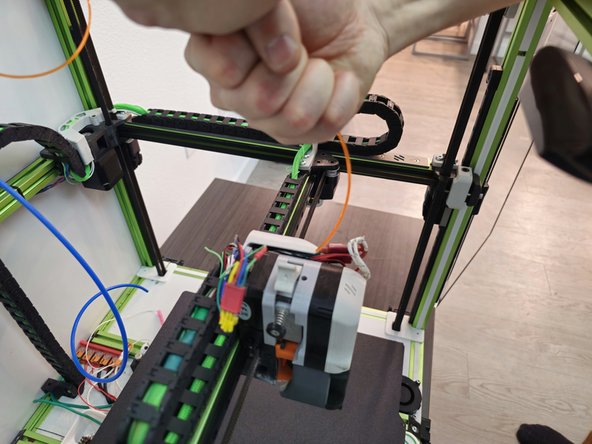
- Pull te filament out of the hotend.
- This may require some force.
- This is commonly referred to as a “cold pull” and the goal is to remove debris that may be stuck in the nozzle.
- Repeat the previous steps one to two times.
- Retension the extruder arm and set the hotend to the printing temp of material.
- Extrude the material and note the behavior of the plastic as it exits the hotend.
- Material should flow relatively straight down. Sharp curling as it exits the hotend may indicate that the jam has not been cleared.