Lenovo ThinkPad T520 HDD/SSD Replacement
ID: 181870
Description: I will be showing you how to replace the...
Steps:
- Power down the laptop and unplug all cables.
- Flip over laptop.
- Using your fingers, slide the lock to the unlocked position.
- Then remove the battery from the slot.
- Remove the single screw holding in the plastic cover.
- Remove the plastic cover from the laptop.
- Using your fingers pull on the black plastic tab.
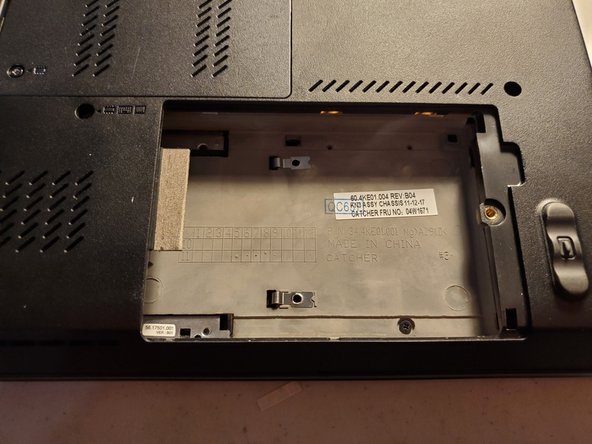
- Remove the HDD/SSD from the laptop.