Razer Kishi V2 Pro D-Pad Replacement
ID: 182171
Description: This is a guide on replacing the D-pad on the...
Steps:
- Put the device down with the bottom facing up.
- Remove the eight 12 mm screws from the back of the controller using a T5 screwdriver.
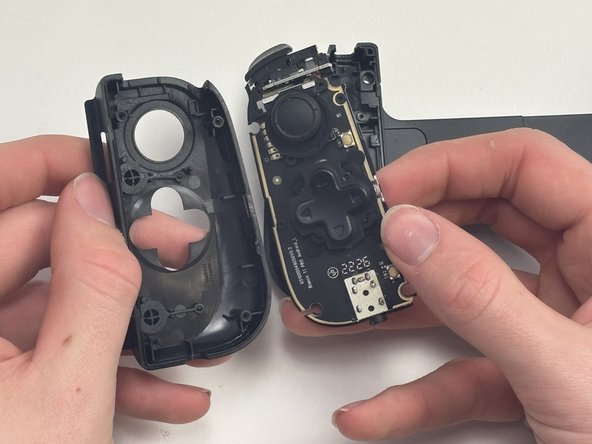
- Gently apply light pressure to the front top half of the controller and slowly lift it up.
- When you hear a click, the two halves should be successfully disconnected.
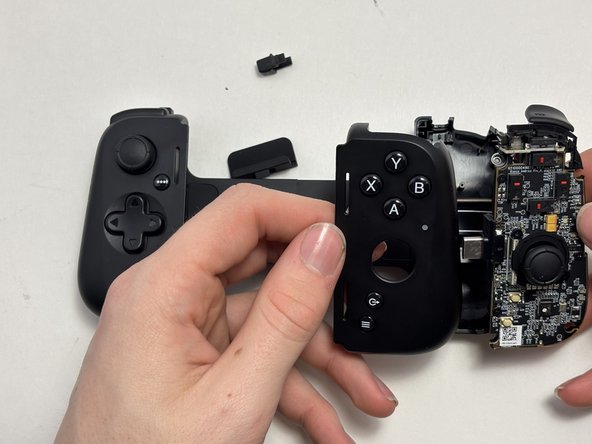
- When you separate the two parts from each other, two of the back bumpers might fall out. If the bumpers do fall out don't worry because they just snap back in.
- Be careful when doing this, if you apply too much pressure you could rip the ribbon cable.
- Repeat for the opposite side of the controller.
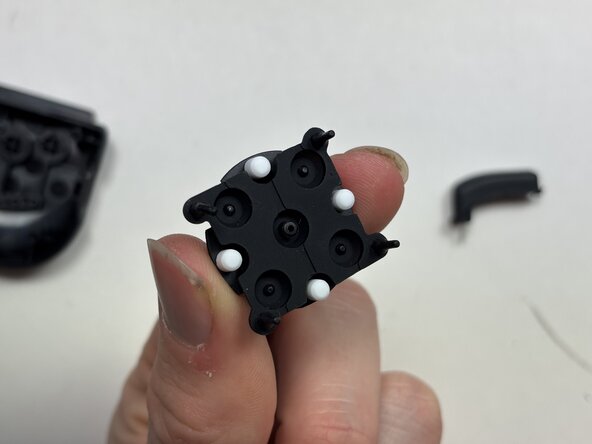
- Using tweezers or your fingers, remove the D-pad from the silicone pad.
- Make sure not to pull out the silicone pad.