How to Replace a Logitech M325c Scroll Wheel
ID: 182215
Description: Mouse scroll wheels often stop working. They...
Steps:
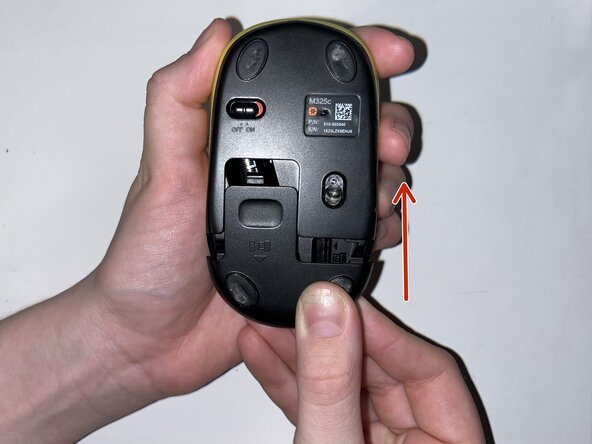
- Slide the mouse’s case open to reveal the battery compartment.
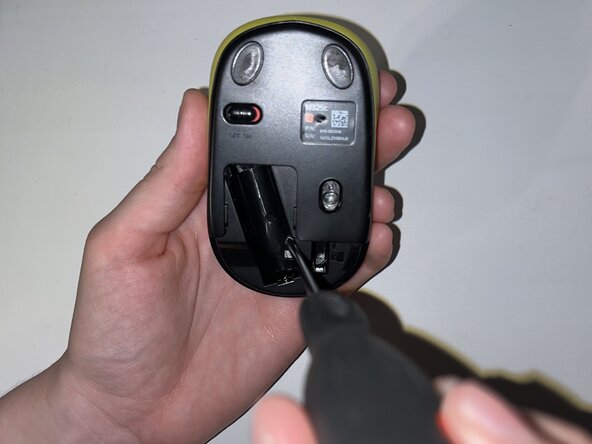
- Remove the AA battery.
- Peel off the sticker at the bottom of the compartment.
- Remove the single Phillips screw.
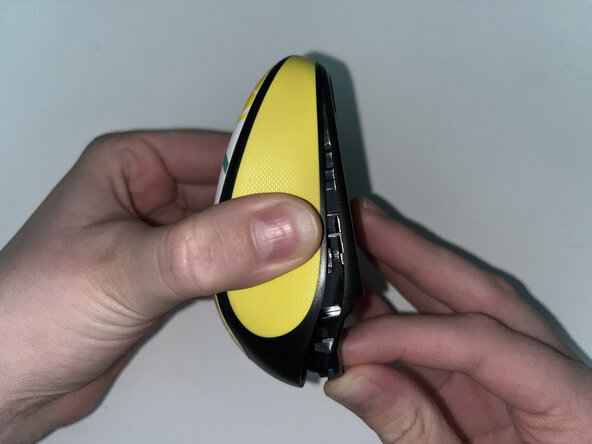
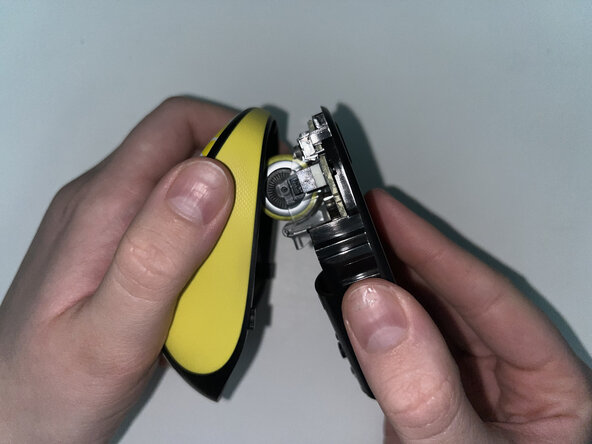
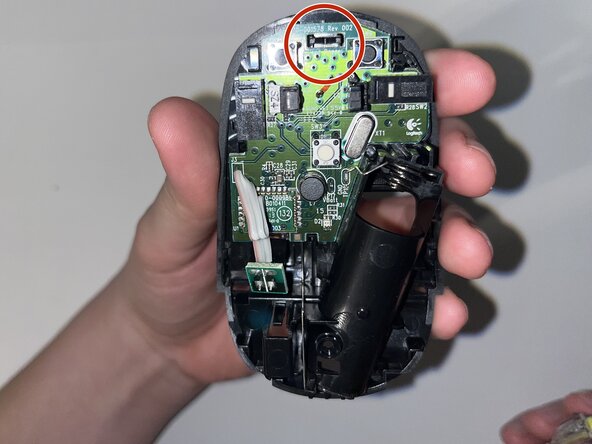
- Pinch the lower case and carefully pull it to reveal the internal parts and scroll wheel.
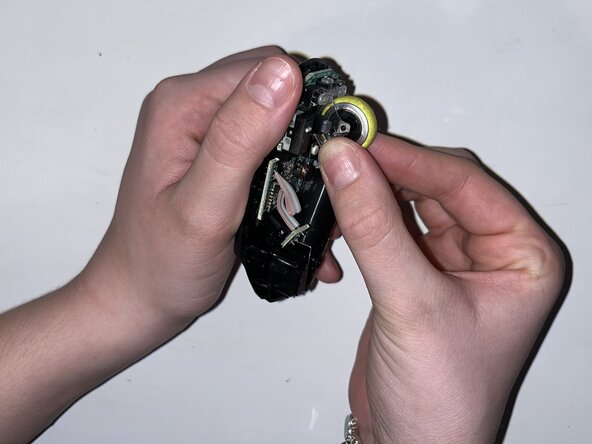
- Carefully pop the scroll wheel out and replace it with the new wheel.
- Reattach the bottom of the mouse and fasten the single Phillips screw in the battery compartment.
- Replace the AA battery and reinstall the battery compartment cover.