Fitbit Charge 5 Teardown
ID: 182321
Description:
Steps:
- Fitbit Charge 5 device
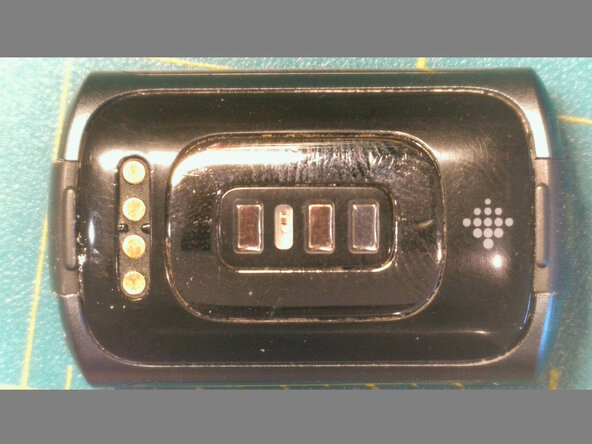
- Heat the back with a heat gun at 130C to loosen the adhesive.
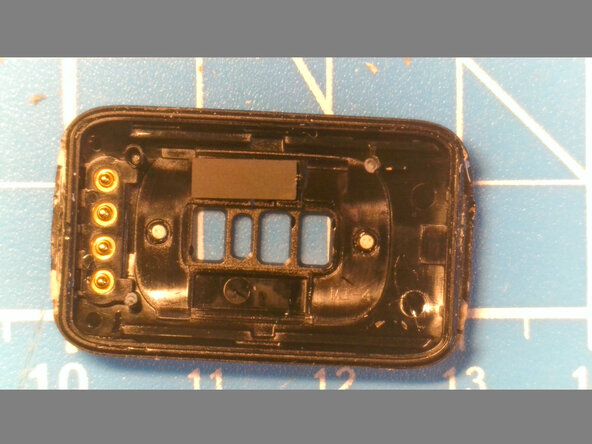
- Pry the side opposite the connector area from the strap latch
- Pry the top and bottom near the connector. There are small plastic pins.
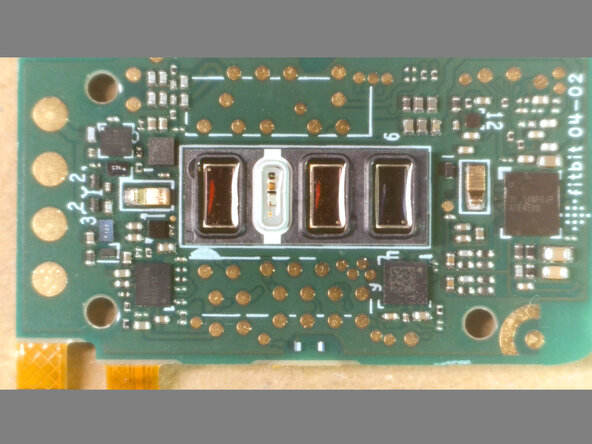
- TI 14WP6JP AFE4500 - Texas Instruments Ultra-Small, Integrated AFE for Bio-Impedance Analysis, Electrical Biosensing and Optical Bio-sensing
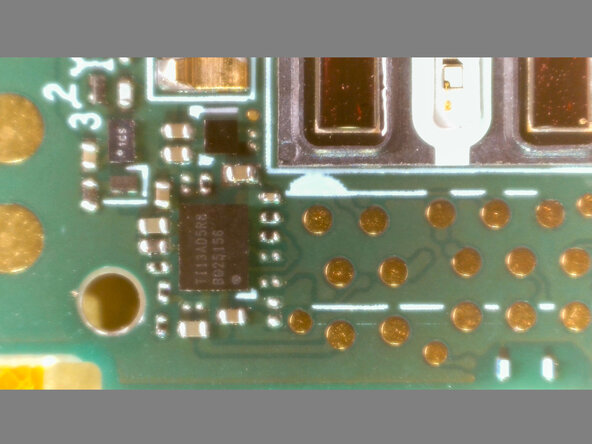
- TI13AD5R8 BQ25156 - Texas Instruments BQ25 series 1S battery charger
- 121 2624 C72S - Unknown
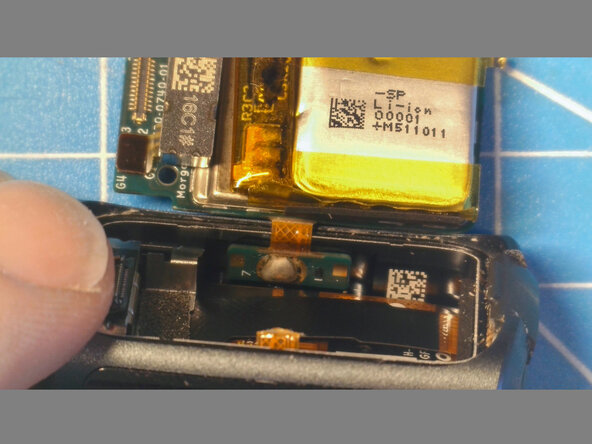
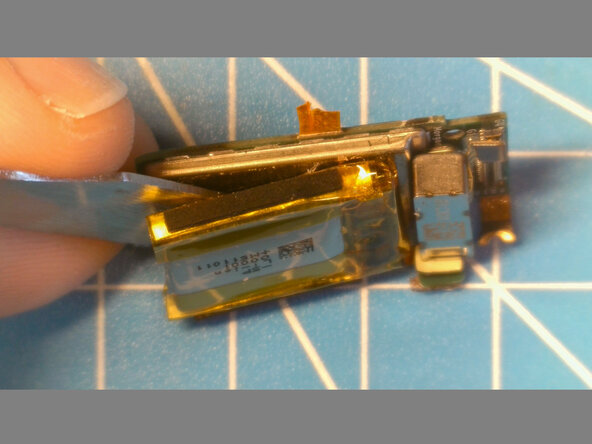
- Pry from the sides of the battery to lift out. There is some adhesive/foam between the battery and case
- You will have to cut the flex cables to the capacitive touch buttons on either side
- Peel the battery off and unplug
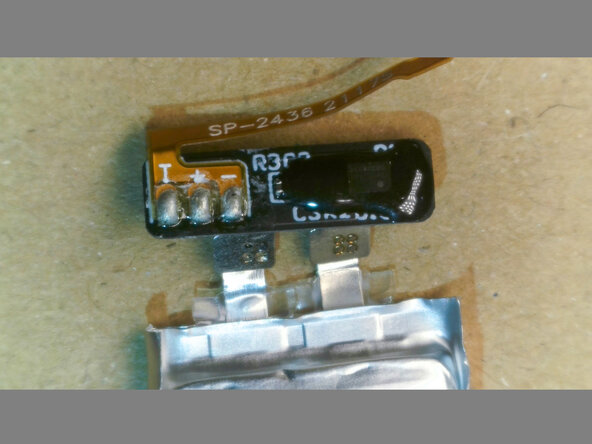
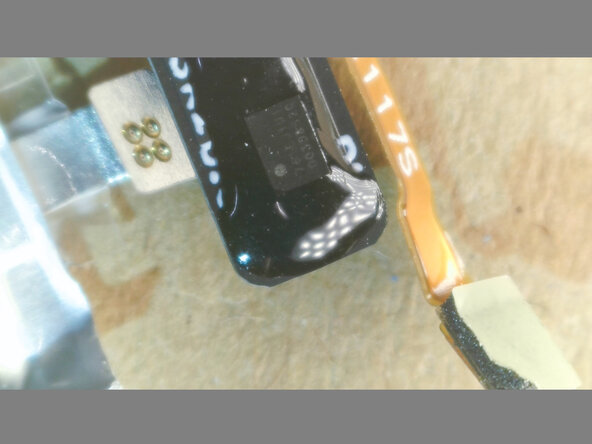
- 271617 unbranded battery. Marked as 65mAh
- Mine tested at 24mAh, after a few years of use
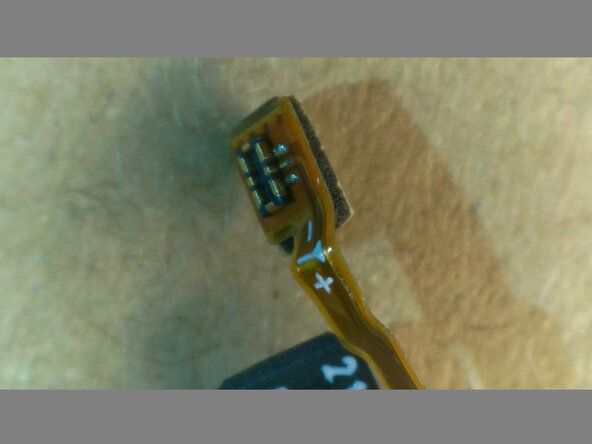
- 761EJ1U1 - Mitsumi MC3761 series protection IC with integrated MOS-FET for protection of the rechargeable Lithium-ion or Lithium-polymer battery
- A temp sensor somewhere
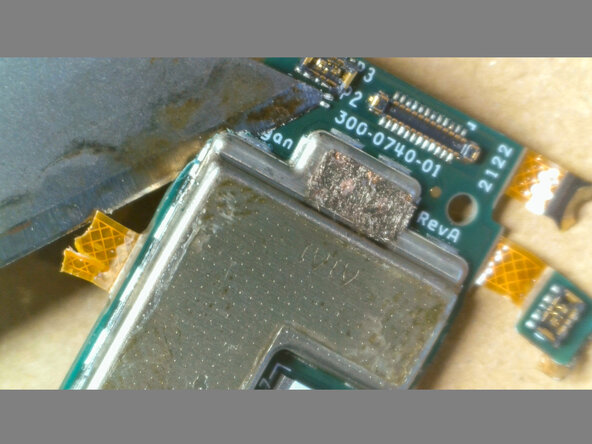
- The can pops off easily with a razor blade starting at the corners
- Hi Morgan 👋
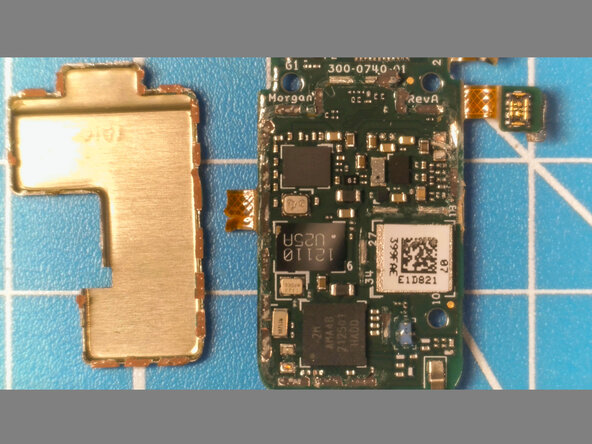
- 2M AMA4B 212501 HADD - Ambiq Micro, Inc. Apollo4 Blue Lite SoC
- QUAM V14 - Looks like a custom branded Fitbit chip
- 12110 U25A - Unknown
- NXP 100TB2 VC95122 037-080 - Unknown
- Is this the GPS receiver? (if not, where is it?)
- Heat the screen to 130C
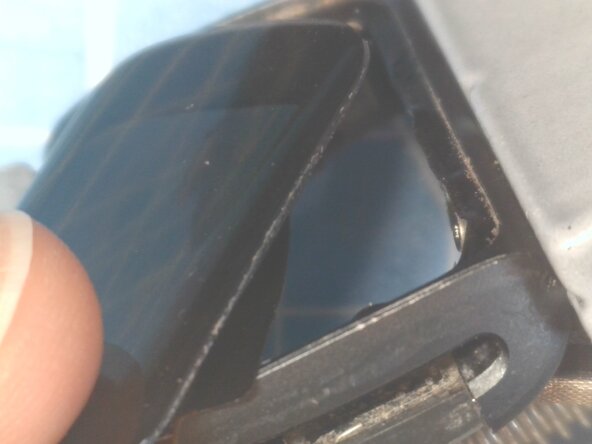
- Push it out from inside
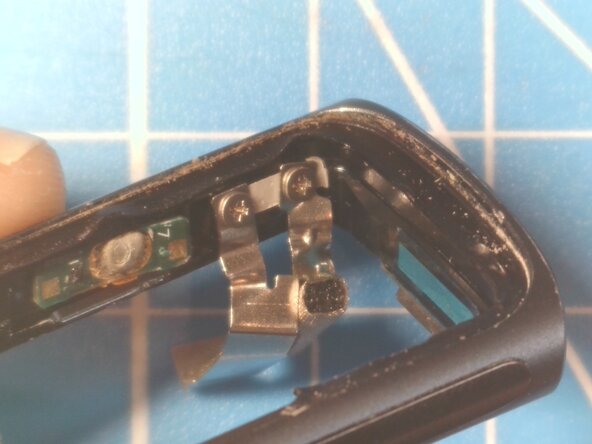
- As the screen pushes out slightly, it should reveal 3x PH000 screws to undo (I ended up just cutting the metal tabs)
- The bluetooth antenna is a spiral around the edge of the flex PCB
- Raydium AMOLED controller