GameSir K1 Kaleid Bumpers Replacement
ID: 182396
Description: This guide will provide detailed step-by-step...
Steps:
- Remove seven 1 mm screws from the backside of the controller using a TR6 Torx screwdriver.
- There may be a screw covered under the manufacturer's sticker.
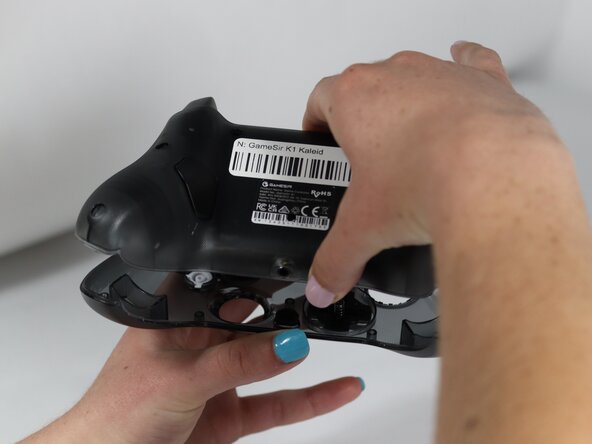
- Hold the controller between your hands, with the front panel facing down.
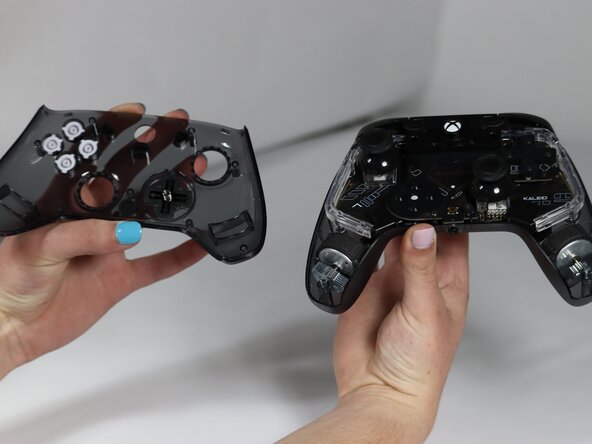
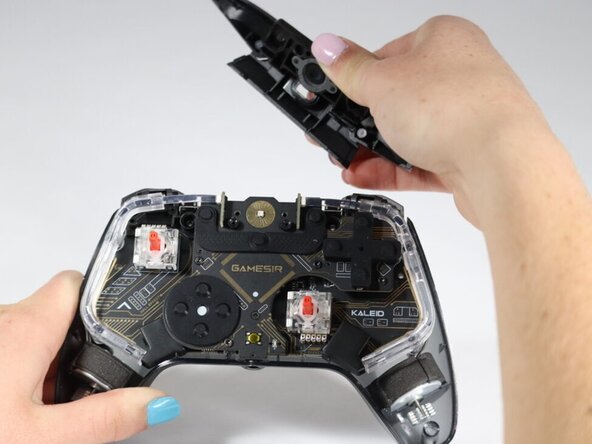
- Lift the back panel.
- It should come up easily. If met with resistance, check for a missed screw on the back panel.
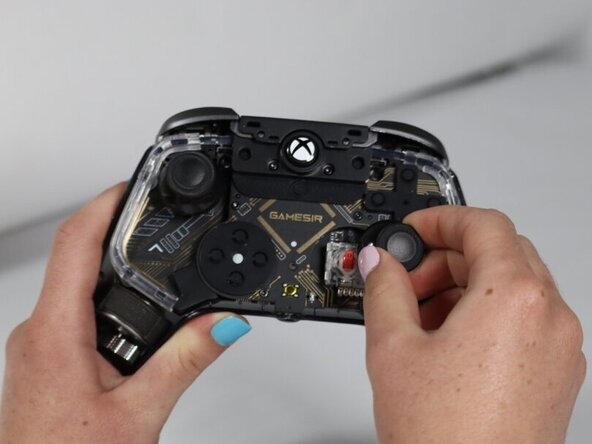
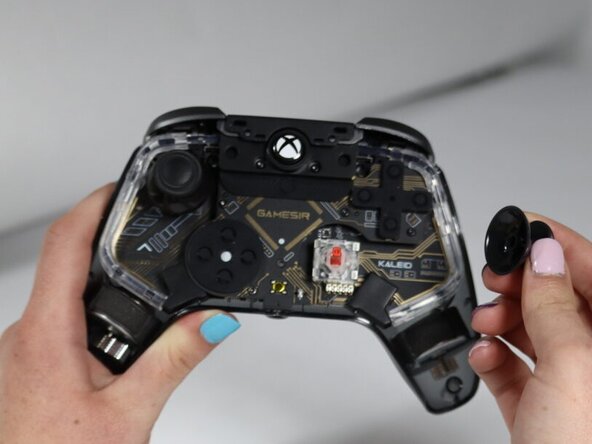
- Hold the controller, grasp the rubber joystick cover, and pull upwards.
- There will be resistance; pull firmly.
- Repeat for the second joystick cover.
- Remove two 1 mm screws on either side of the power button using a TR6 Torx screwdriver.
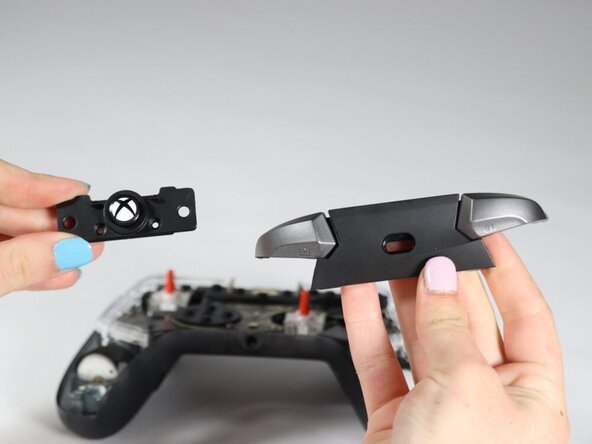
- Remove the power button and bumpers.