Logitech M325 Scroll Wheel Replacement
ID: 182461
Description: If your Logitech M325 mouse scroll wheel is...
Steps:
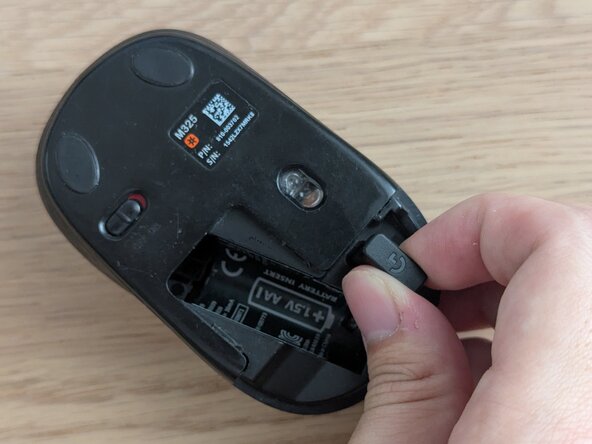
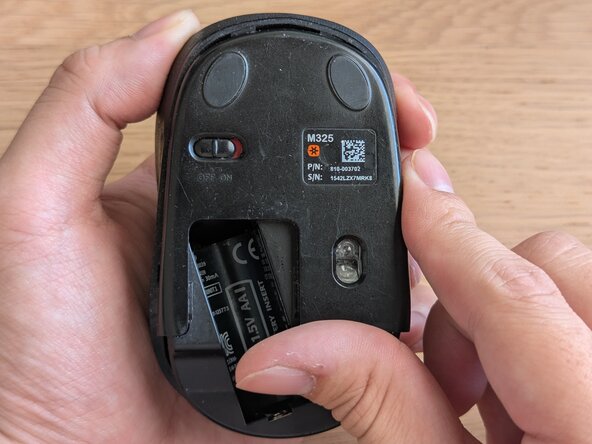
- Caution: Before you begin, ensure that the mouse is powered off (red color displayed on the switch). The switch can be found at the bottom of the mouse.
- Remove the battery cover from the bottom of the mouse by sliding downwards.
- Lift out the AA battery.
- Remove the USB adapter.
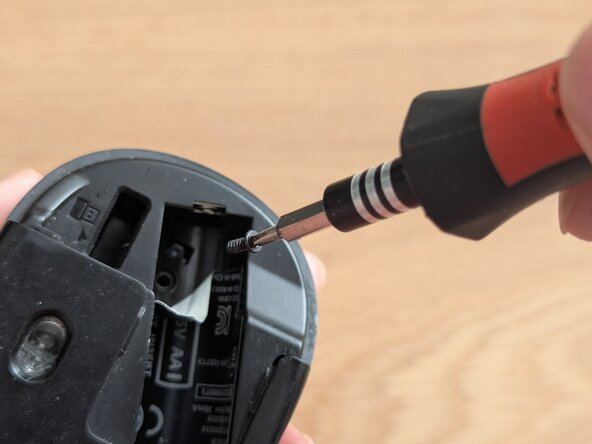
- Peel off the sticker in the battery compartment to reveal the screw underneath.
- Use a Phillips #0 screwdriver to remove the 5 mm screw in the battery compartment.
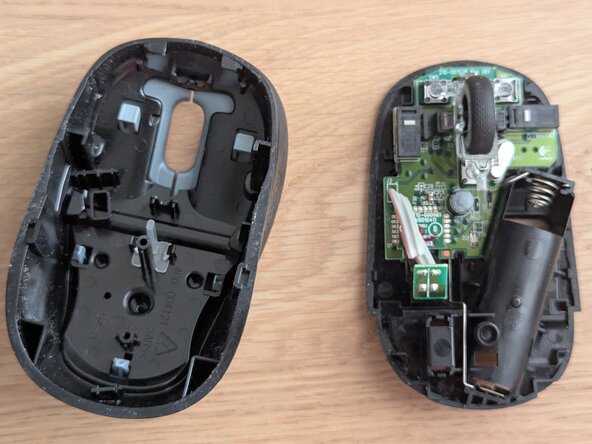
- Slide the lower case downwards and separate the top case from the main mouse body by lifting it off.
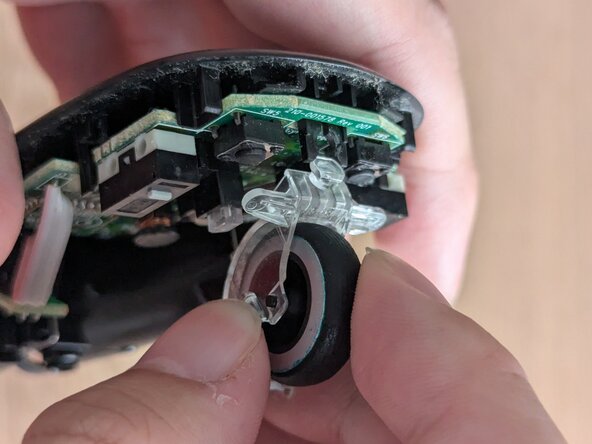
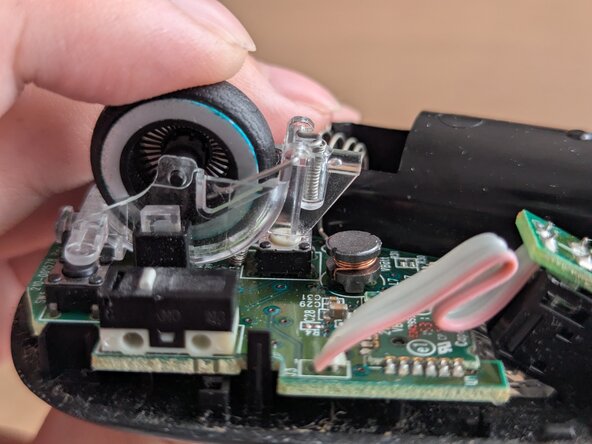
- Use a pry tool to unclip the scroll wheel from the PCB by pushing the clip out of the holder.
- Remove the scroll wheel by lifting it up.
- Align the replacement in the same position as the old scroll wheel.
- Push down and clip in the scroll wheel.
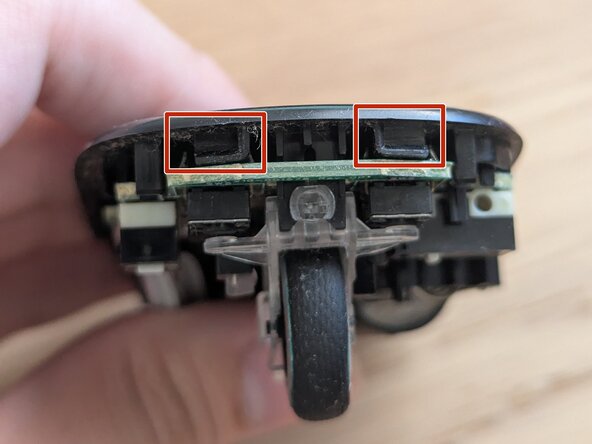
- Align the top housing clips with the mouse body clip openings.
- Slide top housing back onto mouse by pushing it in.