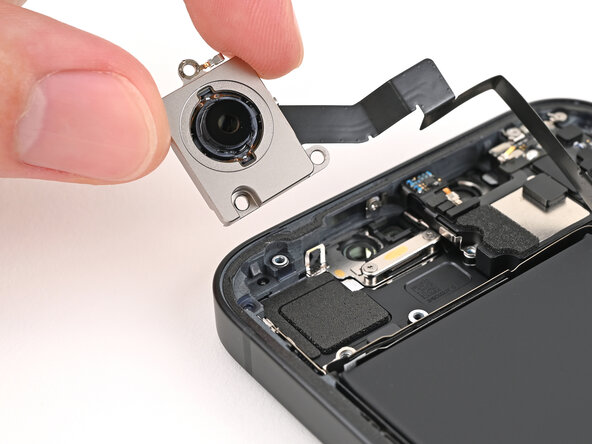
iPhone 16e Rear Camera Assembly Removal
ID: 185010
Description:
Steps:
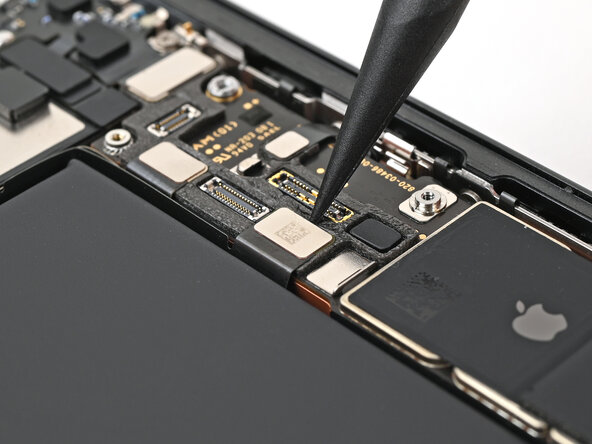
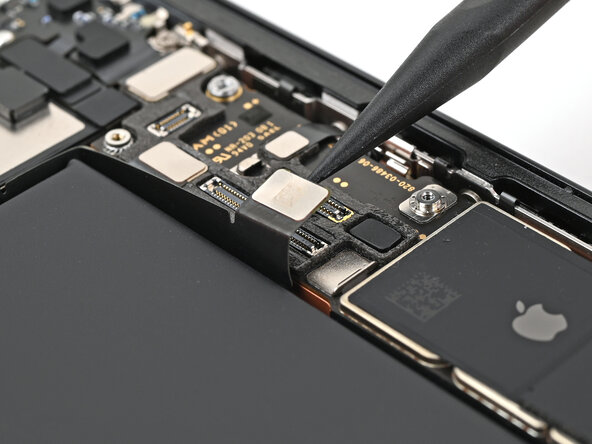
- Use the tip of a spudger to pry up and disconnect the rear camera assembly press connector.
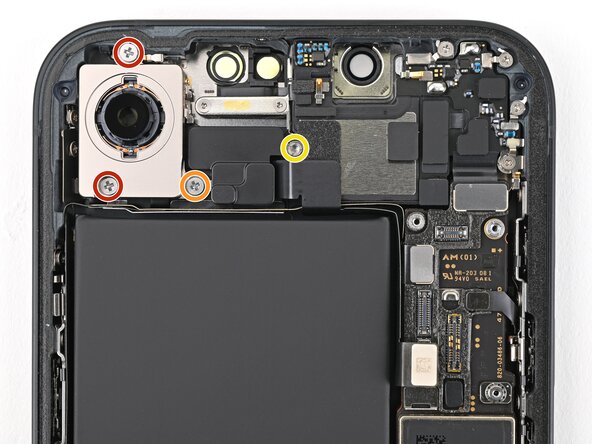
- Use a Phillips screwdriver to remove the three screws securing the rear camera assembly:
- Two 2.3 mm‑long screws
- One 2.5 mm‑long screw
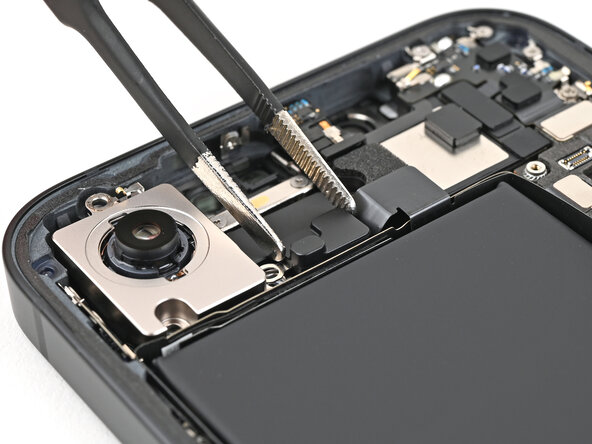
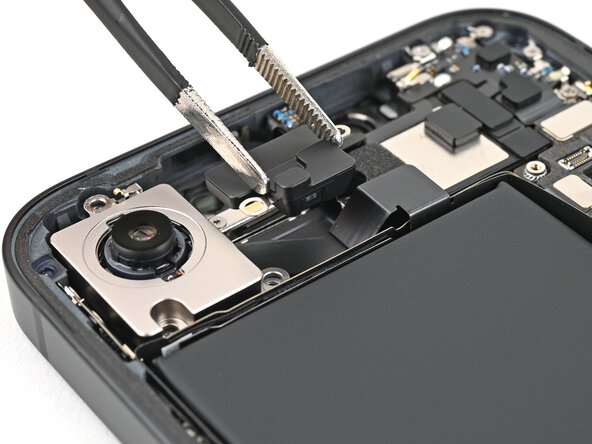
- Use a standoff screwdriver to remove the 2.4 mm‑long screw securing the camera spacer.
- Use tweezers or your fingers to remove the camera spacer.
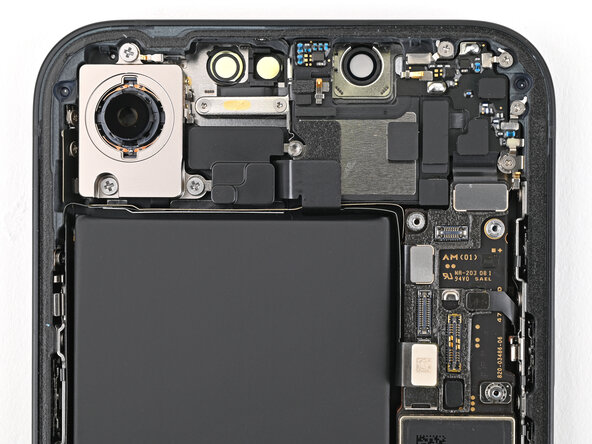
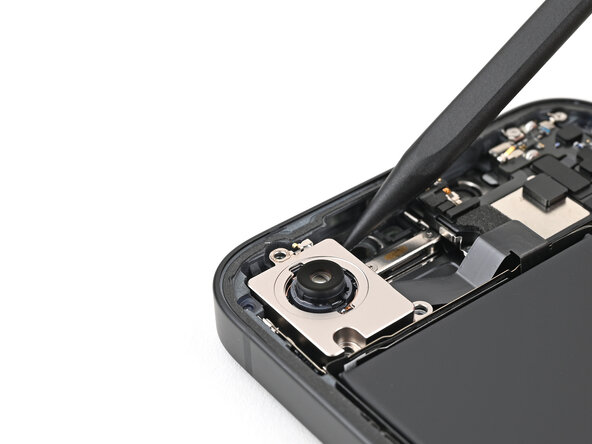
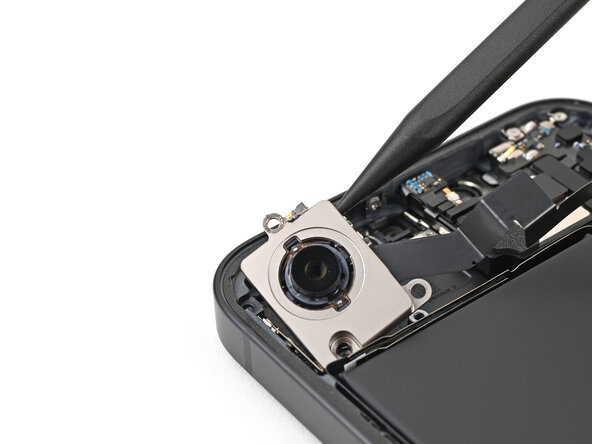
- Use the tip of a spudger to lift the rear camera assembly out of the frame until you can grip it with your fingers.
- Remove the rear camera assembly.