Asus VivoBook S14 Fan and Heat Sink Replacement
ID: 185027
Description: If your Asus VivoBook S14 becomes too hot,...
Steps:
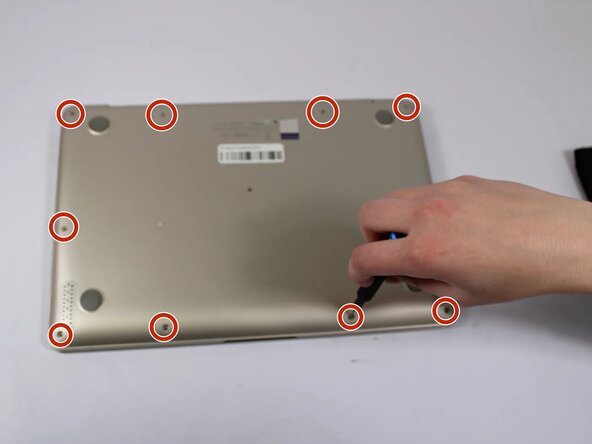
- Remove all eleven 5 mm screws on the back panel with a Phillips #0 screwdriver.
- Insert an iFixit opening tool between the back panel and the chassis. Carefully pry around the edges until the plastic clips release.
- Do not force the cover. If you feel significant resistance, double-check for missed screws.
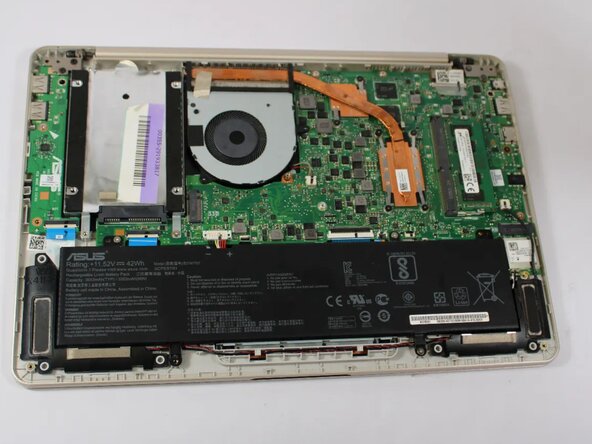
- Lift the back panel off the laptop.
- Detach the fan connector from the motherboard.
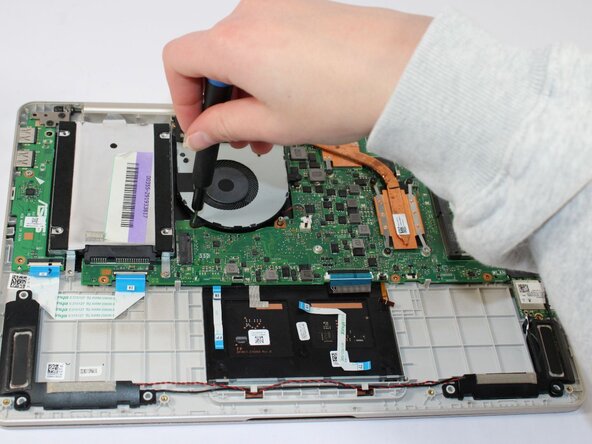
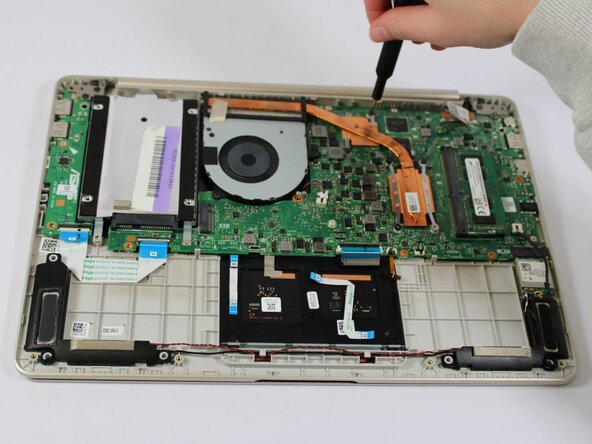
- Remove the 5 mm screws from the fan using a JIS #000 screwdriver.
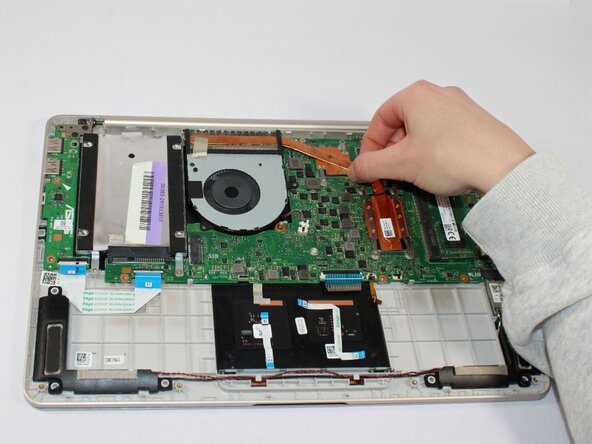
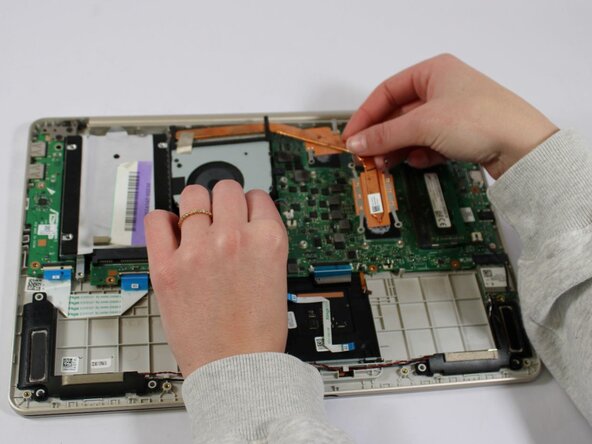
- Carefully lift out the fan and heat sink from the motherboard.