Roborock Q5 Max Plus Side Brush Replacement
ID: 185041
Description: The side brush is designed to remove dust and...
Steps:
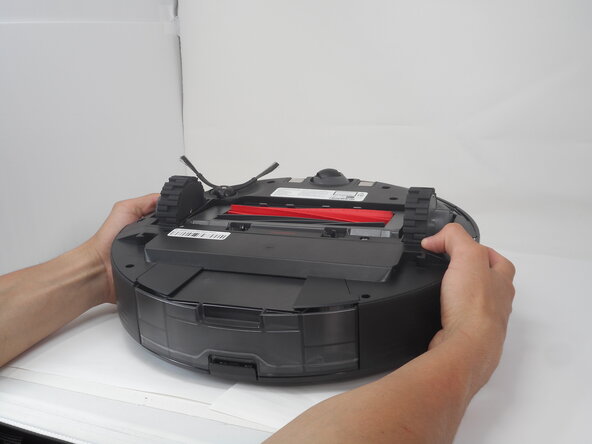
- Carefully flip the Roborock upside down on a soft surface (e.g., towel) to avoid scratches.
- Turn off the vacuum using the main switch underneath.
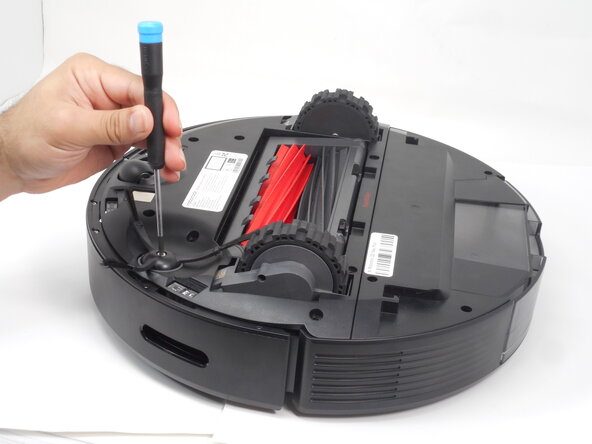
- Hold down the side brush with one hand to prevent it from moving.
- Use a Phillips #1 screwdriver to remove the single screw securing the side brush.
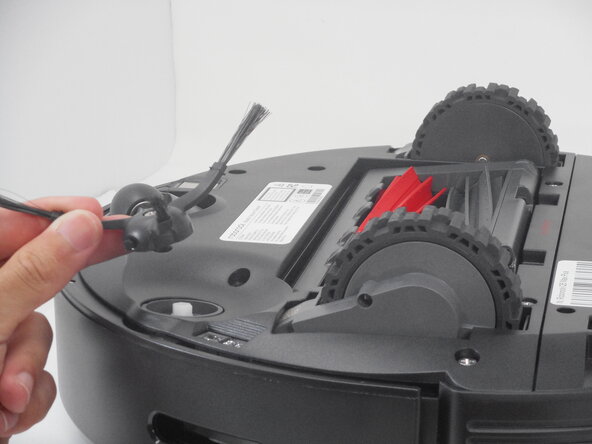
- Remove it from the base.