Roborock Q5 Max Plus Battery Replacement
ID: 185045
Description: If your Roborock Q5 Max Plus isn’t holding a...
Steps:
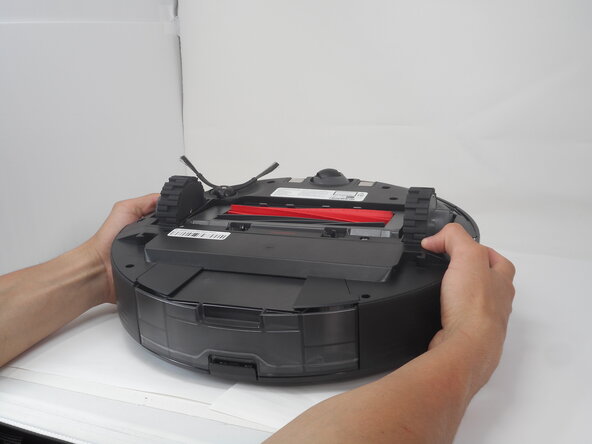
- Carefully flip the Roborock upside down on a soft surface (e.g., towel) to avoid scratches.
- Turn off the vacuum using the main switch underneath.
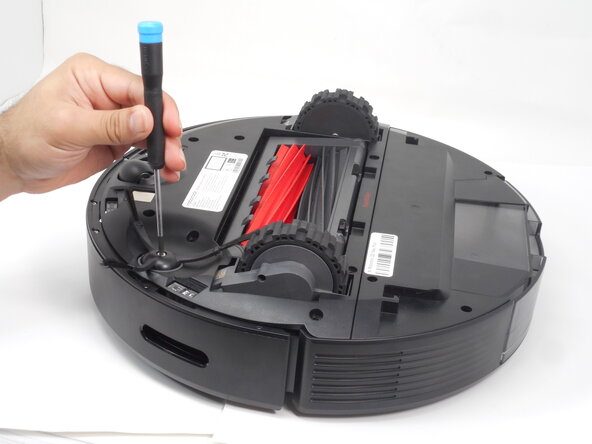
- Hold down the side brush with one hand to prevent it from moving.
- Use a Phillips #1 screwdriver to remove the single screw securing the side brush.
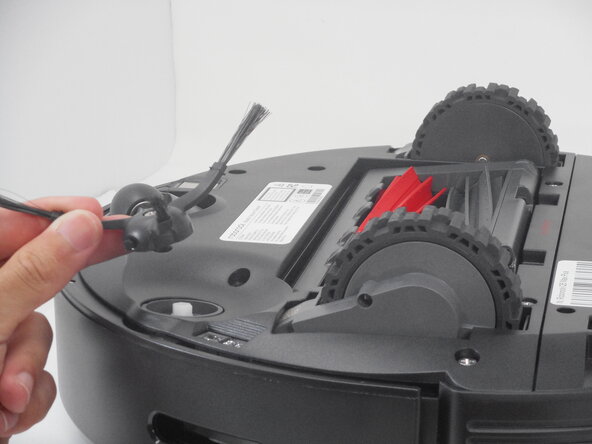
- Remove it from the base.
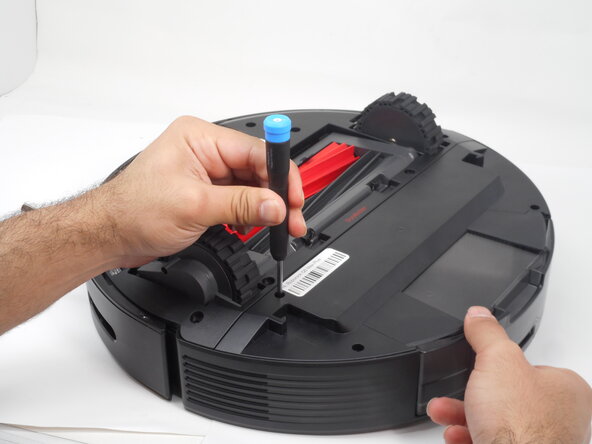
- Use a Phillips #1 screwdriver to remove the eight 14 mm screws that secure the bottom shell.
- Gently lift the the bottom shell up and off.
- If you encounter resistance, double-check for any hidden screws that may have been overlooked.
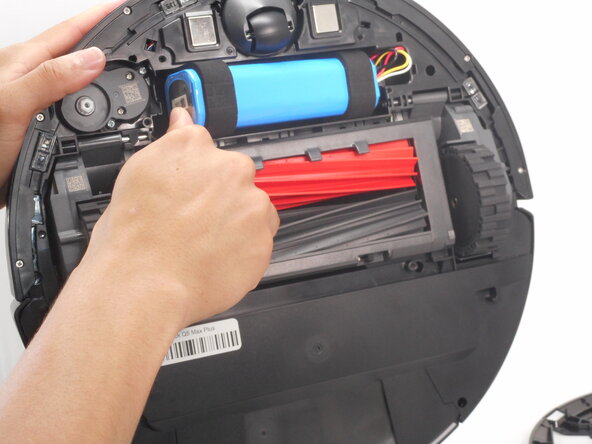
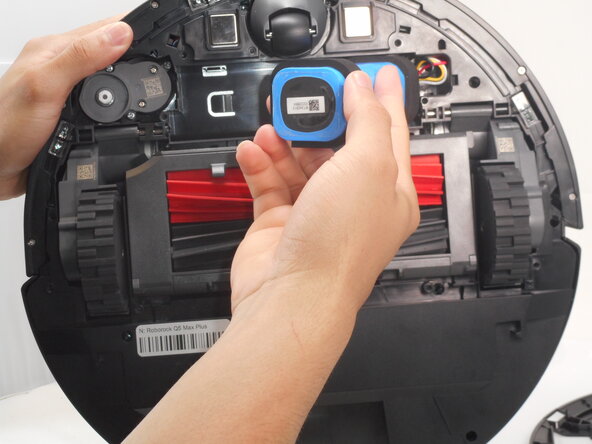
- Carefully pry out the battery and remove it from its housing.
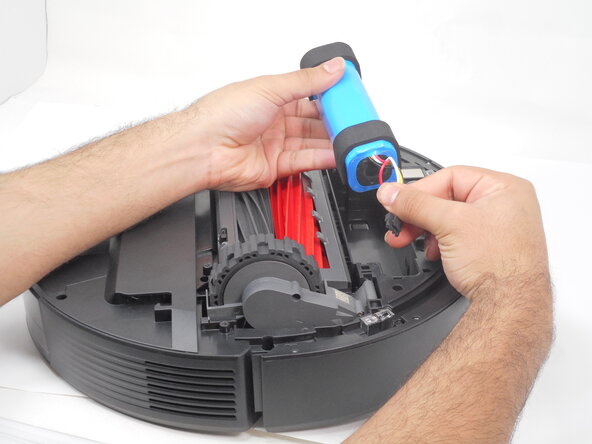
- Don't fully remove it as its still connected to the vacuum.
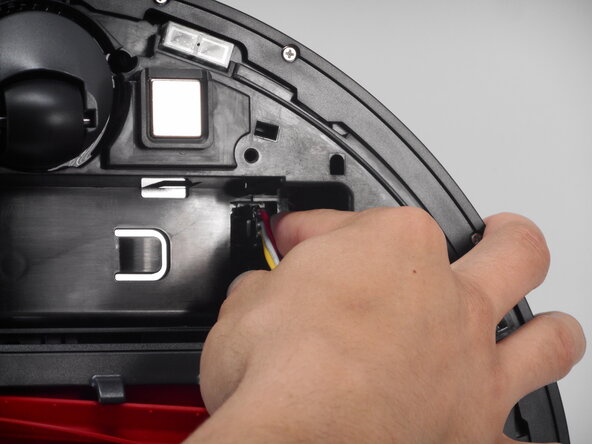
- Carefully press on the side tab of the connector to release the latch, then pull the connector straight up and out of its port.