Razer Tartarus V2 Keys 1-19 Replacement
ID: 185170
Description: Keys on a Razer Tartarus V2 cause an operating...
Steps:
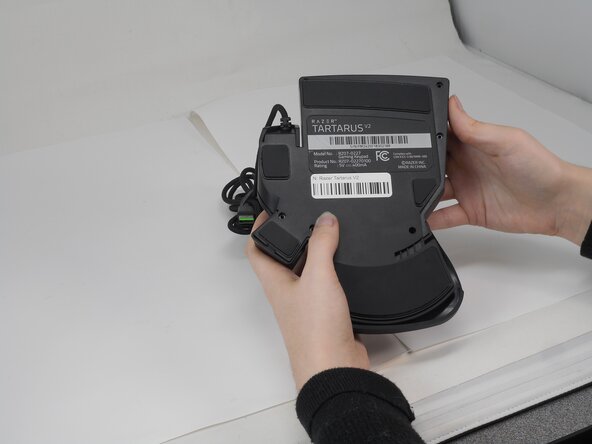
- Turn the keypad upside down.
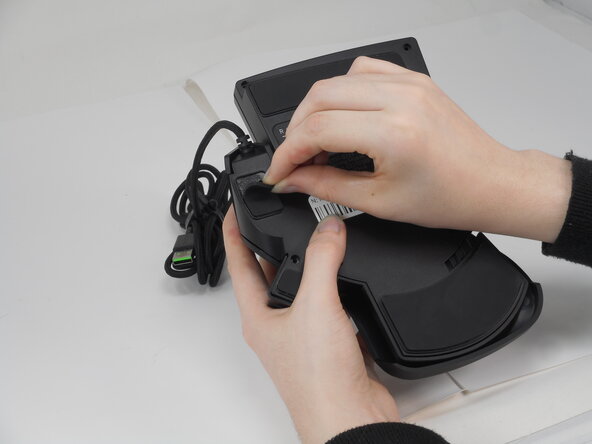
- Gently peel off the rubber feet with a Jimmy.
- Set the rubber grip pads aside so you can reapply them later.
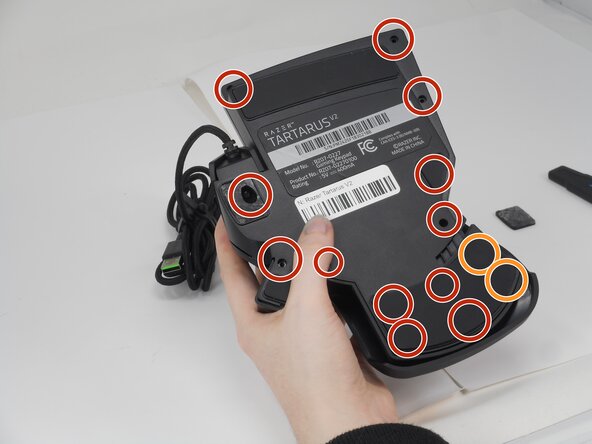
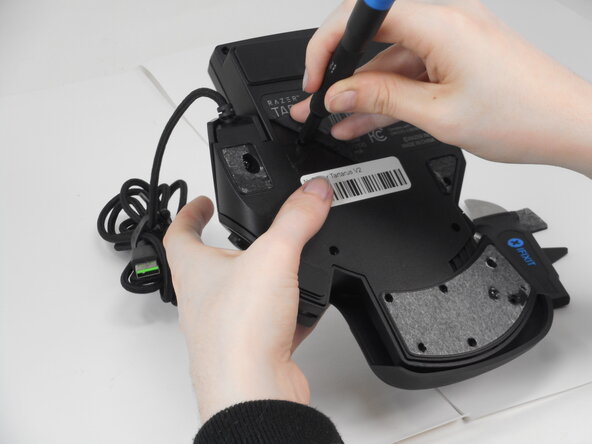
- Use a Phillips #0 screwdriver to remove the following screws:
- Twelve 6.4 mm-long screws
- Two 3.7 mm-long screws
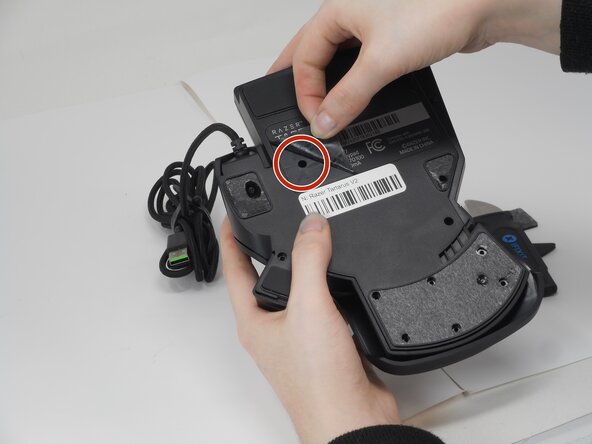
- Peel up the bottom left corner of the largest sticker.
- Remove the 6.4 mm-long Phillips #0 screw.
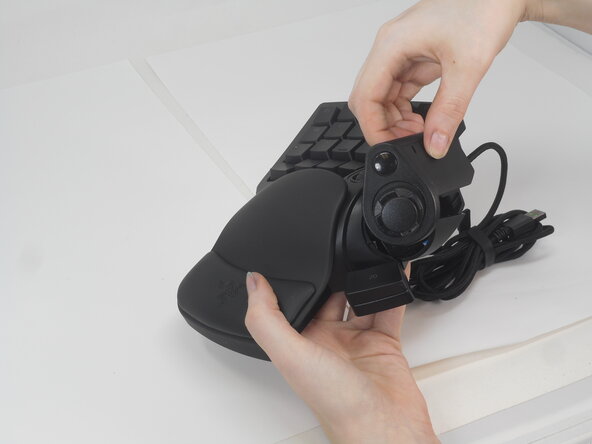
- Carefully lift the joystick module up and out.
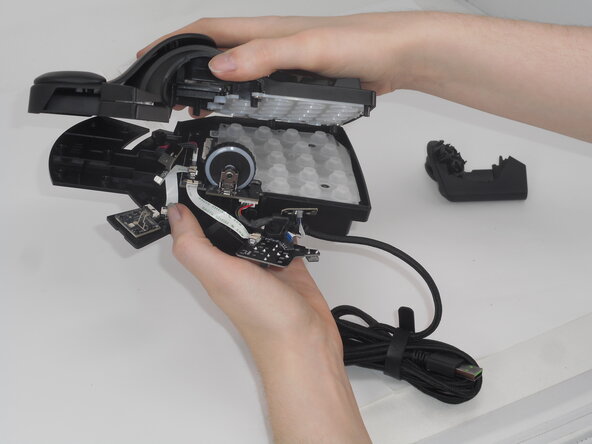
- Separate the top and bottom casing of the keypad.
- Use an Opening tool to pry the case open along the edges if necessary.
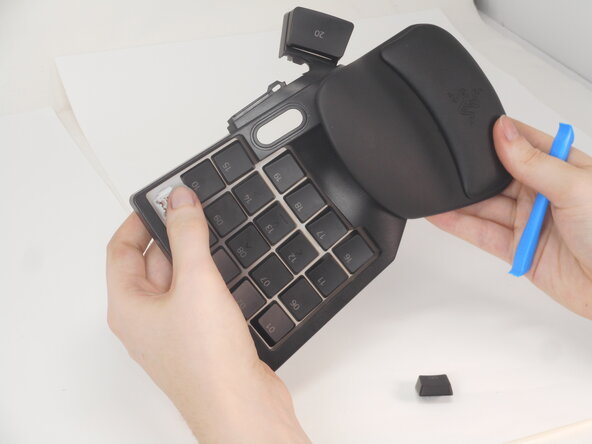
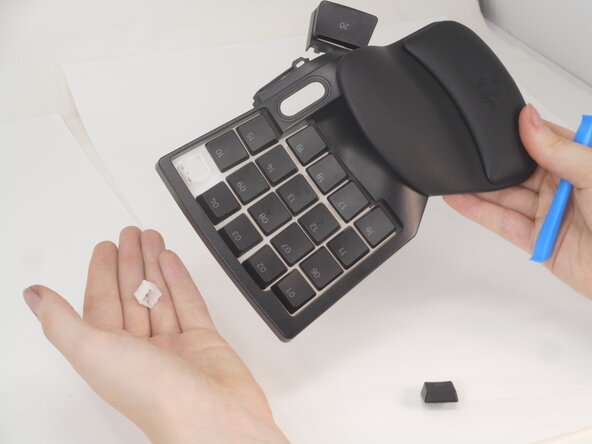
- To take off the keys, place the flat end of the opening tool under the edge of the key. Gently pry the key cap off of the board.
- The key stem, a small white block-like object, may be left behind. If this happens the keyboard must be opened. Once opened separate the top casing from the bottom casing and gently press the stem towards where the inside of the keyboard would be. They should pop out in this direction.
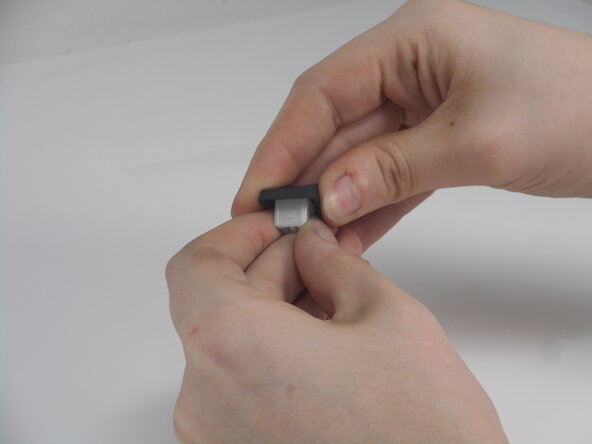
- You can then place them back on the keycap by placing the end that has a small number on it back into the connector on the keycap. There is a small bump on the bottom edge of the stem, this should be facing direction of the top edge of the keycap.