JBL Xtreme 4 Battery Replacement
ID: 185173
Description: Experiencing battery issues with your JBL...
Steps:
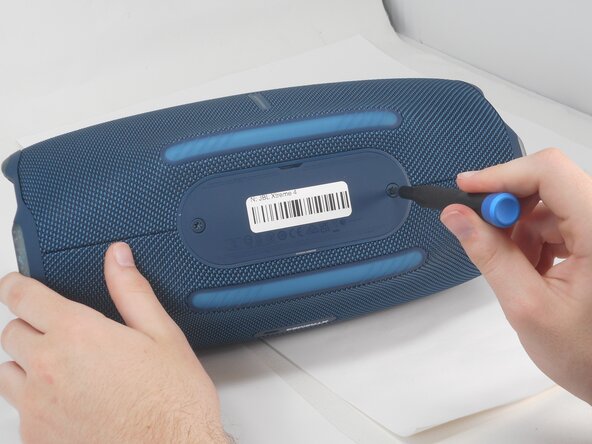
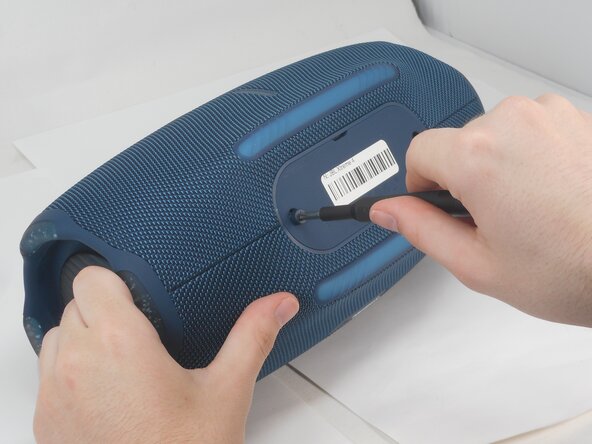
- Use a T20 Torx screwdriver to remove the two 12.5 mm screws that secure the battery cover.
- Using your fingernail or a spudger, pry open the battery cover.
- Remove the battery by pinching the orange ribbon and gently pulling the battery upwards and out of its slot.