DJI Goggles Lenses Replacement
ID: 185175
Description: If you are having difficulty seeing the display...
Steps:
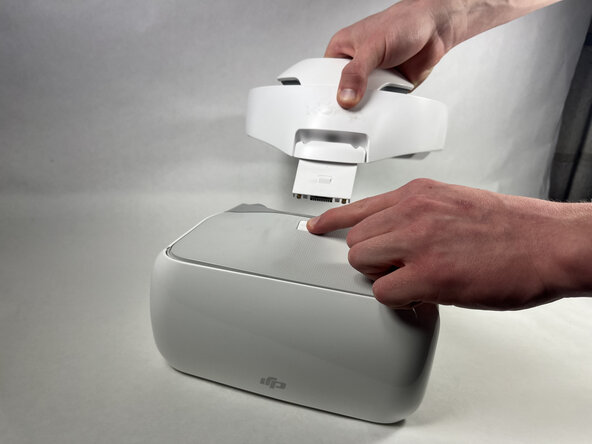
- Place the headset on a stable surface.
- Press down on the white button located at the top of the headset until you hear a click.
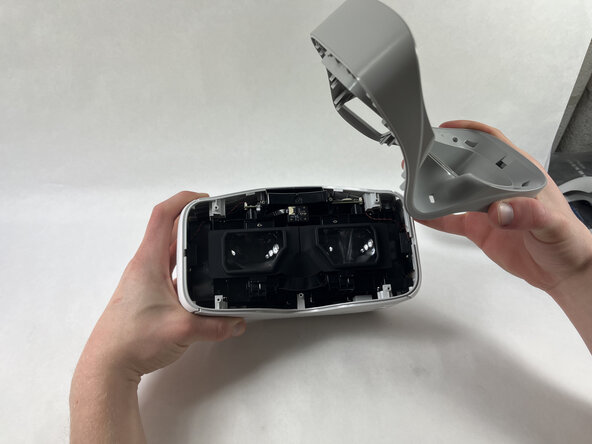
- Lift the the headband.
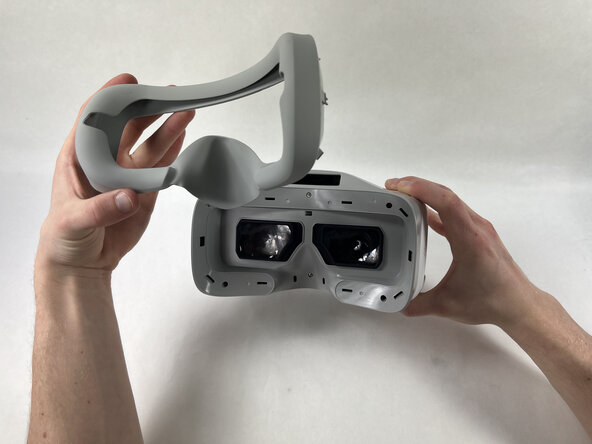
- Orient the headset so that the lenses are facing you.
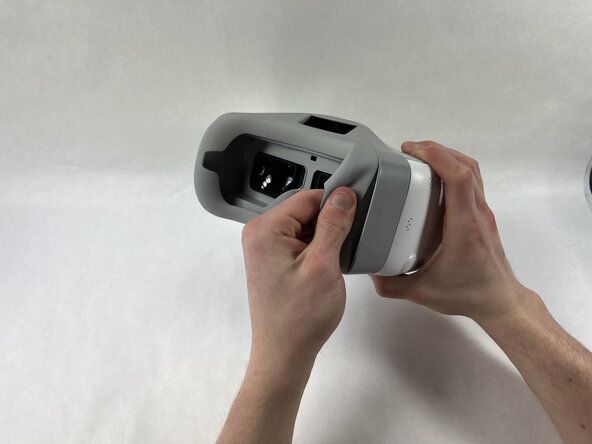
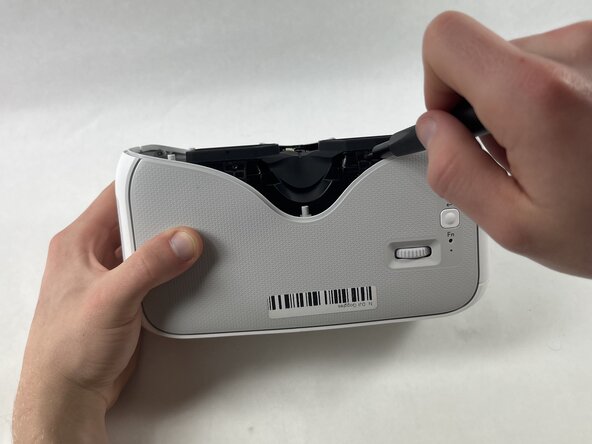
- Starting at the edge of the headset, gently lift the silicon mask until you hear a click.
- The clicking is caused by popping out the connectors and not due to damage.
- Continue this process along the edge of the mask.
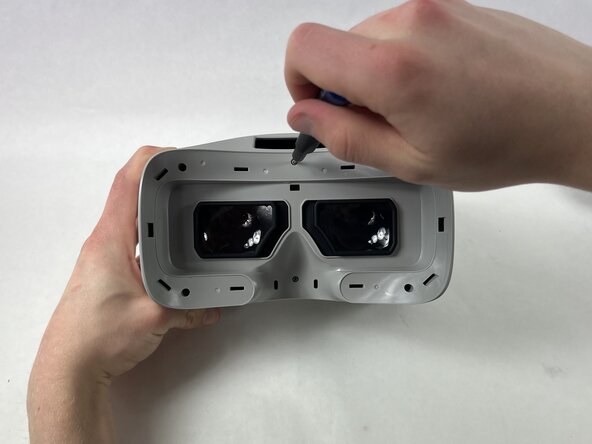
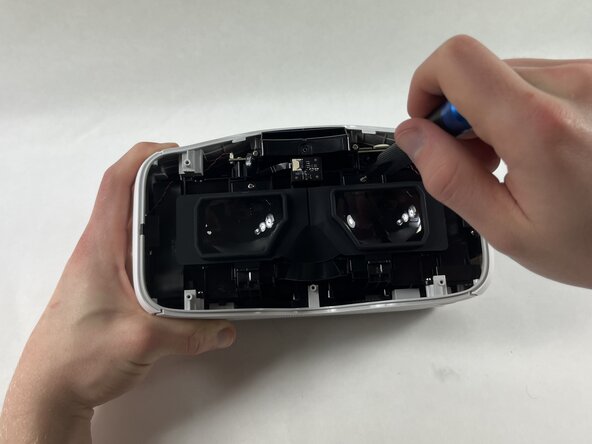
- Remove six 3mm Phillips #00 screws.
- Remove two 3mm Phillips #00 screws.
- Remove two 3mm Hex screws.
- Pinch the rubber between the lenses and lift.
- Try not to touch lenses on replacement.