Razer Tartarus V2 Scroll Wheel Replacement
ID: 185176
Description: The scroll wheel on the Razer Tartarus V2 model...
Steps:
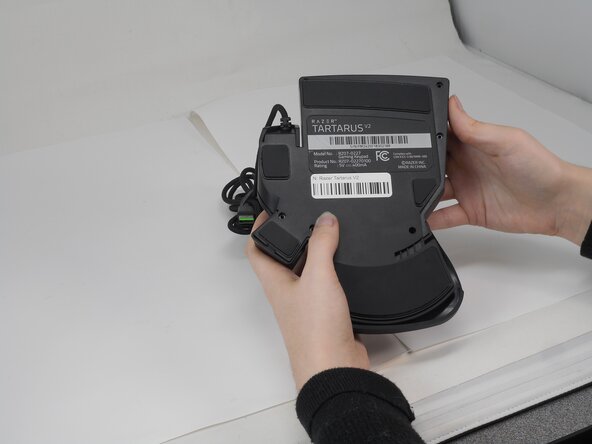
- Turn the keypad upside down.
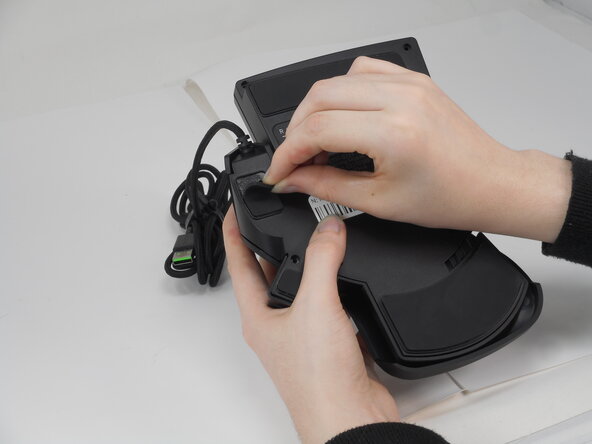
- Gently peel off the rubber feet with a Jimmy.
- Set the rubber grip pads aside so you can reapply them later.
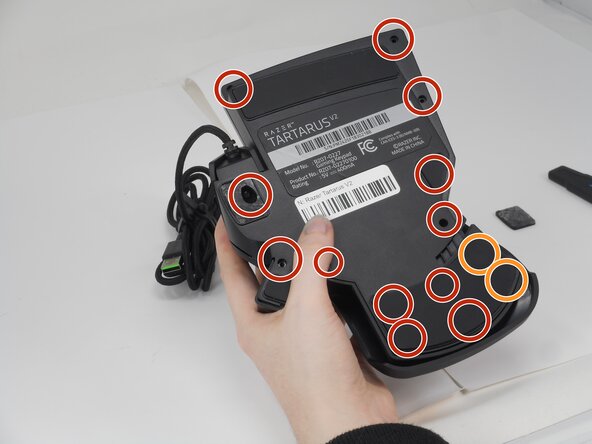
- Use a Phillips #0 screwdriver to remove the following screws:
- Twelve 6.4 mm-long screws
- Two 3.7 mm-long screws
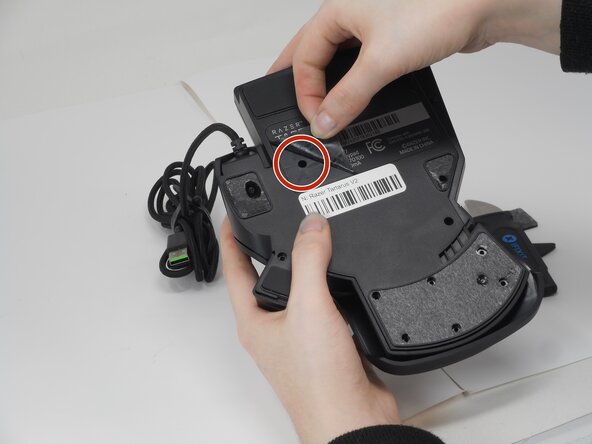
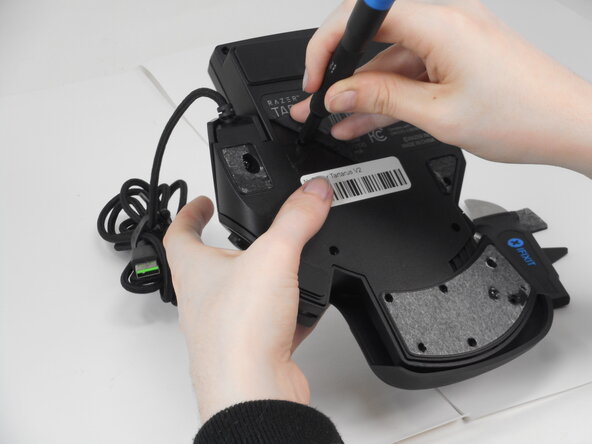
- Peel up the bottom left corner of the largest sticker.
- Remove the 6.4 mm-long Phillips #0 screw.
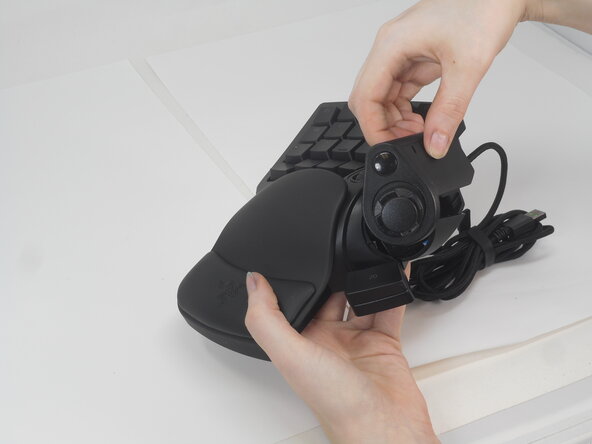
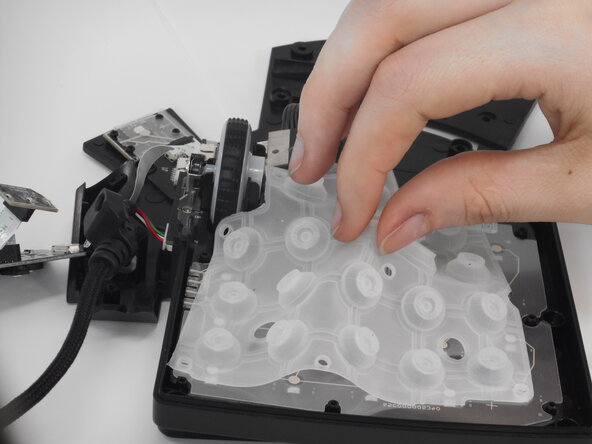
- Carefully lift the joystick module up and out.
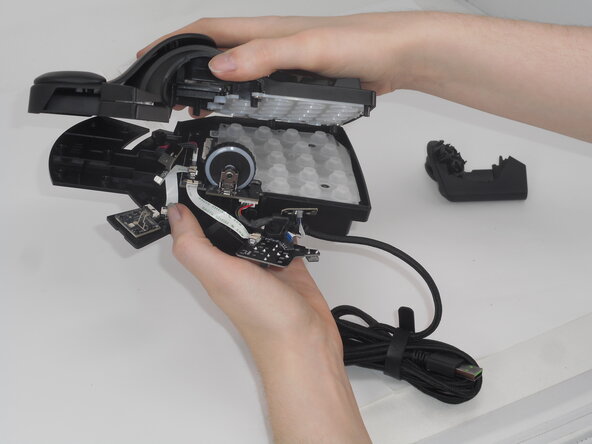
- Separate the top and bottom casing of the keypad.
- Use an Opening tool to pry the case open along the edges if necessary.
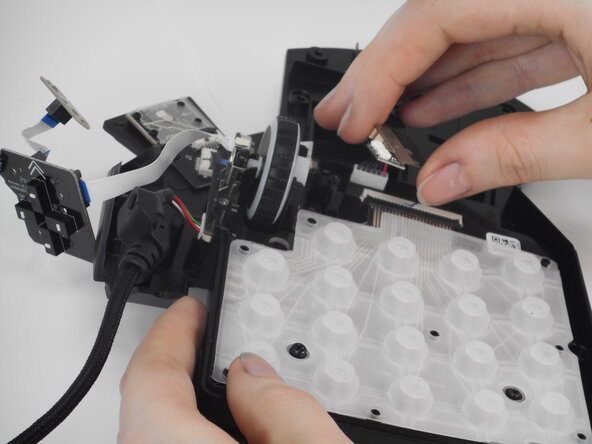
- Remove the 5.9 mm Phillips #0 screw, that secures the daughter board and bottom casing together.
- Lift the keycap stabilizer off from the mother board.
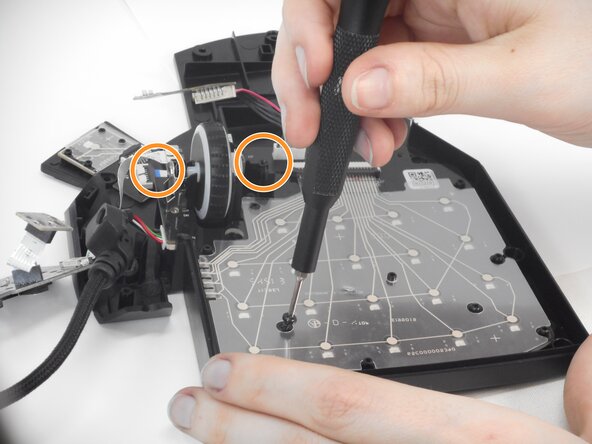
- Then, remove all five of the black Phillips #0 screws holding the motherboard and bottom casing of keyboard together.
- Two of these screws are behind or between the objects in the circles.
- Note: All of the black internal screws are the same length as the external screws but have a smaller head.
- Remove the bottom casing, leaving the motherboard attached to the scroll wheel and cord.
- Gently pull the scroll wheel out of the wheel encoder (small metal part that allows the wheel to move back and forth).