iPhone 16e Rear Camera Assembly Installation
ID: 185187
Description:
Steps:
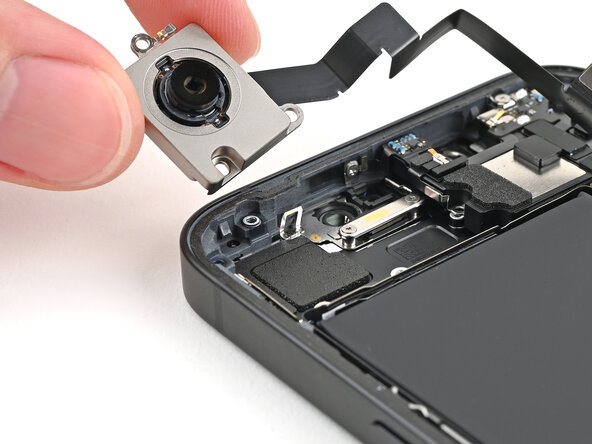
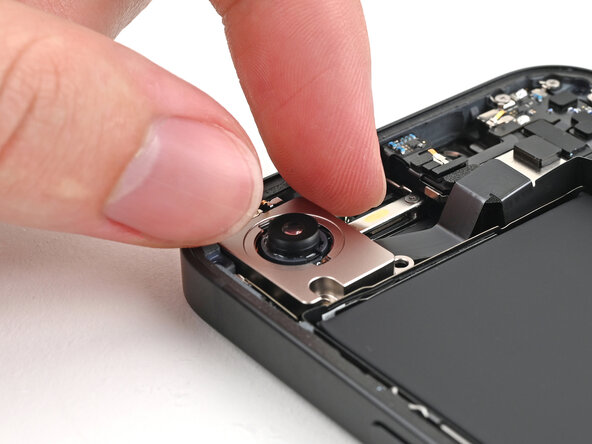
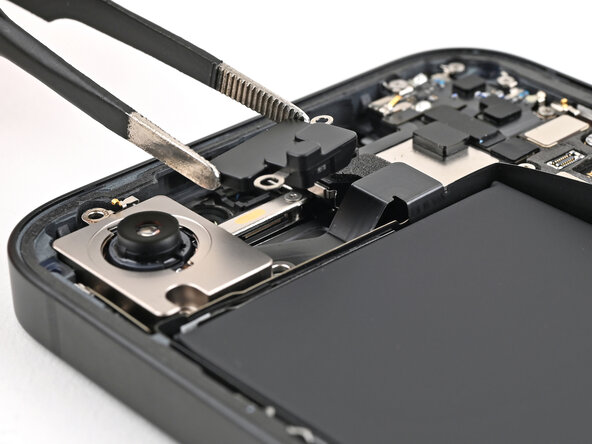
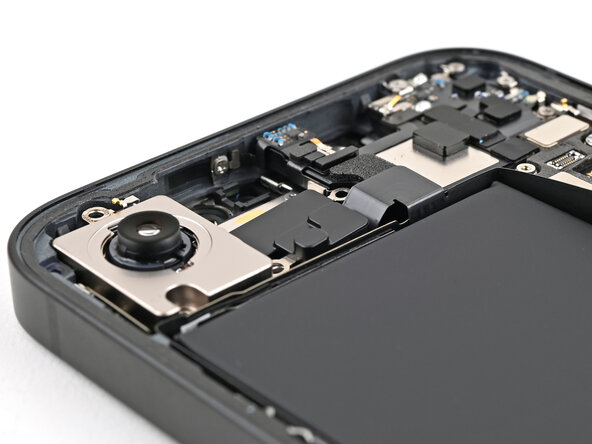
- Place the rear camera assembly into its recess in the frame.
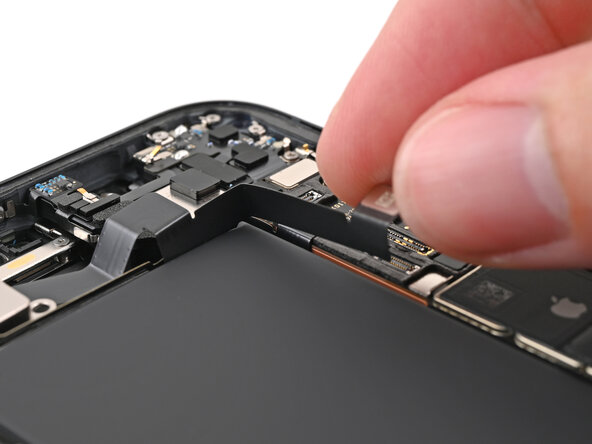
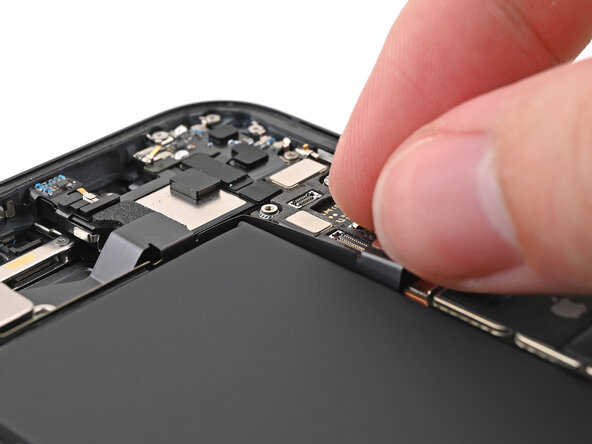
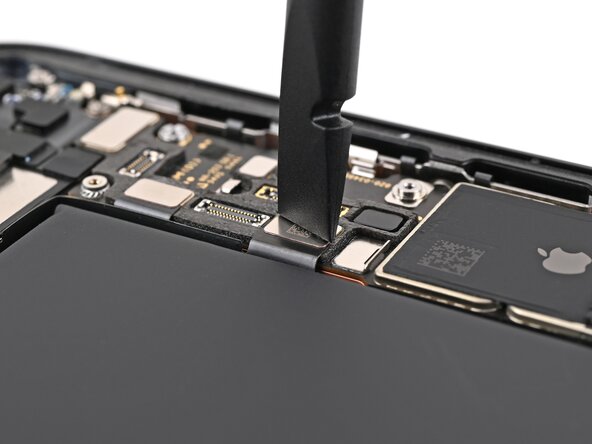
- Slide the rear camera assembly cable back into its slot along the battery.
- Place the camera spacer into its slot in the frame.
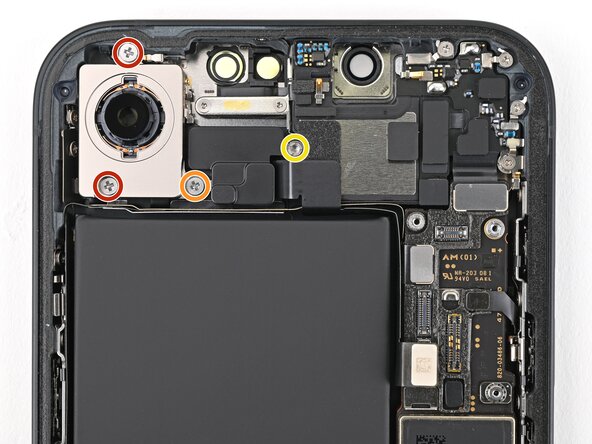
- Use a Phillips screwdriver to install the three screws securing the rear camera assembly:
- Two 2.3 mm‑long screws
- One 2.5 mm‑long screw
- Use a standoff screwdriver to install the 2.4 mm‑long screw securing the camera spacer.
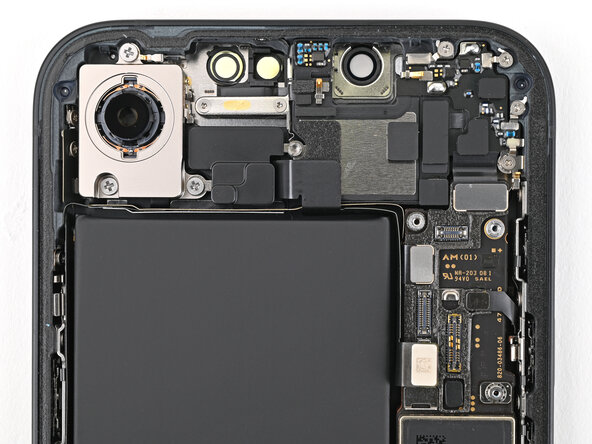
- Use a spudger or your fingers to connect the rear camera assembly press connector.