iPhone 16e Front Camera Assembly Installation
ID: 185188
Description:
Steps:
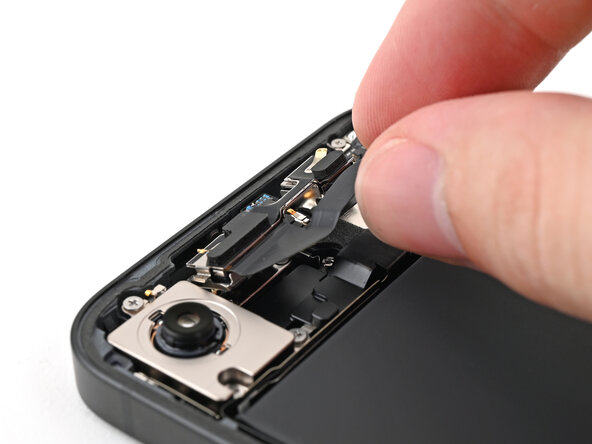
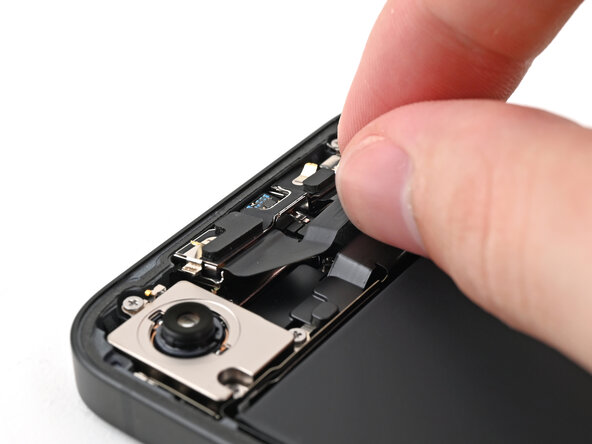
- Slide the front camera assembly into its recess in the frame.
- Press the assembly down so it lies flat.
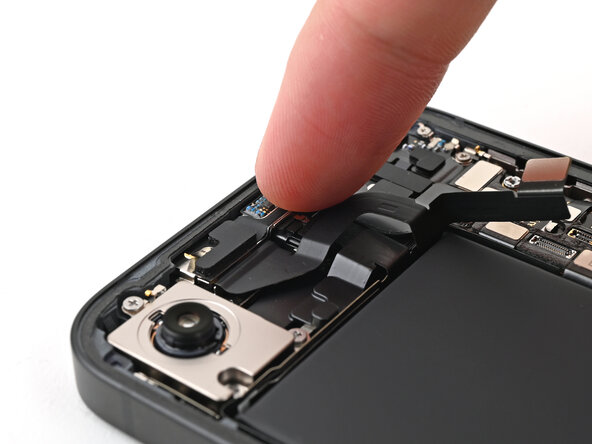
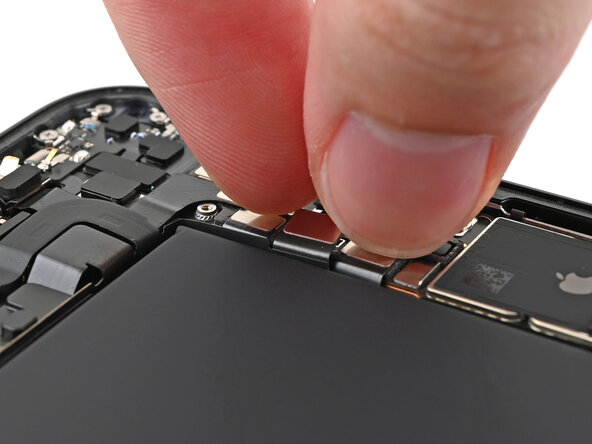
- Slide the front camera assembly cable into its slot along the battery.
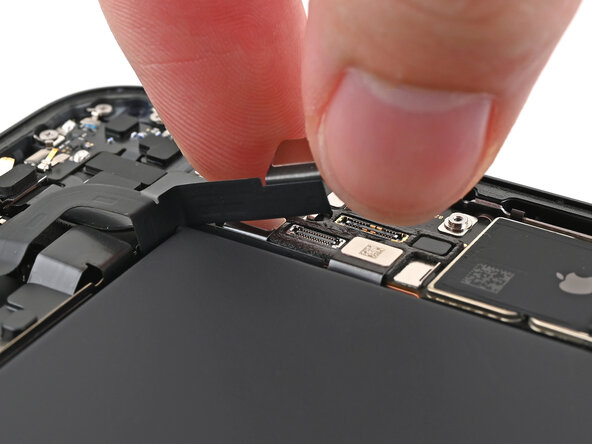
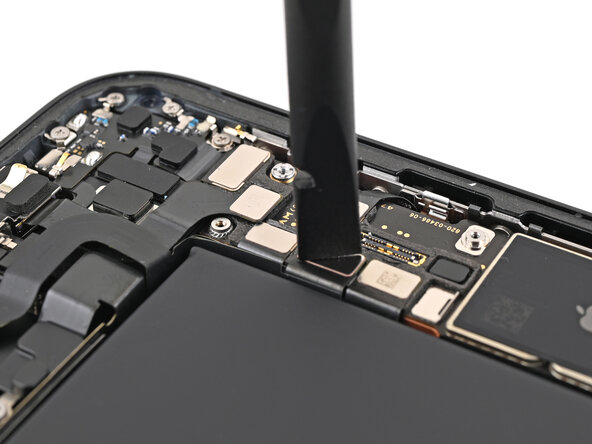
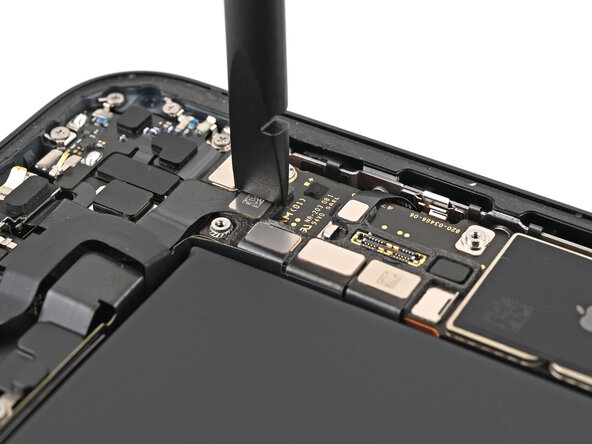
- Use your spudger or your fingers to reconnect the front camera assembly press connectors.
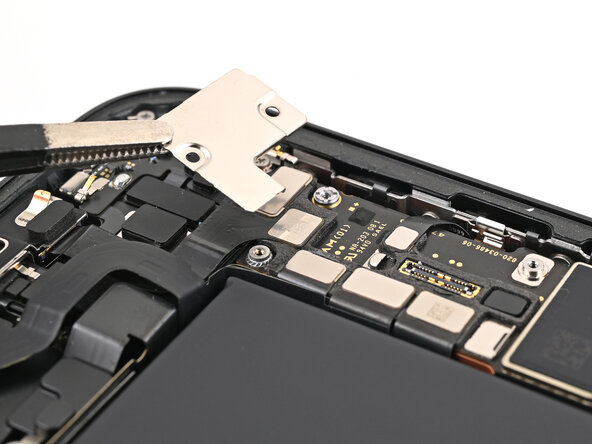
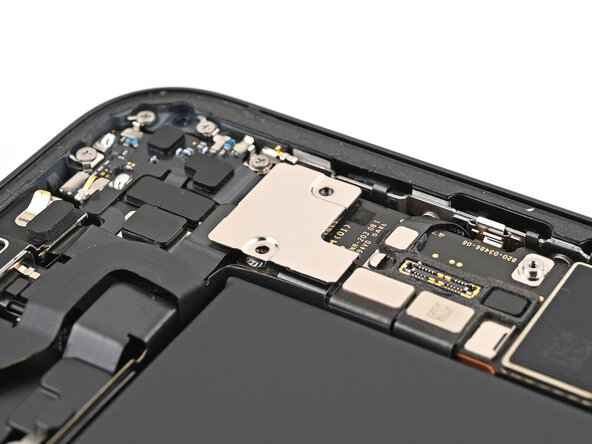
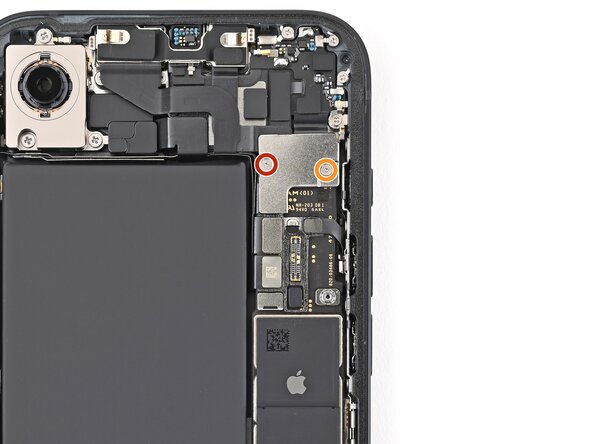
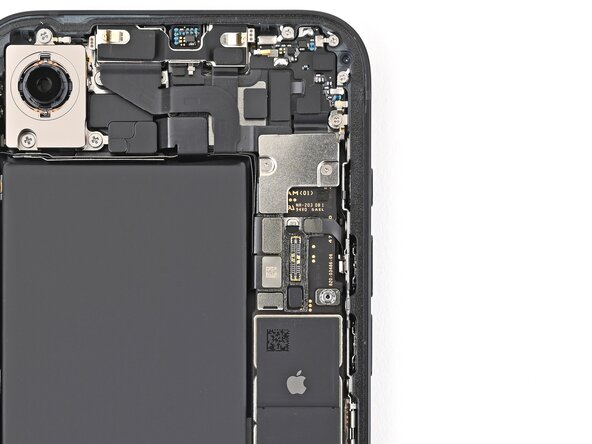
- Place the top connector cover onto the logic board over the three press connectors.
- Use a tri-point Y000 screwdriver to install the two screws securing the top connector cover:
- One 1.0 mm‑long screw
- One 1.3 mm‑long screw