Bissell CleanView Compact 3508 Brush Roll Replacement
ID: 185345
Description: This guide for the Bissell CleanView Compact...
Steps:
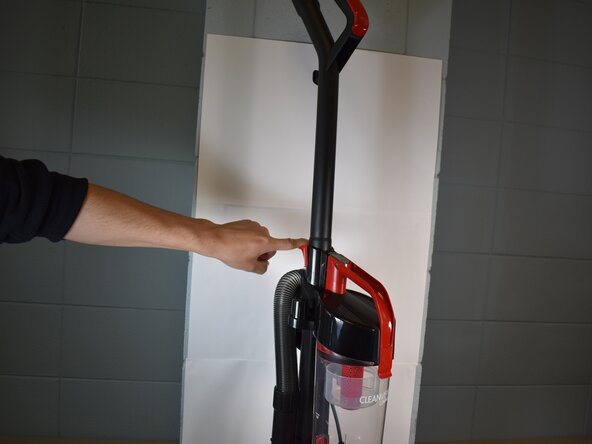
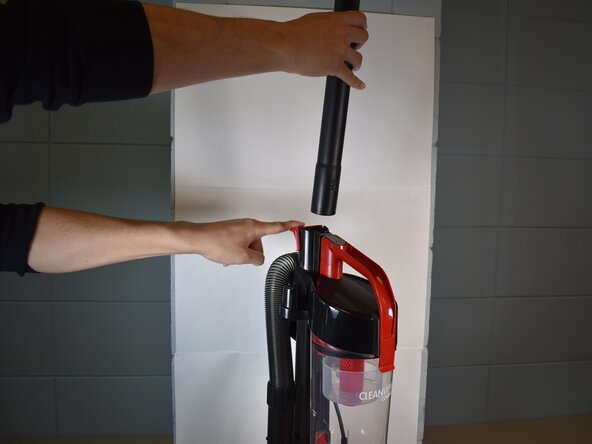
- With the vacuum in an upright position, press the latch on the rear of the spine to remove the handle from the vacuum.
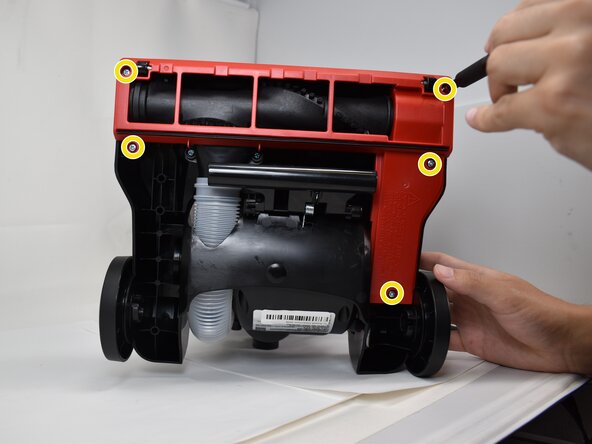
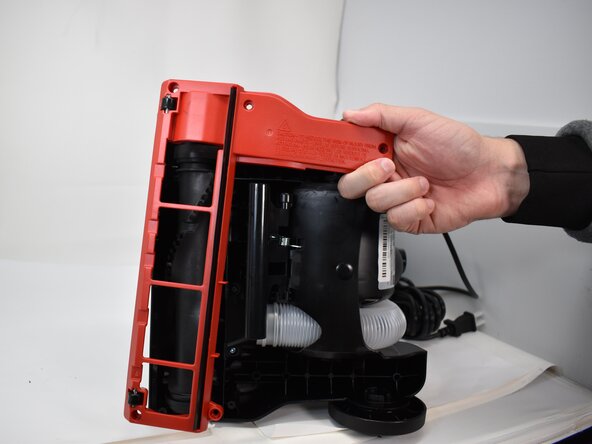
- Use a Phillips #2 screwdriver to remove the five 20.7 mm screws on the underside of the brush roll cover.
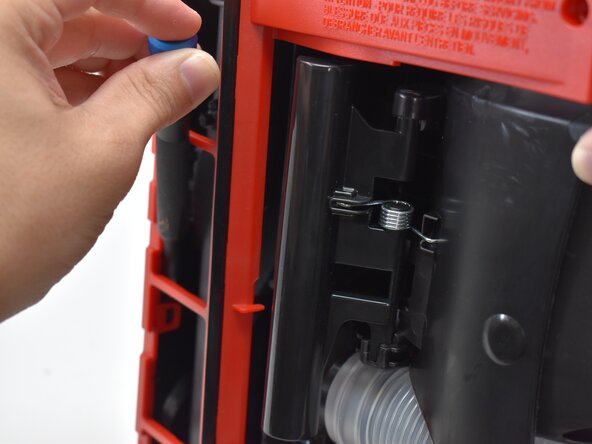
- Use a pry tool or flathead screwdriver to disengage the two retaining clips securing the brush roll cover.
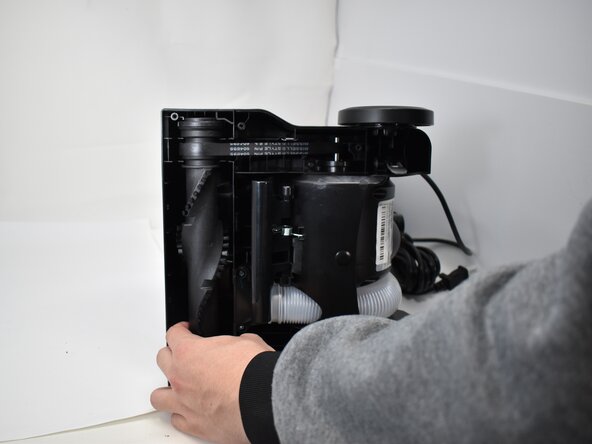
- Remove the brush roll cover.
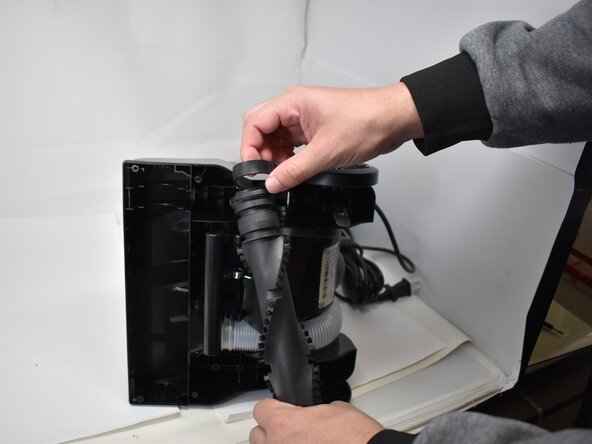
- Pull the roller brush out of the cavity.
- Remove the belt from around the brush roller.