HP Chromebook 15a-nb0013dx Trackpad Replacement
ID: 185348
Description: If you are experiencing trouble with your...
Steps:
- For your safety, unplug all peripheries, discharge the battery below 25%, and power down your device before beginning disassembly.
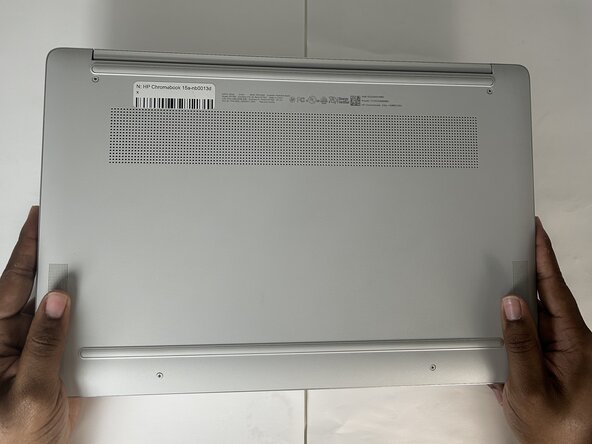
- Lay the device down so the lower case is facing up.
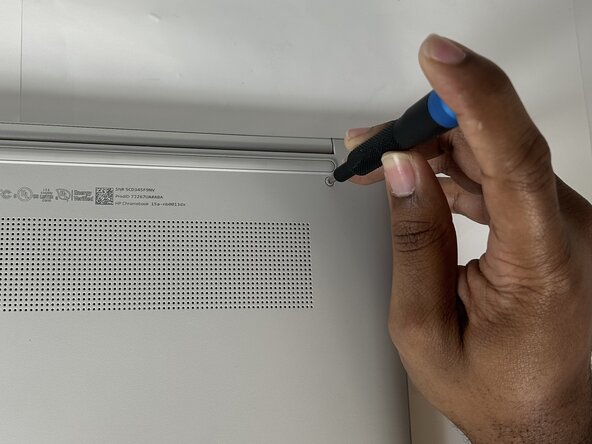
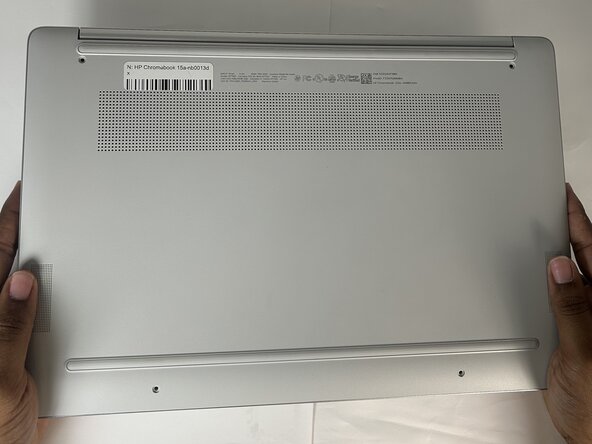
- Use a Phillips screwdriver to remove four 6.6 mm screws that secure the lower case.
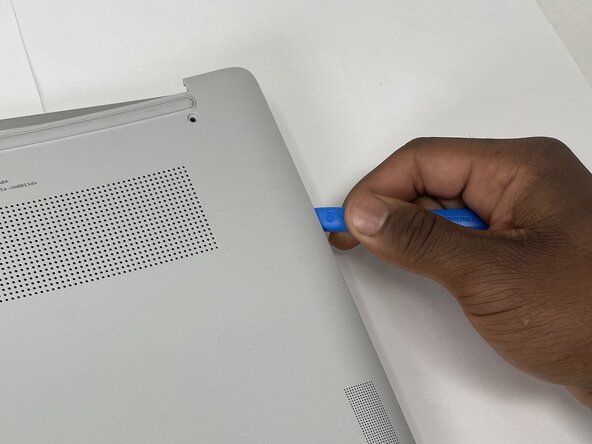
- Insert an opening tool into the seam between the lower case and the chassis, near the hinge.
- Pry around the entire perimeter of the lower case until it fully releases.
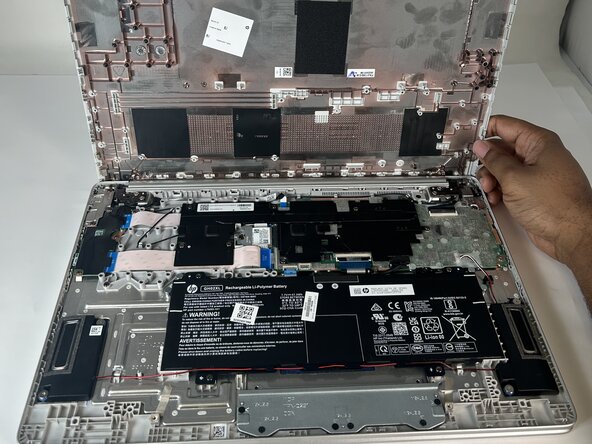
- Remove the lower case.
- Use a Phillips screwdriver to remove four 4.1 mm screws that secure the battery.
- Take care not to puncture or bend the battery.
- Unseat the speaker cable on the lower edge of the battery from their retaining hooks.
- Lift the battery up and out of the chassis.
- Use a Phillips screwdriver to remove six 2.9 mm screws securing the metal bracket that supports the trackpad.
- Remove the metal bracket.
- Use a spudger to flip up the black ZIF locking flap on the touchpad ribbon cable.
- Use tweezers to grasp the ribbon cable and pull it away from its socket.
- Take care not to damage the ribbon cable.
- Gently lift the trackpad ribbon cable away from the trackpad.
- The trackpad ribbon cable is secured with a mild adhesive. Pull it away carefully to avoid damage.
- From the top of the touchpad, grasp the clear tape and pull it back enough to expose the three 2.2 mm screws.
- Use a Phillips #00 screwdriver to remove three 2.2 mm screws that secure the trackpad.
- Grasp the trackpad from the bottom edge and pull it up and away from the laptop to remove it.