Bissell CleanView Compact 3508 Lower Hose Replacement
ID: 185350
Description: This guide for the Bissell CleanView Compact...
Steps:
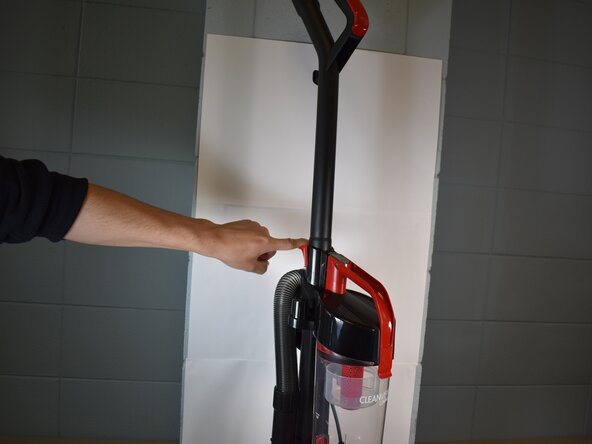
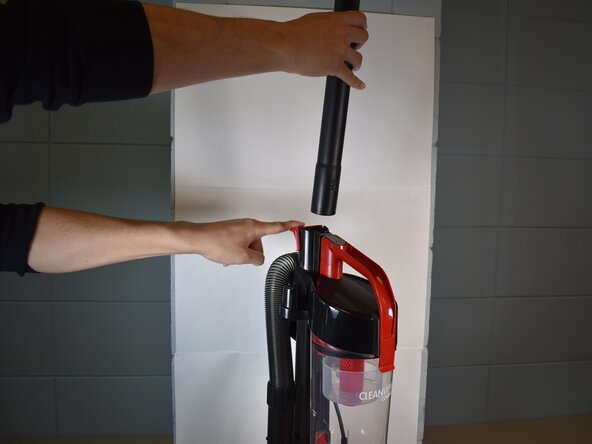
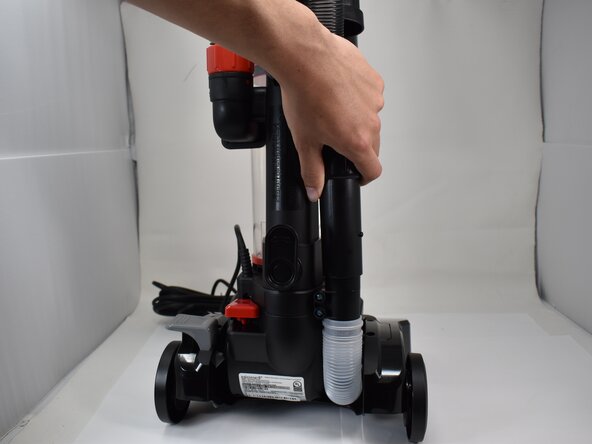
- With the vacuum in an upright position, press the latch on the rear of the spine to remove the handle from the vacuum.
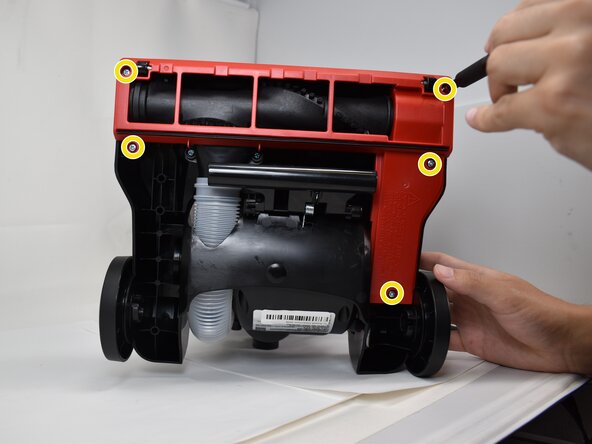
- Use a Phillips #2 screwdriver to remove the five 20.7 mm screws on the underside of the brush roll cover.
- Use a pry tool or flathead screwdriver to disengage the two retaining clips securing the brush roll cover.
- Remove the brush roll cover.
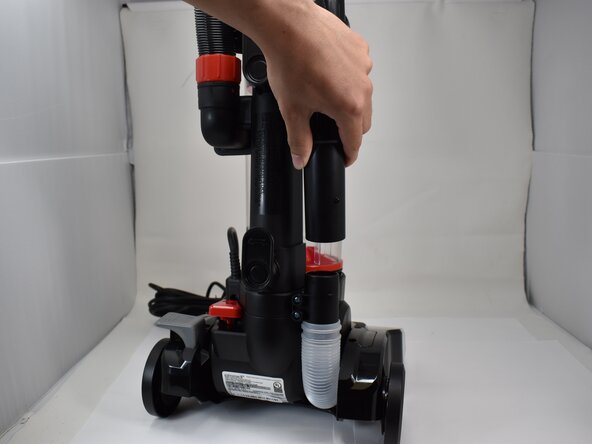
- Disconnect the main black hose from its lower attachment point.
- Use a Phillips #2 screwdriver to remove the two 20.7 mm screws from the lower hose attachment point.
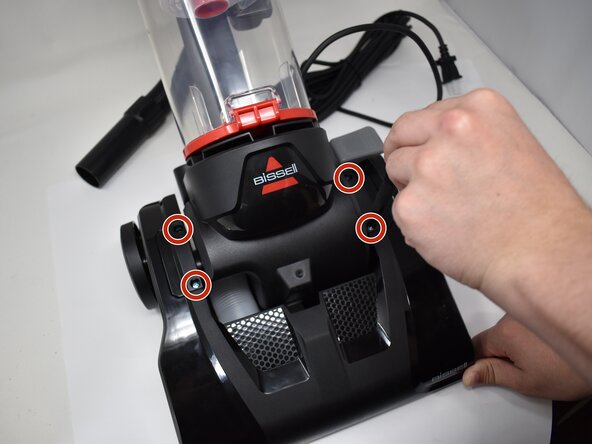
- Use a Phillips #2 screwdriver to remove the four 20.7 mm screws on the upper cover plates.
- Remove the two upper cover plates.
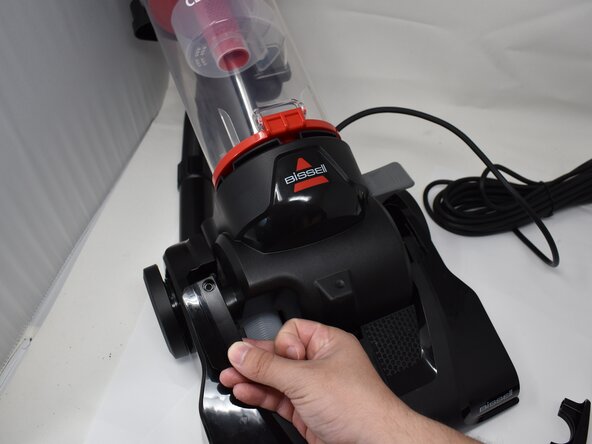
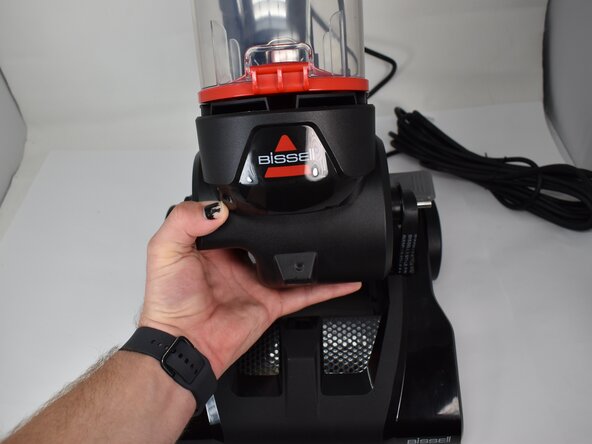
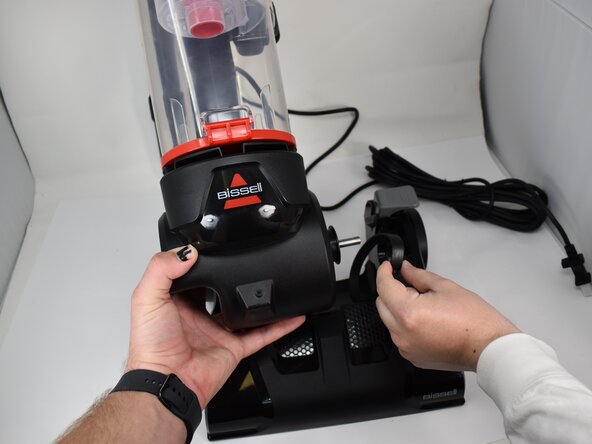
- Gently pull the top half up and to the side away from the drive shaft to separate both halves.
- Pull the belt through the socket, and remove the belt from the drive shaft.
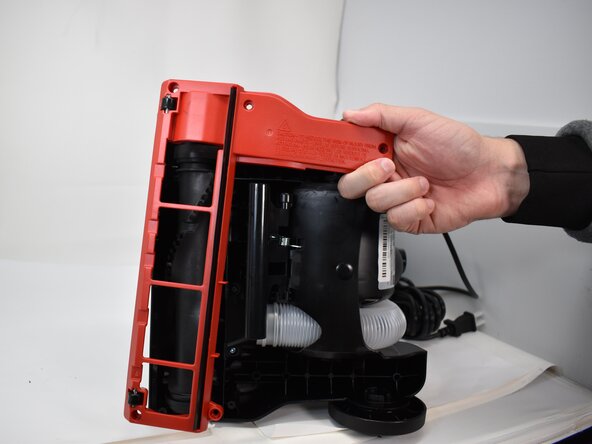
- Flip the bottom upside to expose the bottom.
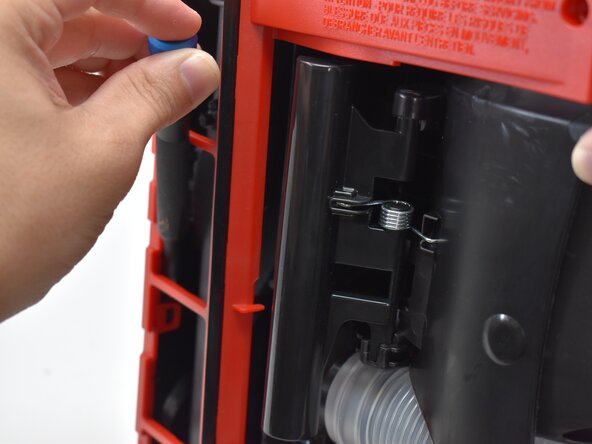
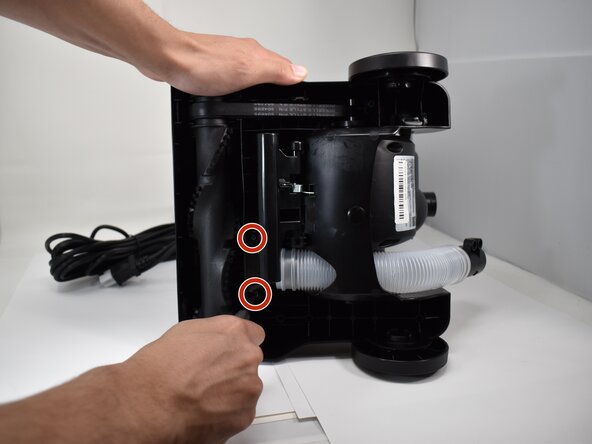
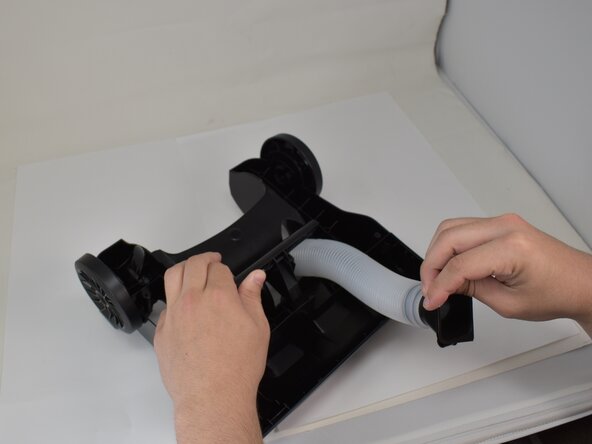
- Pull back the lever back, and remove the two 20.7 mm screws from the hose.
- Flip the bottom upside to expose the bottom.
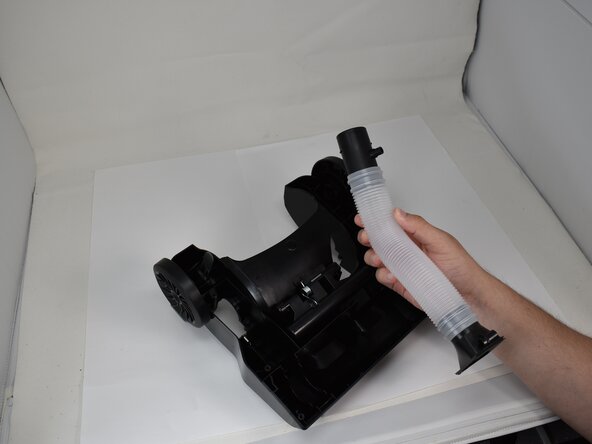
- Continue to hold the lever back and pull the hose through, with the outside side of the hose being pulled through the base.