Razer BlackWidow V3 Tenkeyless USB Cable/Back Panel Replacement
ID: 185358
Description: If you need to replace your back cover or clean...
Steps:
- Before you begin, unplug the keyboard from your computer to prevent accidental damage.
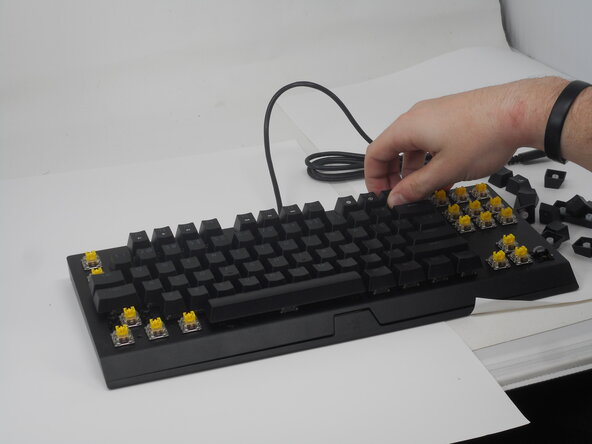
- Use a keycap puller to remove all keycaps.
- Remove the two 7.8 mm Phillips #0 screws on the lower edge of the face plate.
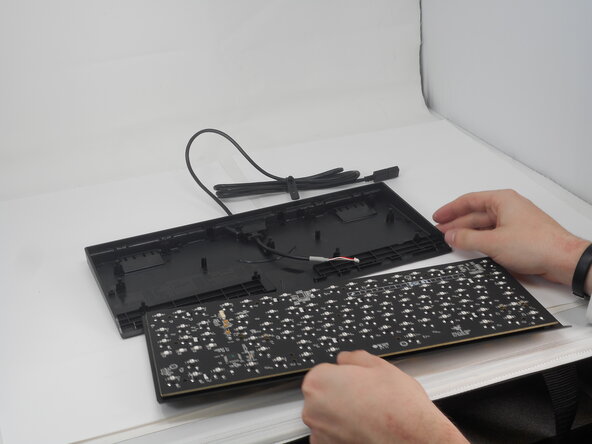
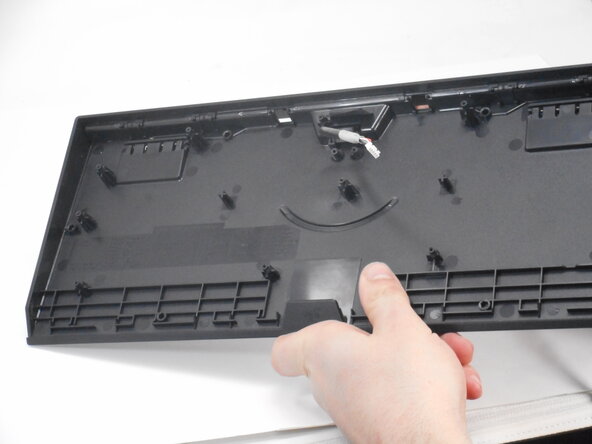
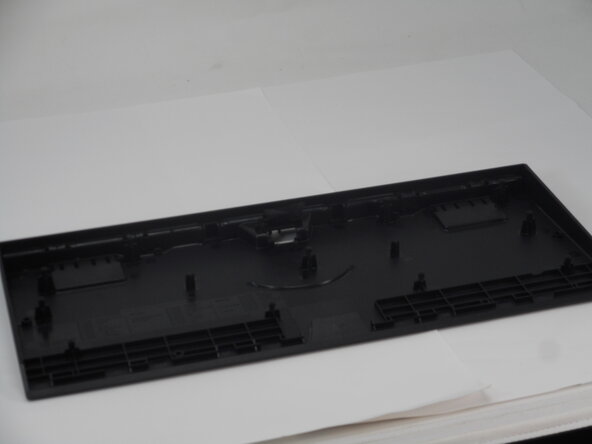
- Carefully separate the backplate from the face plate.
- Take care not to strain the connected USB cable.
- A plastic opening tool can be helpful to gently pry the pieces apart if needed.
- Be patient and work slowly to avoid breaking any clips or the usb-connector.
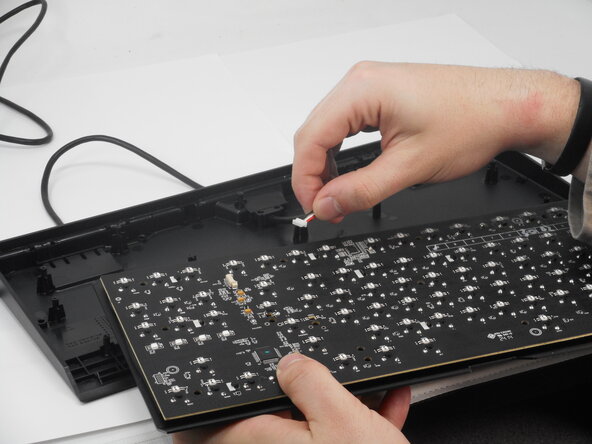
- Flip the face plate over and gently disconnect the white USB connector.
- Pull on the connector, not the cable bundle.
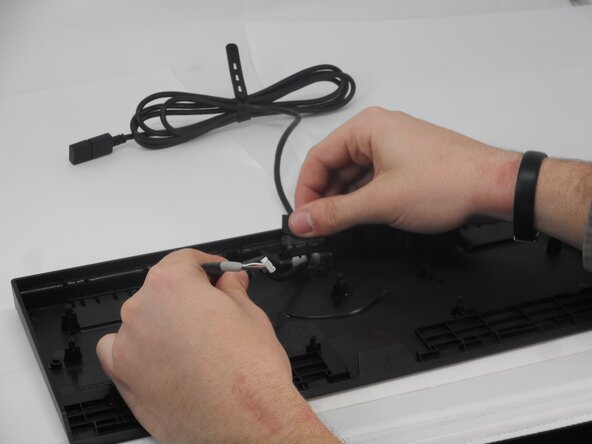
- Remove the two Phillips #0 screws.
- Lift the flap and remove the USB cable.
- Optional: Clean out any dirt or debris.