Logitech G X56 HOTAS Throttle Motherboard Replacement
ID: 185363
Description: If your Logitech G X56 HOTAS Throttle is...
Steps:
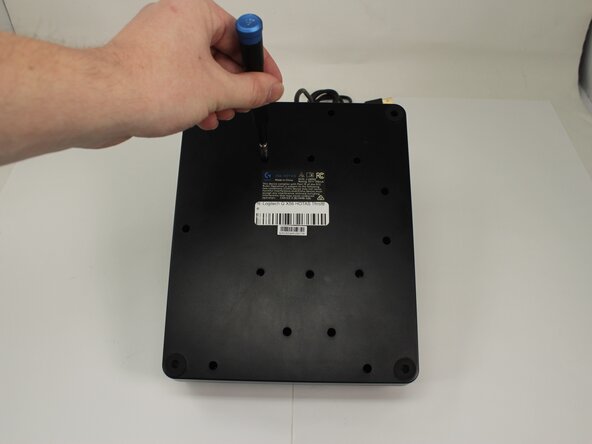
- Place the throttle upside down with the bottom panel facing up.
- Remove the fifteen 13.6 mm Phillips #1 screws that secure the bottom panel to the base plate.
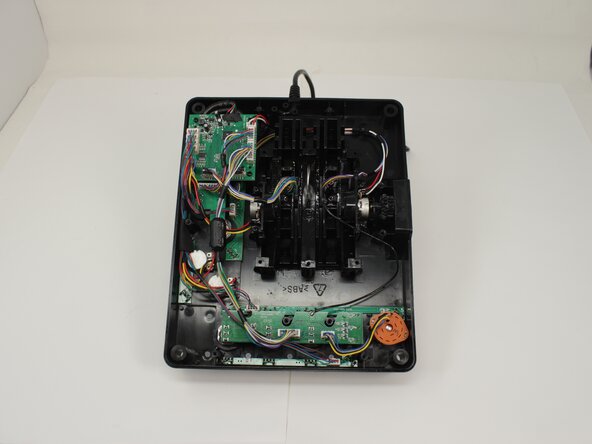
- Remove the bottom panel by lifting straight up.
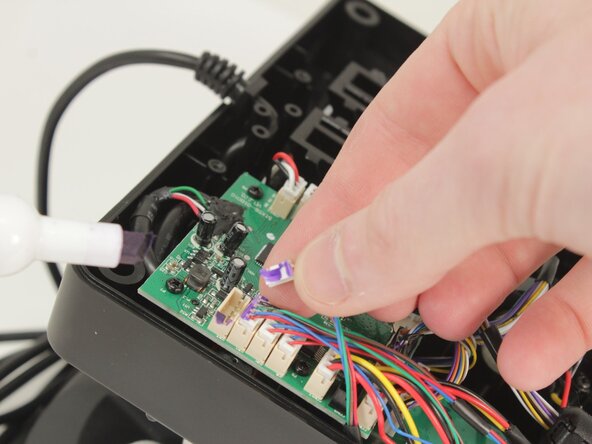
- Optional: Take a picture or mark each connector as you remove them for ease of reassembly.
- Disconnect all of the motherboard connectors by pulling them straight up and out of their sockets.
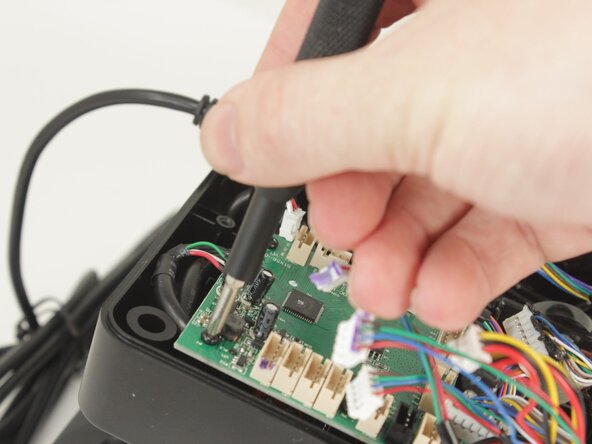
- Remove the four 11.6 mm-long Phillips #0 screws that secure the motherboard.
- Lift the motherboard from the base plate shell, carefully making sure to keep the USB power cable unstrained.