Logitech G X56 HOTAS Throttle Switch Board Replacement
ID: 185365
Description: If the toggle switches on your Logitech G X56...
Steps:
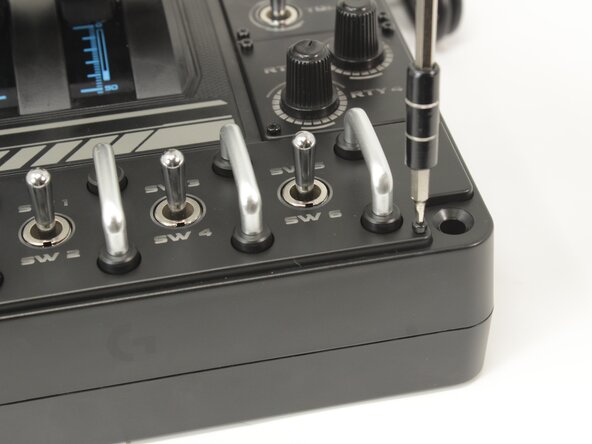
- Remove the eight 8.6 mm long 1.5 mm hex screws from the label plate.
- Use an opening tool to pry off the mode switch knob.
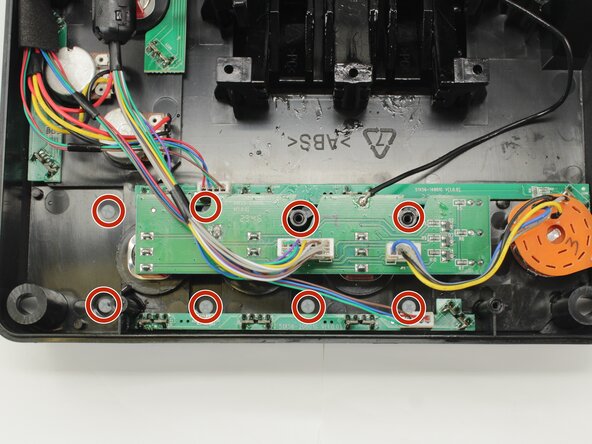
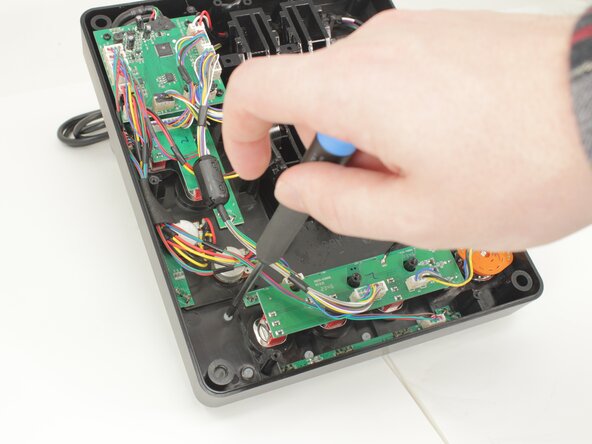
- Remove the eight 12.5 mm long Phillips #1 screws from the underside of the label plate.
- These screws are plastic! Be very careful when applying force.
- Place the throttle right side up again, using the bottom panel as a coaster.
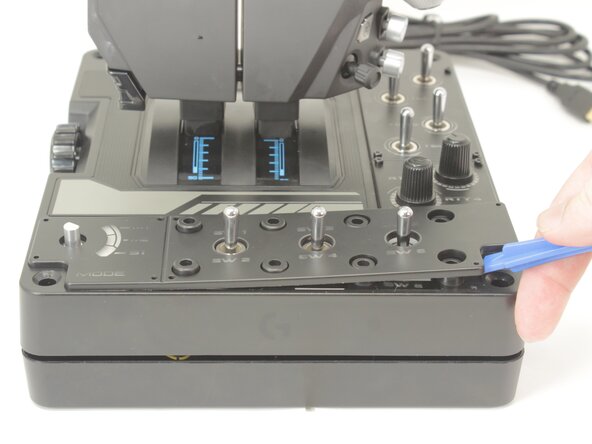
- Gently pry the label plate from the body of the throttle.
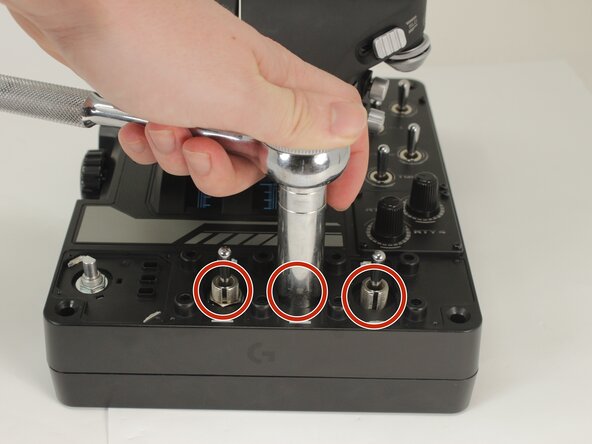
- Remove the 14 mm nuts at the base of the switches.
- Disconnect the connectors and de-solder the one black wire.
- Remove and replace the toggle switch daughterboard.