HP 14-dq5043cl Wi-Fi Module Replacement
ID: 185517
Description: Is your HP 14-dq5043cl struggling to connect to...
Steps:
- For your safety, unplug all peripheries, discharge the battery below 25%, and power down your device before beginning disassembly.
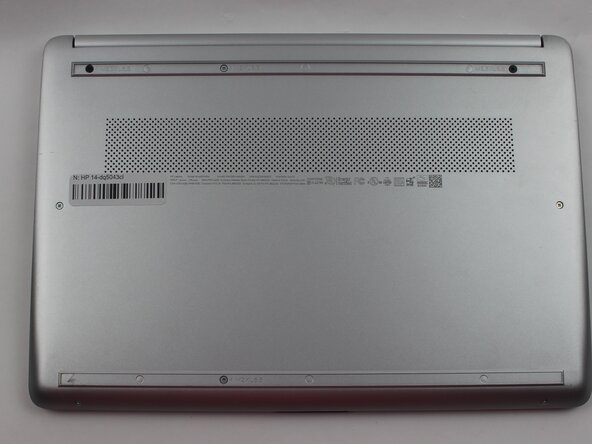
- Remove the two rubber feet on the lower case.
- If you intend to reuse the rubber feet: Use a hairdryer or iOpener to lightly heat the feet to loosen the adhesive that secures them prior to removal. Take care not to stretch out the rubber.
- Remove the six M2XL6 Phillips screws that secure the lower case.
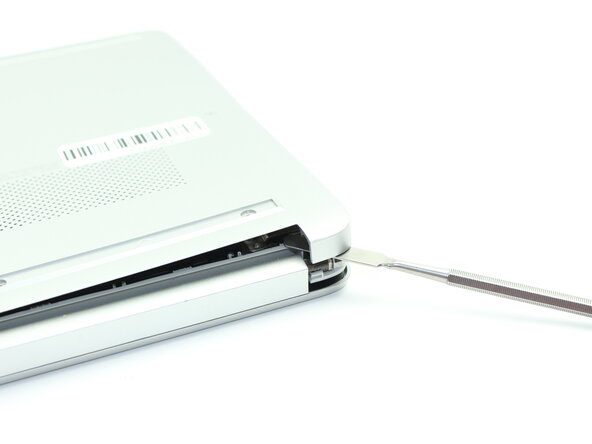
- Insert a nylon spudger into the seam between the lower case and chassis.
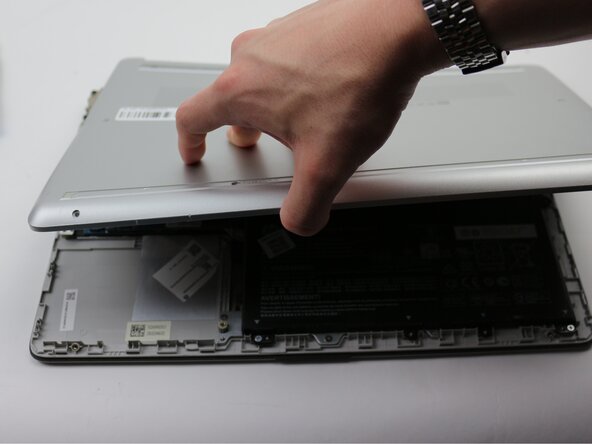
- Pry around the entire perimeter until the lower case fully releases.
- Remove the lower case.
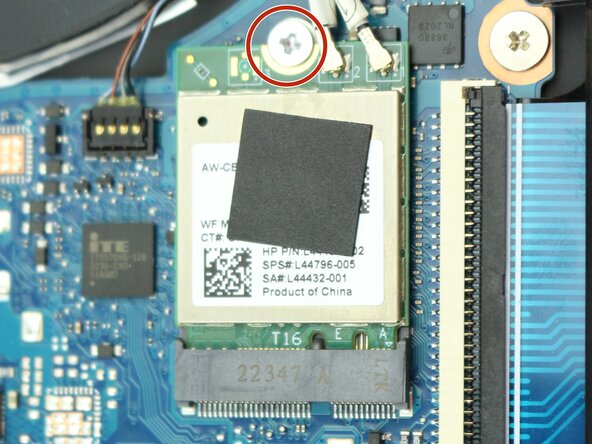
- Remove the single M2x6.5 screw that secures the Wi-Fi module.
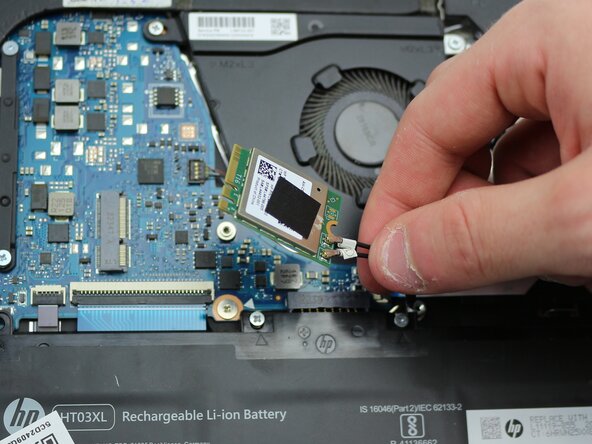
- Use the pointed end of a spudger to lift and disconnect the two Wi-Fi module coaxial connectors.
- Pull the Wi-Fi module directly out of its socket to remove it.