Shark ION RV754 Wheels Replacement
ID: 186035
Description: This guide will instruct you how to remove and...
Steps:
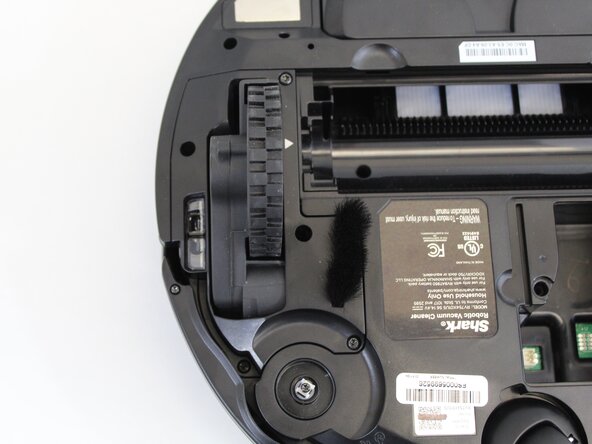
- Place the unit on its back with the wheels facing up.
- Use a Phillips #1 screwdriver to remove the single screw securing the battery compartment door.
- Use your finger to lift off the battery door using the small indent next to it.
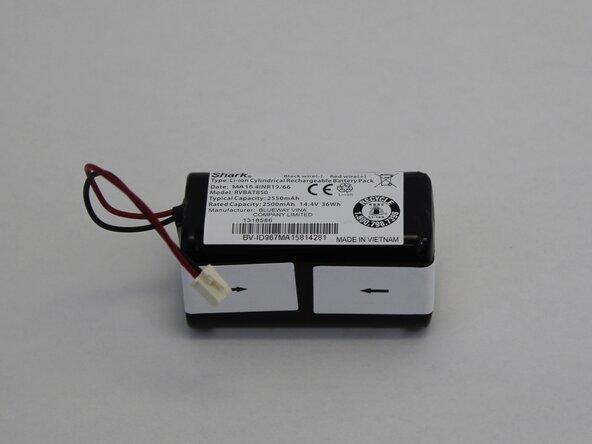
- Lift the battery out just above the compartment to access the battery connector.
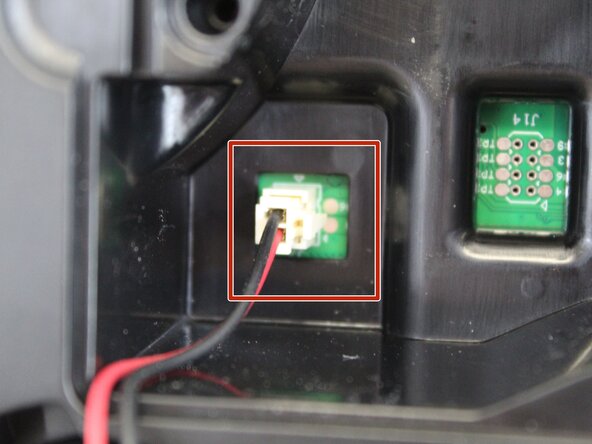
- Squeeze the tab against the connector and pull it straight up to disconnect it.
- Remove the battery completely.
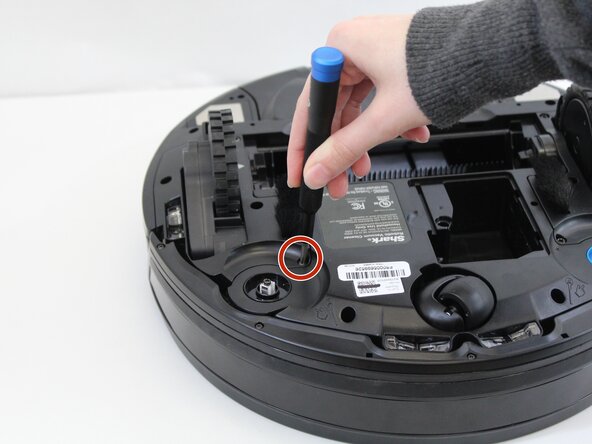
- Use a TR15 Torx security screwdriver to remove five 13.85 mm screws from the left and right wheel assemblies.
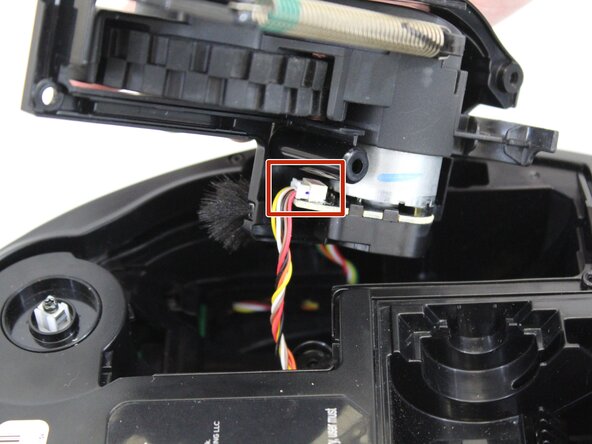
- Lift the wheel assembly out to access the cable connectors that are attached to the wheels.
- Squeeze the tab against the connector and pull it straight out to disconnect it from the wheel.
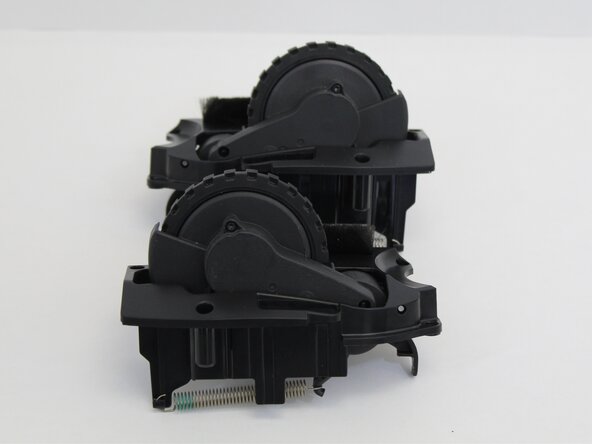
- Remove the wheel assembly.
- Repeat the steps to remove the other wheel.