Sennheiser Momentum 4 Charging Port Replacement
ID: 186038
Description: This is a guide to access the charging port of...
Steps:
- On the right ear piece, insert an opening tool into the gap between the ear pad and the driver housing.
- Gently pry the ear pad away from the driver housing until the ear pad fully releases.
- Remove the right ear pad.
- Use a Phillips #00 screwdriver to remove four 6.5mm screws that secure the right driver housing.
- Insert a spudger into the seam between the driver housing and chassis.
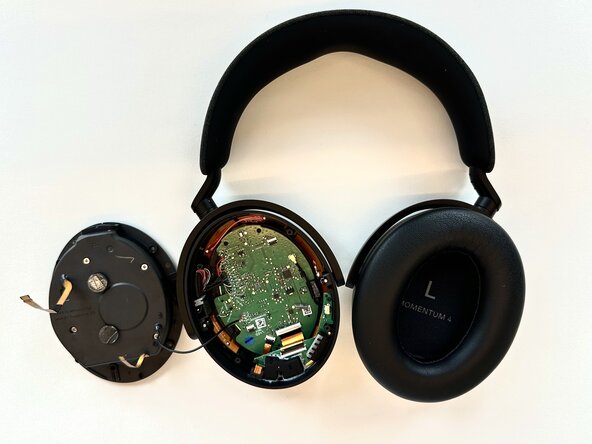
- Gently pry the driver housing up and out of the chassis, with care not to strain the connected cables.
- Flip up the three black ZIF locking flaps that secure the three bronze ribbon cables.
- Disconnect all three ribbon cables.
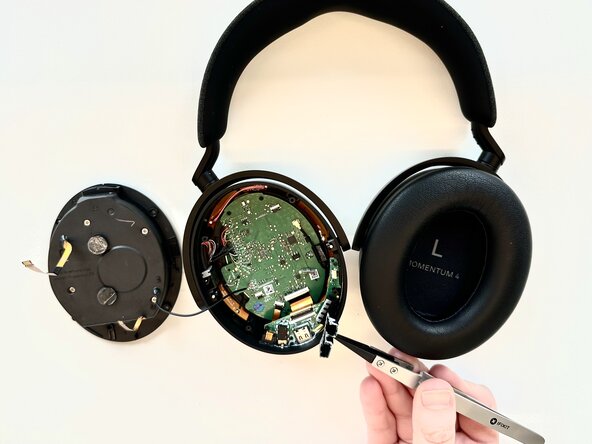
- Use tweezers to remove the plastic covering surrounding the audio jack and charging port.
- Break the adhesive securing the rubber audio jack/power housing.
- Use a Phillips #00 screwdriver to remove the two black 1.4 mm screws that secure the I/O board.
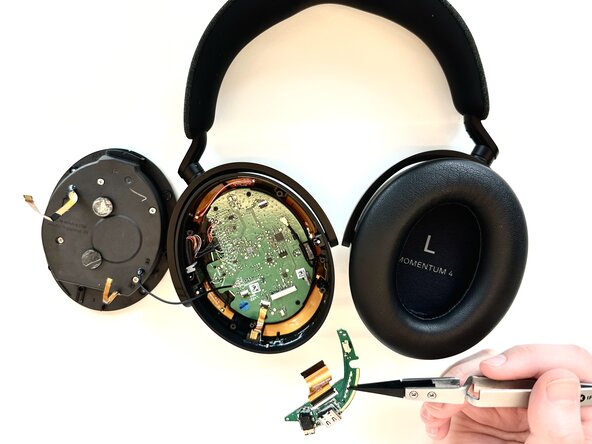
- Lift the I/O board up and out.
- Flip the I/O board over and desolder the charging port.