Acer Aspire 3 A315-24PT-R288 Speakers Replacement
ID: 186057
Description: If you notice any unusual sounds or distortion...
Steps:
- For your safety, unplug all peripheries, discharge the battery below 25%, and power down your device before beginning disassembly.
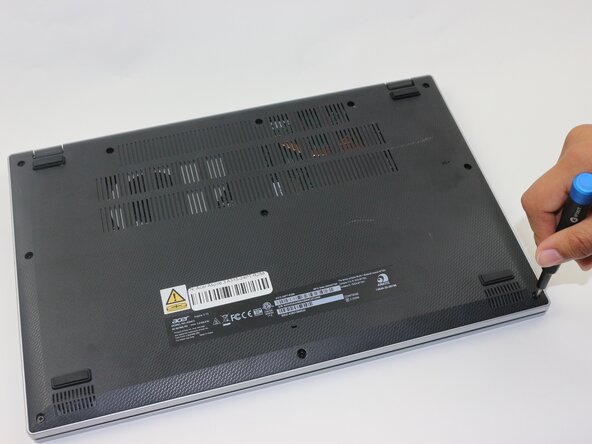
- Use a Phillips screwdriver to remove the eleven 2 mm screws that secure the lower case.
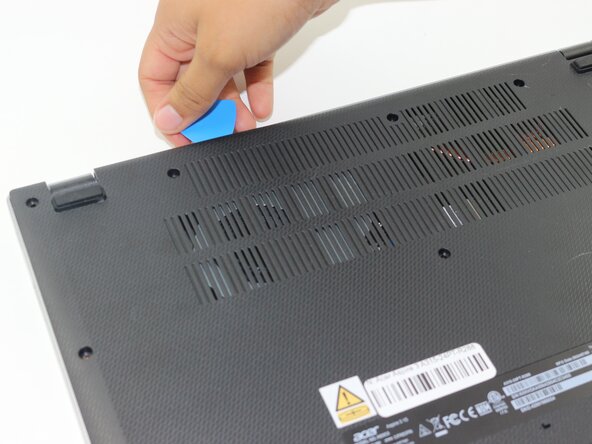
- Insert an opening pick in the seam between the chassis and the lower case.
- Slide the opening pick around the entire perimeter, prying every couple of centimeters, to release all of the retaining clips that secure the lower case.
- Remove the lower case.
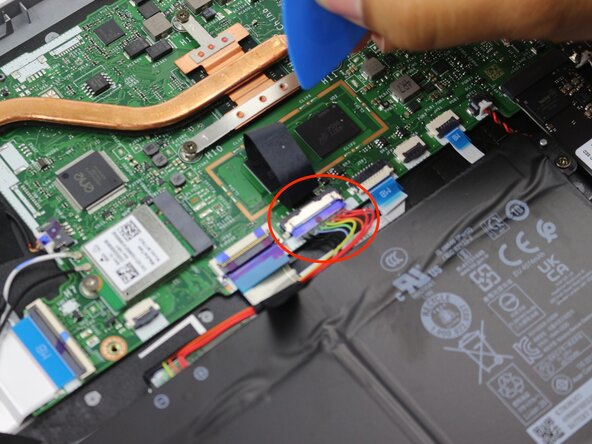
- Remove the tape on the battery connector using tweezers or your fingers.
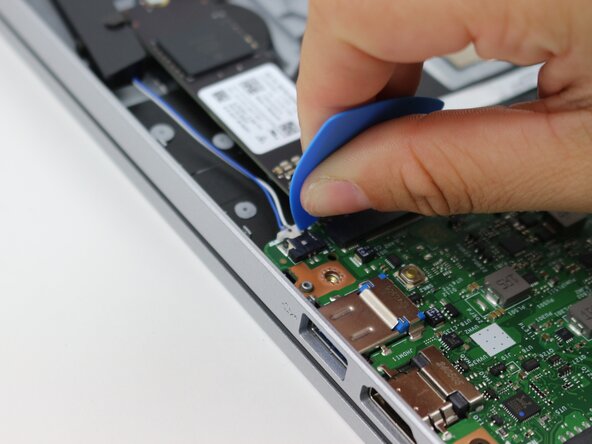
- Use an opening pick or the flat end of a spudger to gently push the battery connector out of its motherboard socket.
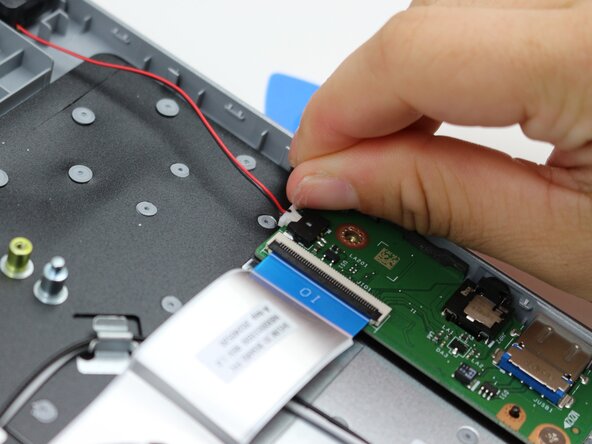
- Use an opening pick or your fingernails to gently push each of the two speaker connectors out of their sockets.
- Lift both of the speakers up and out the chassis.