Lorex LHV210800 Button Panel Replacement
ID: 186105
Description: The button panel is what transfers button...
Steps:
- Before beginning, disconnect the DVR from power and unplug all peripheries.
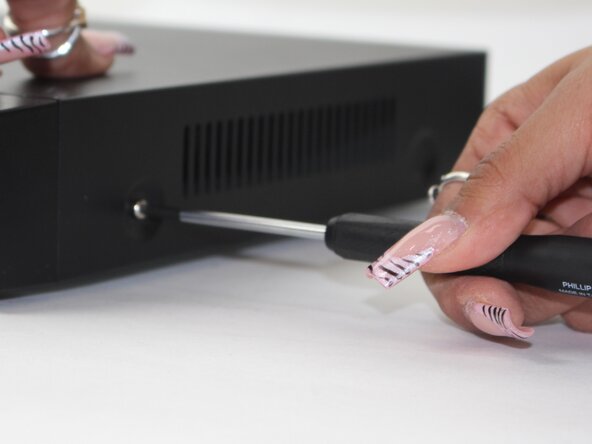
- Remove each of the two 1 cm screws on the right and left sides of the DVR with a Phillips screwdriver.
- Remove the four 1 cm Phillips screws on the rear panel.
- Do not unscrew the screw connected to the lower case.
- Lift up and remove the top cover.
- Unplug the two cables from the HDD.
- These plugs will have a BLUE and R/B/B/Y color scheme.
- Flip the DVR over so the underside is facing up.
- Remove the 1 cm Phillips screws on the lower case.
- Lift the HDD up and out of the chassis.
- Remove the five Phillips screws that secure the button panel.
- Depress the white clip that secures the button panel connector.
- Disconnect the white button panel connector.
- Release the retaining tabs that secure the button panel ribbon cable.
- Disconnect the ribbon cable.
- Remove the button panel.