Epson PictureMate Pal PM 200 Memory Card Replacement
ID: 186132
Description: Is your Epson PictureMate Pal PM 200 not...
Steps:
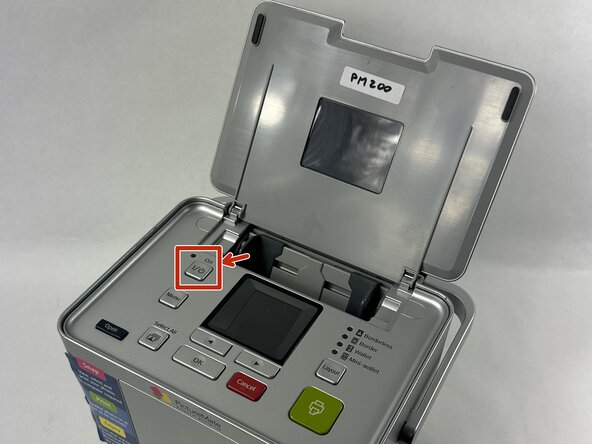
- Turn off the printer using the power button.
- Unplug the printer from the wall outlet to avoid electrical shock.
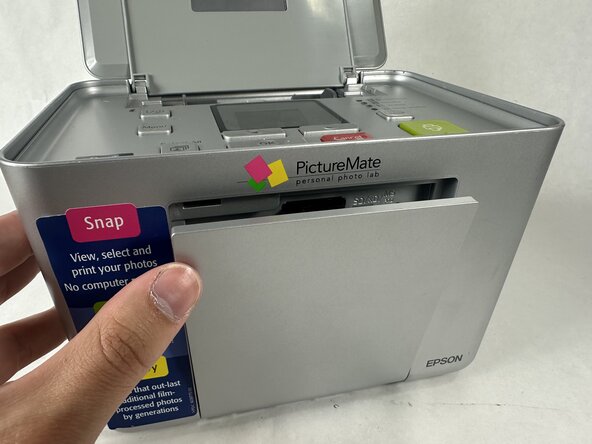
- Locate the memory card slot on the front of the printer.
- Gently open the protective cover by pulling it outward.
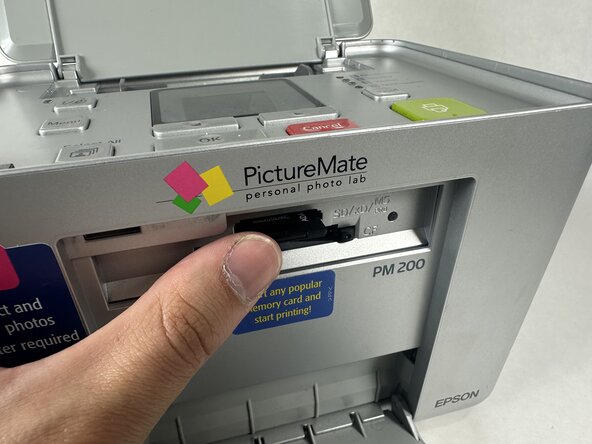
- If a memory card is already inserted, carefully press it in slightly until it "clicks" and releases.
- Pull the card out.