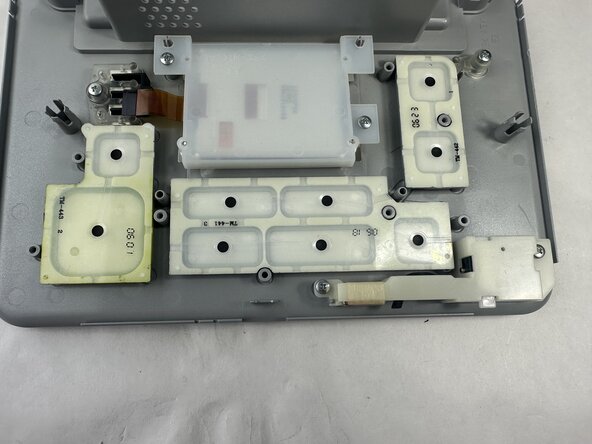
Epson PictureMate Pal PM 200 Daughter Board
ID: 186135
Description: Facilitates the control panel and user...
Steps:
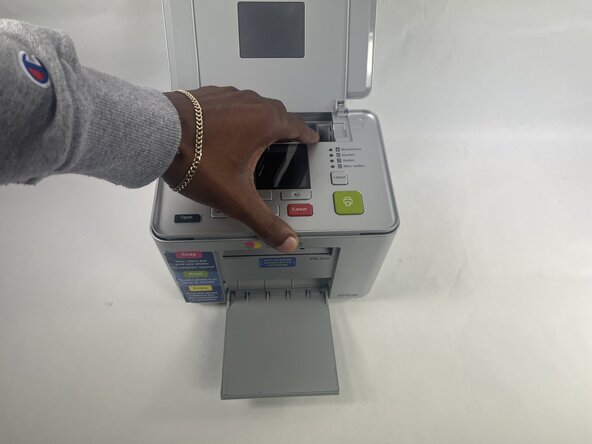
- Be certain that device is powered off and unplugged as to not damage any of the internal components before beginning.
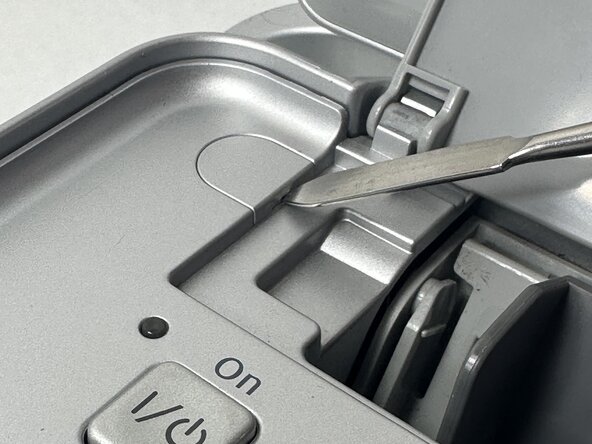
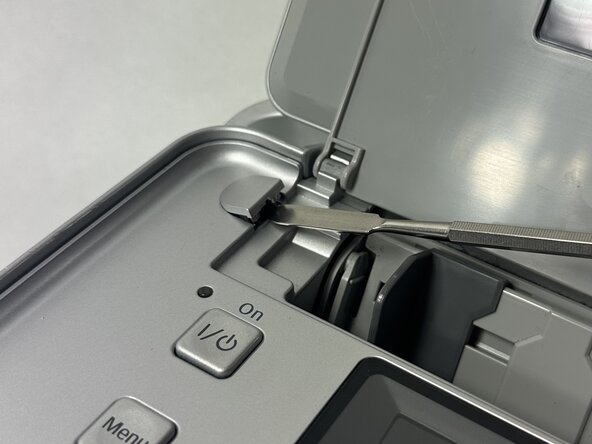
- Power off device and use a metal spudger to remove each of the two caps over the screws that hold the top plate to the device.
- Remove the two 6 mm Phillips screws.
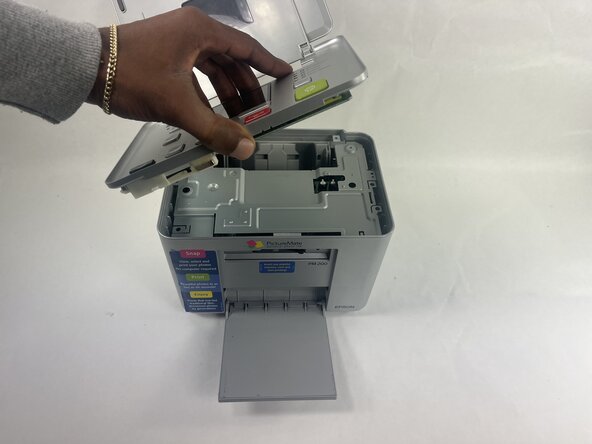
- Gently lift the lid and turn it to face the daughterboard underneath.
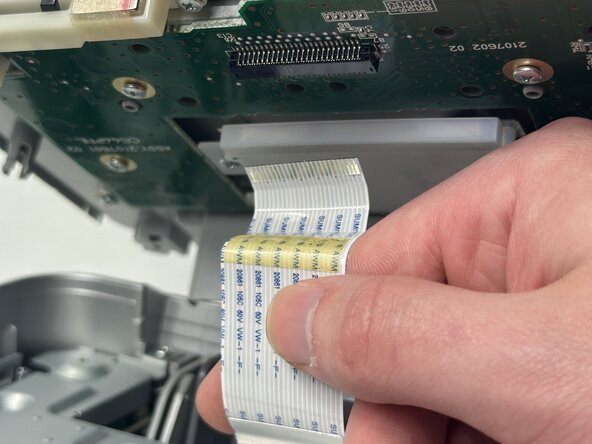
- Gently pull the no-fuss ribbon cable out from its connector.
- The other end of the ribbon cable is still in the device's motherboard. Only remove the end connected to the daughterboard unless stated in a later step in order to not lose it due to unnecessary removal.
- Remove the printer top plate.
- Remove the LCD ribbon cable by pulling gently away from connector.
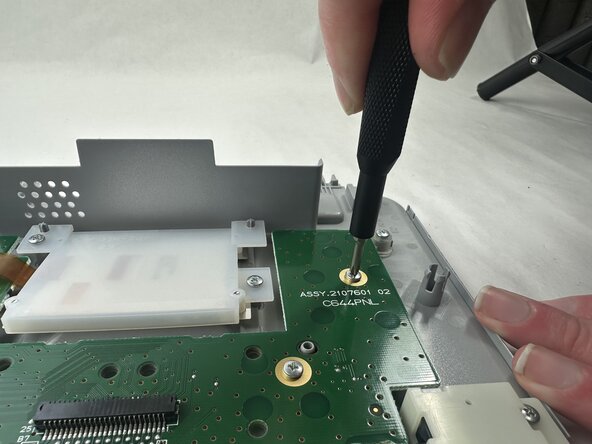
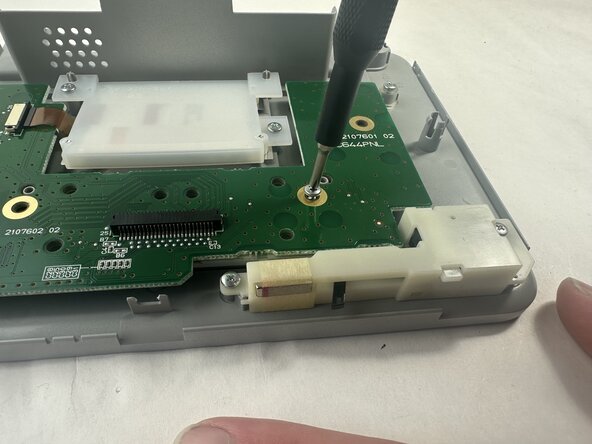
- Remove all five 8 mm Phillips screws that secure the daughterboard to the top panel.
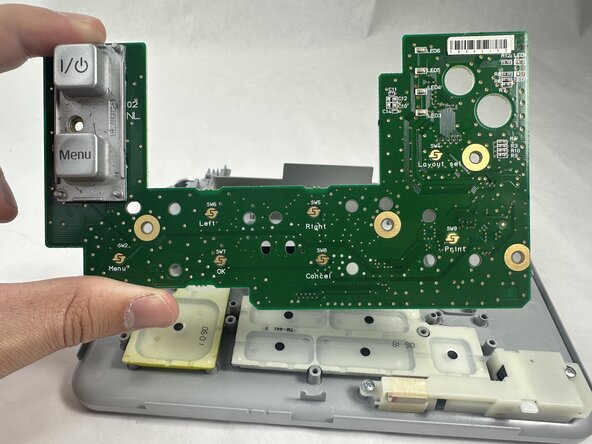
- Remove the daughterboard by lifting it away from the top plate.