Epson PictureMate Pal PM 200 Ink Cartridge Replacement
ID: 186138
Description: The ink cartridge, or Photo Cartridge, is...
Steps:
- Ensure that the printer is off and unplugged to prevent harm or damage to printer before beginning the replacement.
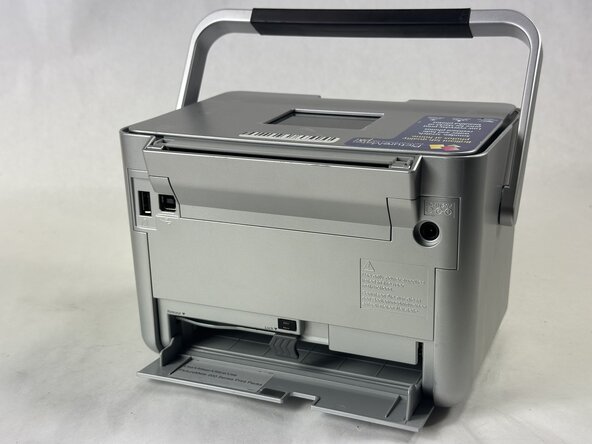
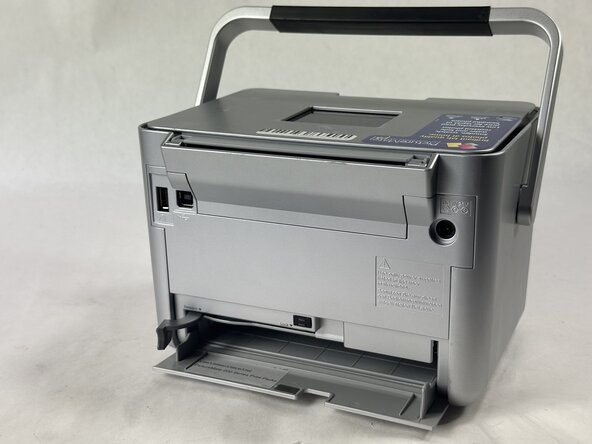
- Turn the printer to face its backside and move the handle to the top or front of printer.
- Open the back door by pulling down on the indent.
- Pull the lever to the left to disengage the cartridge from the printer.
- Do not try to remove the cartridge before moving the lever.
- Gently pull the cartridge out and dispose of it properly.
- Check local resources for proper disposal and recycling guidelines.
- The cartridge is missing in this guide.
- If ink gets on your hands, be sure to wash them thoroughly with soap and water. If ink gets in the eyes, flush them out with water, and see a medical professional should vision problems or discomfort persist.