BolaButty X-GO C27-C Battery Replacement
ID: 186142
Description: Lithium-ion batteries inevitably wear over...
Steps:
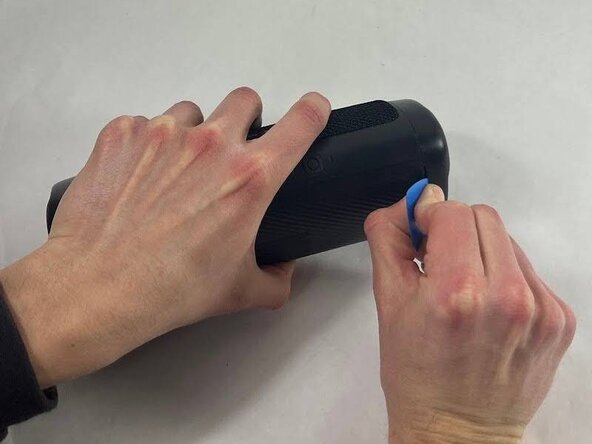
- Take an opening tool or pick and wedge it into the groove between the endcap and the main casing. Wiggle it back and forth.
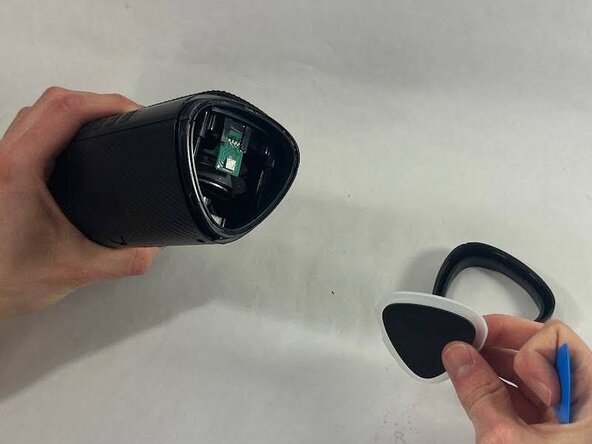
- Strike the speaker endcap firmly against a solid surface to pop the end caps off.
- Removing the end caps requires a good amount of force. There is a realistic chance that you will damage your speaker or break the caps.
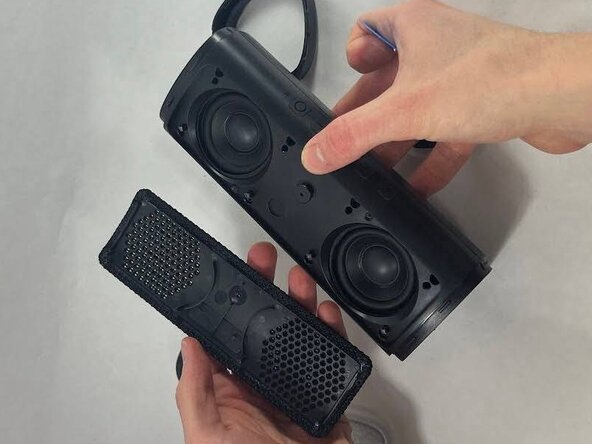
- Wedge an opening tool or a pick under the speaker cover and work it back and forth to loosen it. Repeat for all four sides.
- Remove the speaker cover.
- Remove the eight 12 mm screws securing the driver housing using a Phillips #0 screwdriver.
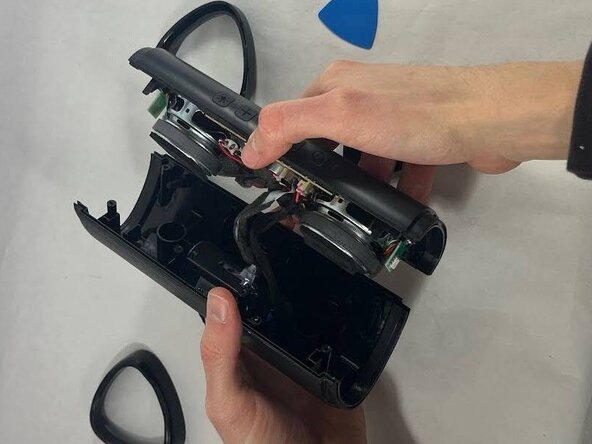
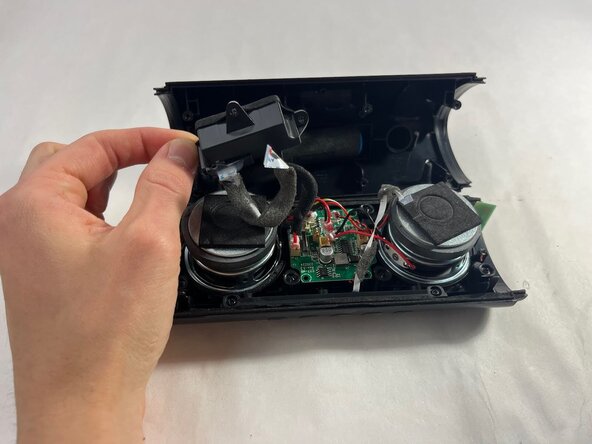
- Gently pull apart the two halves of the speaker.
- Take care not to strain the cables.
- Use a Phillips #0 screwdriver to remove the three 10 mm screws securing the charging housing.
- Separate the charging port from the battery.
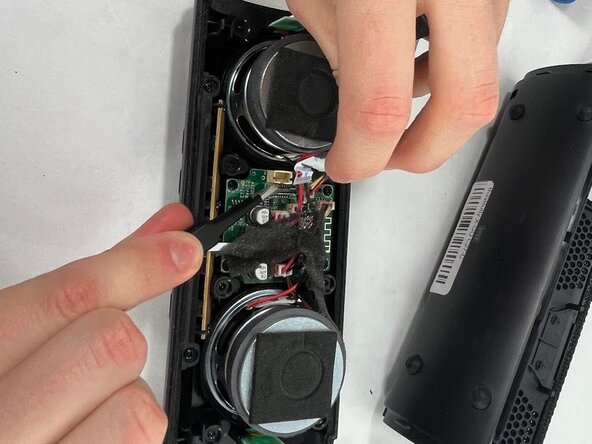
- Use a pair of tweezers to lift the black ZIF locking flap securing the ribbon attached to the charging port.
- While pulling up on the latch, remove the ribbon.
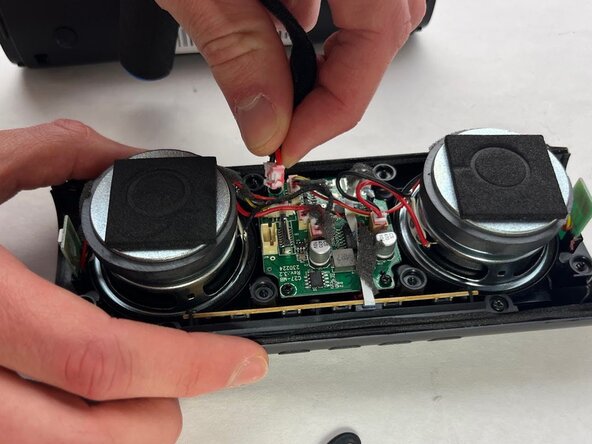
- Disconnect the battery connector from its motherboard port.
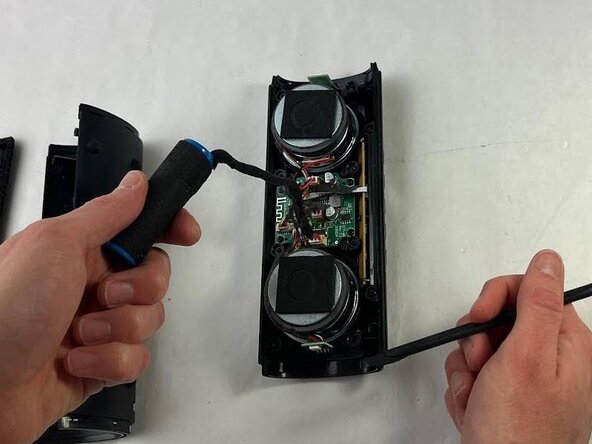
- Use a spudger to lift the battery from the casing.
- The battery is secured with some adhesive. If you have a difficult time removing it, use a hairdryer to lightly heat the adhesive.