Acer Chromebook CB315-4H-P8FZ Battery Replacement
ID: 186160
Description: This guide is on how to replace your Chromebook...
Steps:
- For your safety, unplug all peripheries, discharge the battery below 25%, and power down your device before beginning disassembly.
- Lay the device down with the lower case facing up.
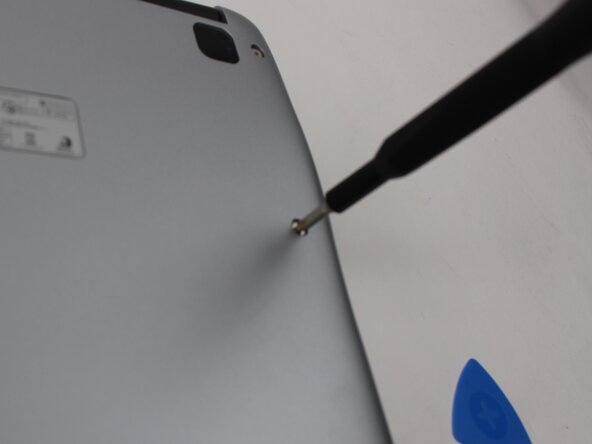
- Remove the ten 6 mm Phillips screws that secure the lower case.
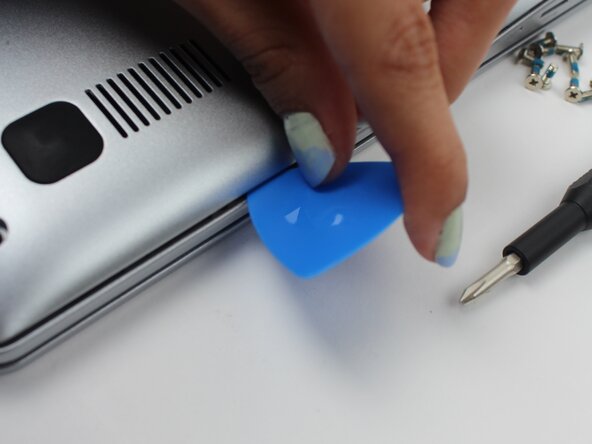
- Insert an opening pick in the seam between the lower case and chassis.
- Slide the opening pick around the perimeter of the device, prying every couple of centimeters, until the lower case fully releases.
- Remove the lower case.
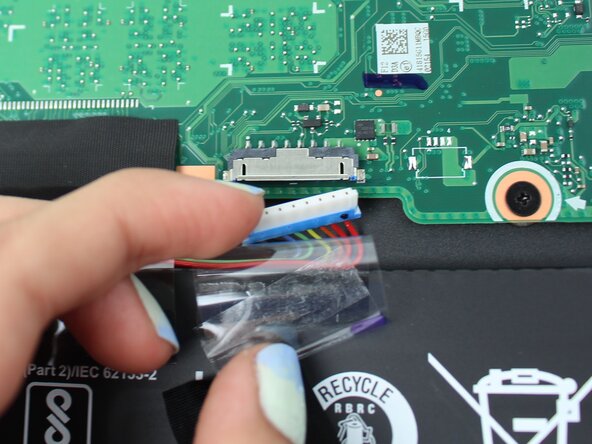
- Carefully life up the clear tape, then the black tape covering the battery connector.
- Use your fingernails to gently "walk" the battery connector out of its motherboard socket.
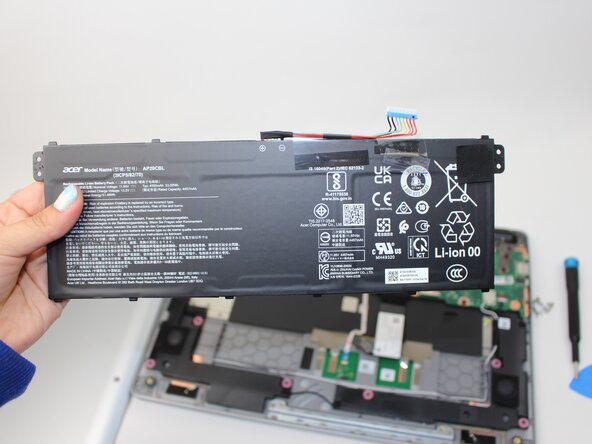
- Lift the battery up and out of the chassis.