JBL Tune 760NC Firmware Update
ID: 186210
Description: If your JBL Tune 760NC headphones are acting...
Steps:
- Go to the App Store (iOS) or Google Play Store (Android).
- Search for "JBL Headphones" and download the app.
- Open the app once installed.
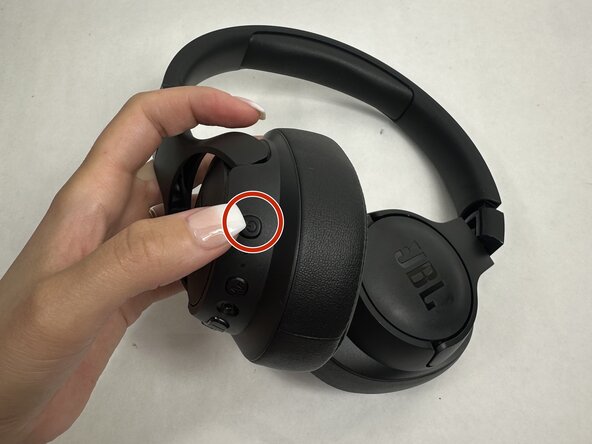
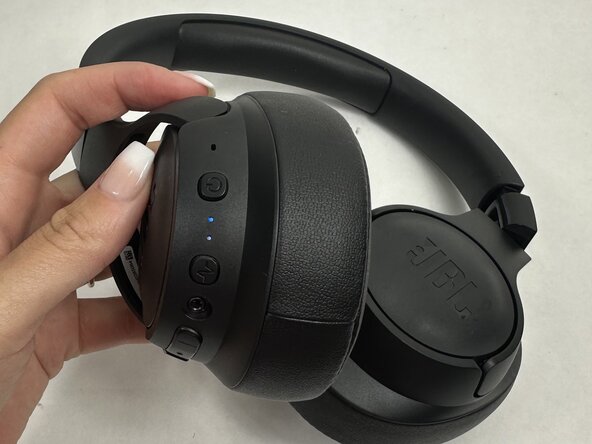
- Hold the power button on your JBL Tune 760NC to turn them on.
- Enable Bluetooth on your device.
- In the JBL Headphones app, select your headphones from the list.
- Once connected, the app should automatically check for firmware updates.
- If an update is available, a pop-up will appear prompting you to update.
- Tap “Update” to begin.
- Stay close to your device during the update process.
- Do not power off or disconnect the headphones or app.
- The update might take a few minutes, be patient.