iPhone 16e Battery Removal
ID: 186221
Description:
Steps:
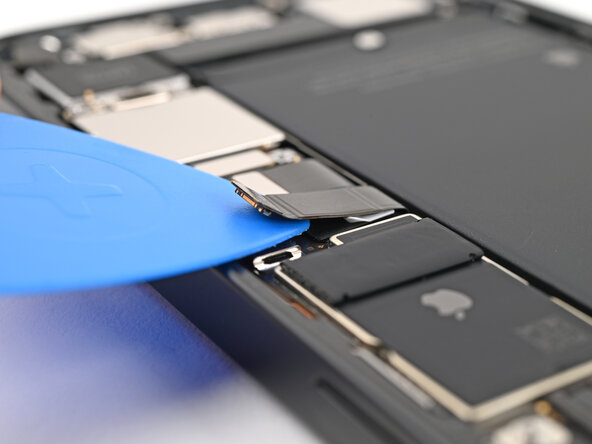
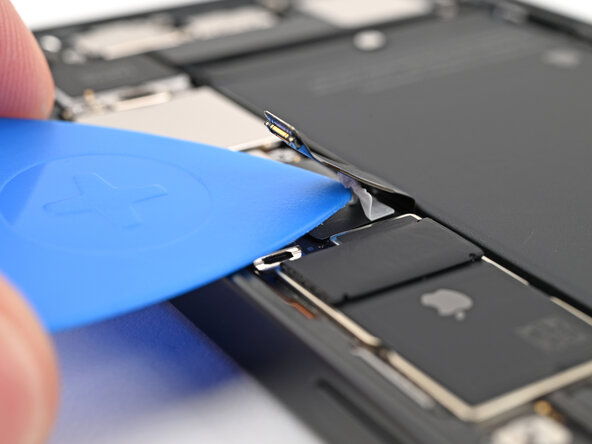
- Slide an opening pick under the battery cable to separate the adhesive securing it to the logic board.
- There's a pad under the battery cable that you can accidentally slide the pick under. If you do, press the pad back into place and slide the opening pick between the pad and the cable.
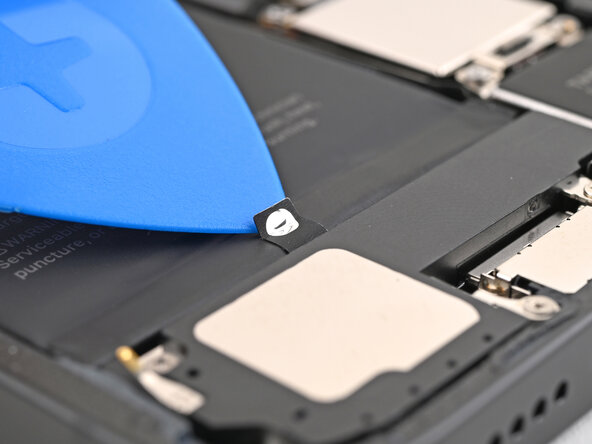
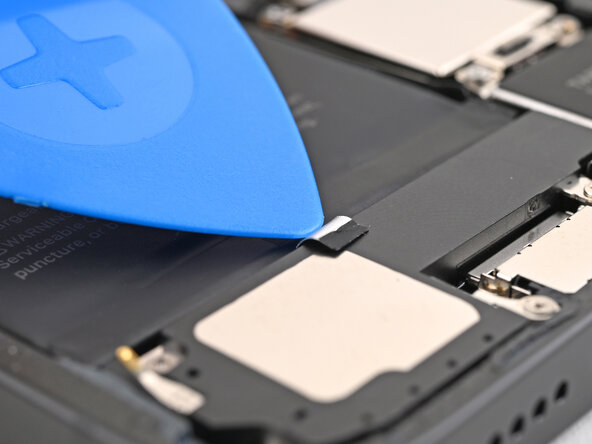
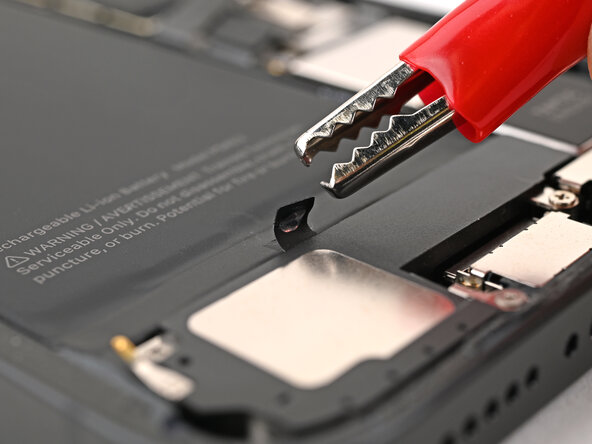
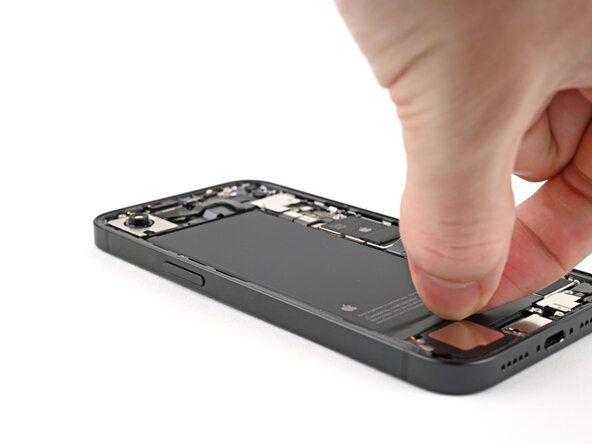
- Use an opening pick or a clean fingernail to peel up the silver tab at the bottom edge of the battery.
- Don't connect the VoltClip to a power source yet. The alligator clips may touch each other and cause an electrical short.
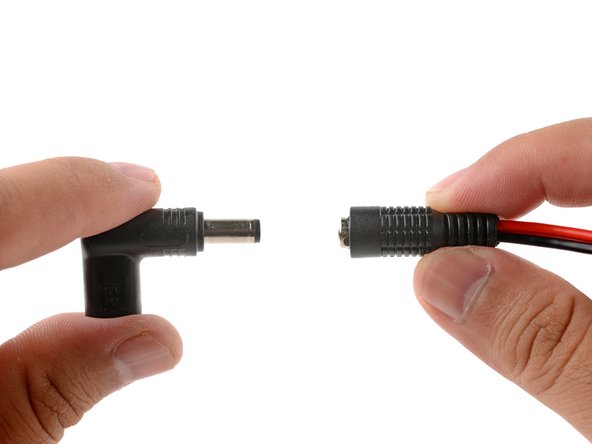
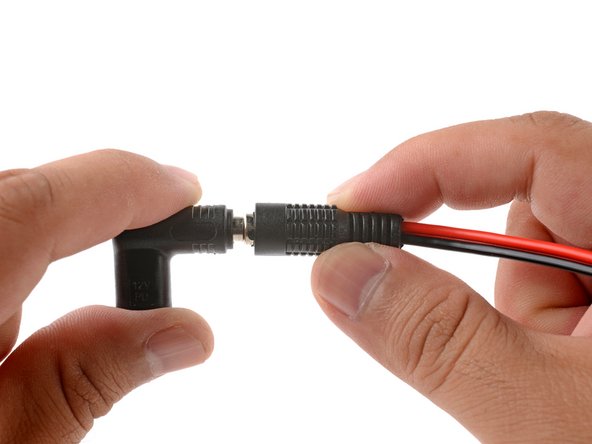
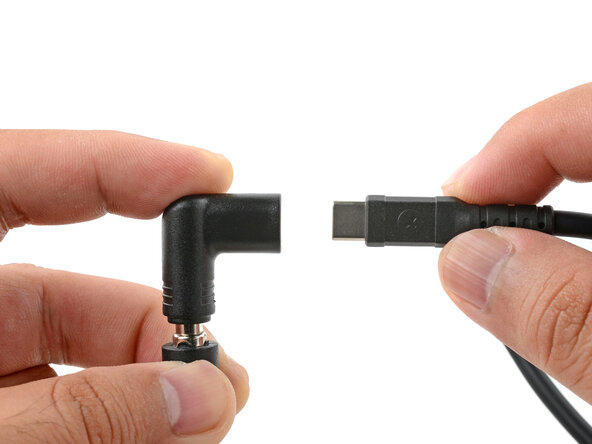
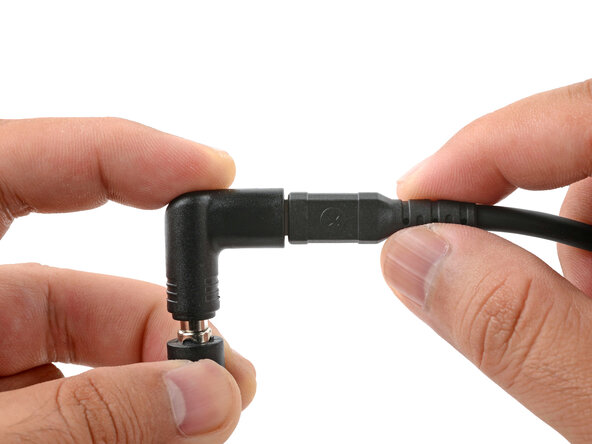
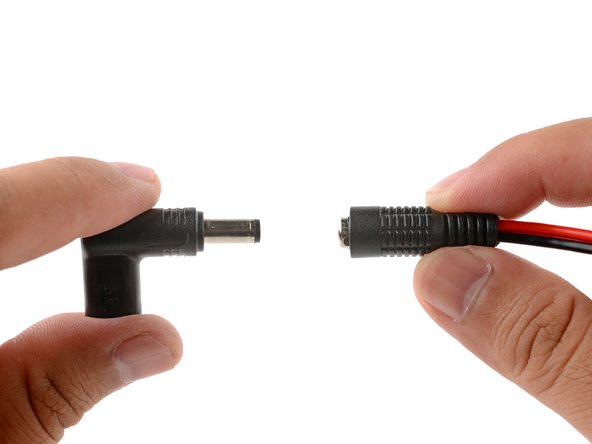
- Plug the VoltClip's barrel connector into the USB-C elbow.
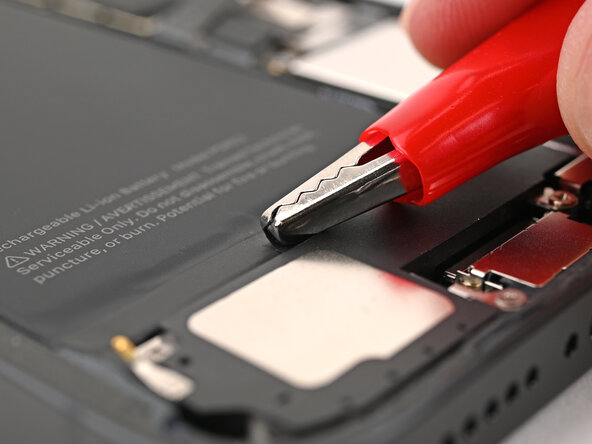
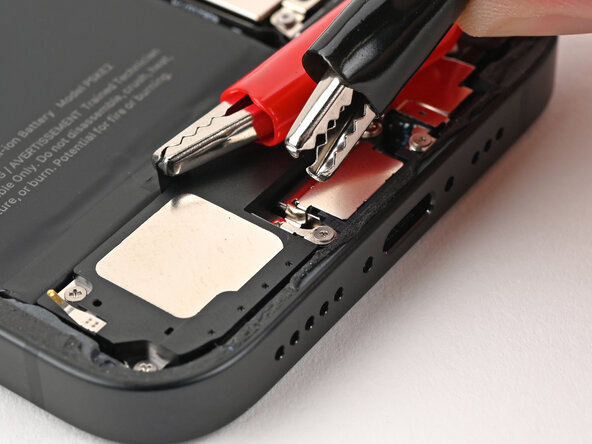
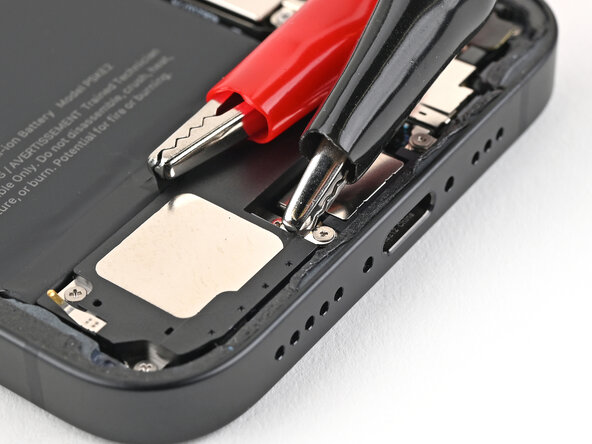
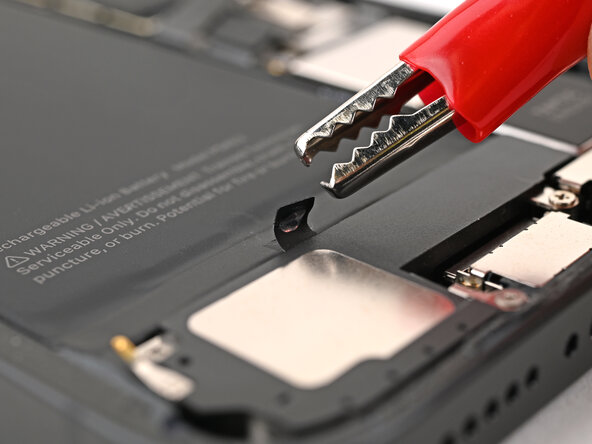
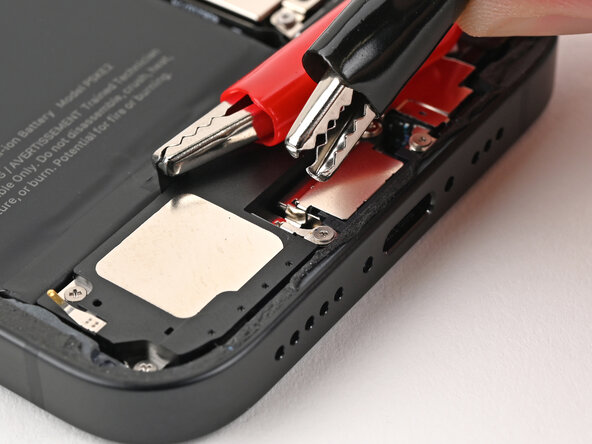
- Attach the red alligator clip to the silver tab.
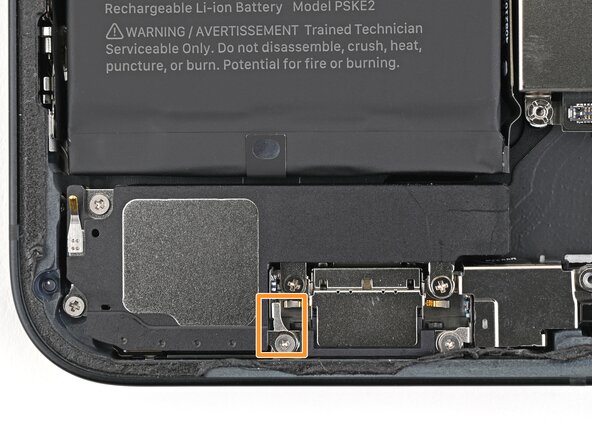
- Attach the black alligator clip to the metal tab on the bottom of the loudspeaker.
- Make sure the red alligator clip isn't touching metallic surfaces besides the silver tab.
- Connect a powered USB-C cable to the USB-C elbow and wait 90 seconds for the adhesive to loosen.
- Disconnect the USB-C cable from the elbow, then disconnect the alligator clips.
- If your battery doesn't budge during the step, reconnect the alligator clips for an additional minute and try again.
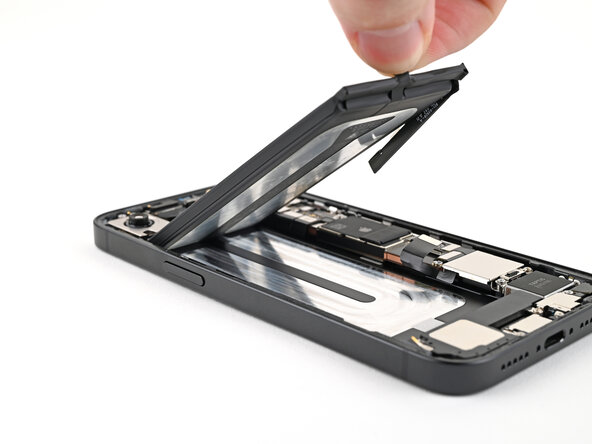
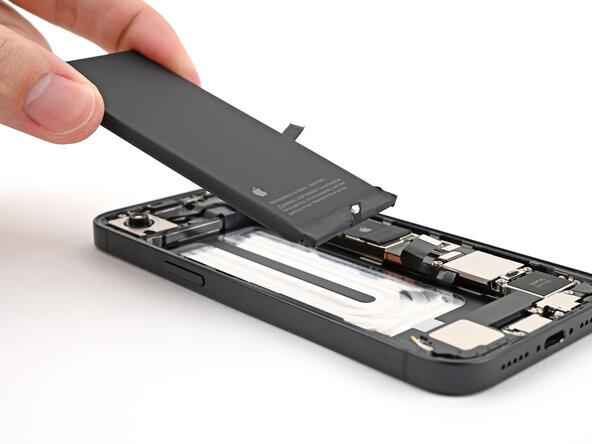
- Grip the silver tab or use a suction handle to lift the battery out of the frame.
- If the battery doesn't lift out easily, repeat the previous four steps.